Skip to content
View in the app

A better way to browse. Learn more.

BuzzTV Help

A full-screen app on your home screen with push notifications, badges and more.

To install this app on iOS and iPadOS
  1. Tap the Share icon in Safari
  2. Scroll the menu and tap Add to Home Screen.
  3. Tap Add in the top-right corner.
To install this app on Android
  1. Tap the 3-dot menu (⋮) in the top-right corner of the browser.
  2. Tap Add to Home screen or Install app.
  3. Confirm by tapping Install.

nbs.

Members
  • Joined

  • Last visited

Everything posted by nbs.

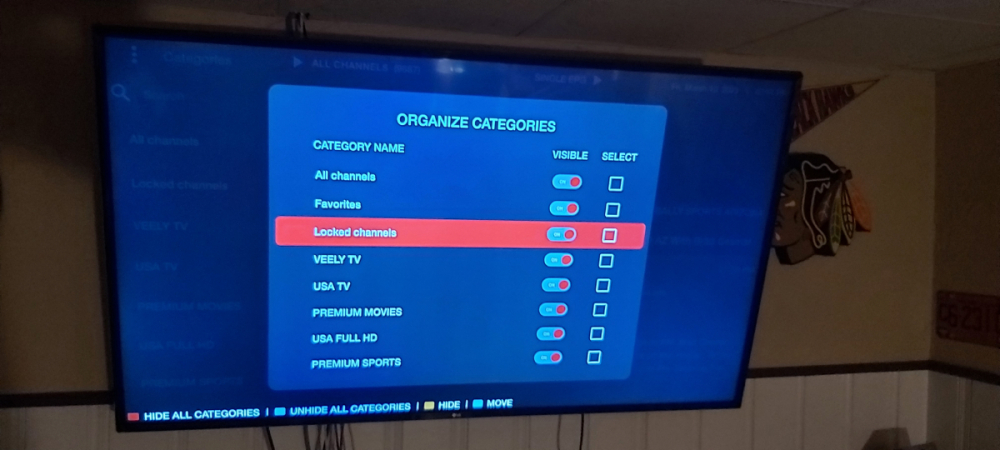
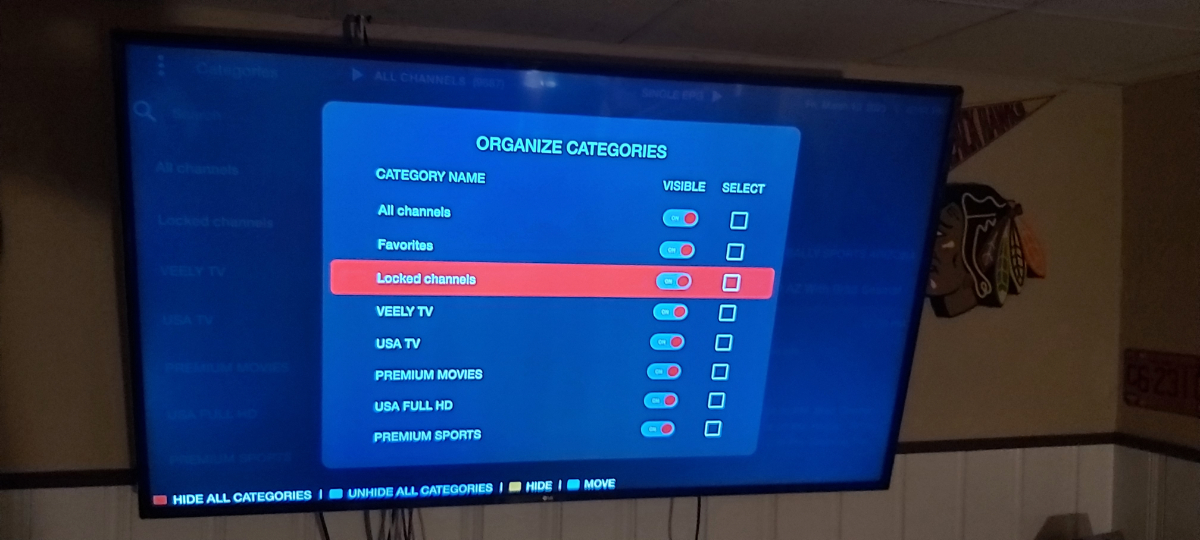
  1. If you hide the category it should hide the channels in the category It doesn't for me
  2. Category exists for me0
  3. I know what you mean It'll hide the category but the channels are still 8n guide
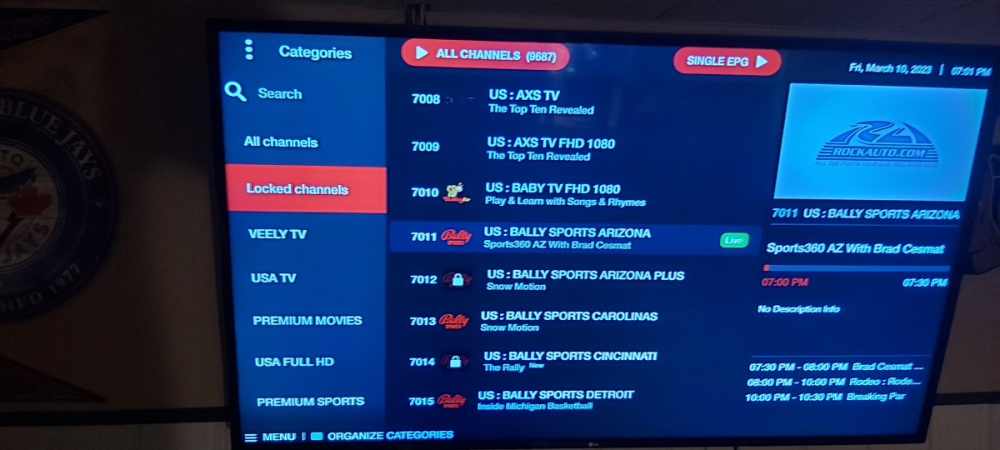
  4. Both of mine have locked channels on organize
  5. On another service I have locked channels category I am unable to enter channel without password
  6. Strange When I go to organize categories I don't have locked categories I have adult locked and another one swim locked I locked a few channels and when I went to those channels I was asked for password
  7. nbs. replied to Mugiwara's topic in HD5
    You can't with any buzz remotes
  8. Classic is the latest made but it's not the highest spec model https://buzztv.com/5-series-comparison-chart/
  9. which models?
  10. No it won't return to sleep mode but it wont use bandwidth when it returns to home page
  11. I only see the 4500 power supply there so use the contact form
  12. Buzztvglobal.com
  13. What?
  14. nbs. replied to Tjmarx73's topic in HD5
    Who are you talking to?
  15. nbs. replied to Victor Soto's topic in How To
    It's actually suspend in my menu
  16. nbs. replied to Victor Soto's topic in How To
    You can set option to standby
  17. Like I said they are closed on weekends
  18. They are closed on weekends
  19. Contact buzz at Cs@buzztv.com
  20. nbs. replied to Ryu's topic in BT 250
    I dont use this feature as it's done through my receiver
  21. no issues here with box volume
  22. There are already plans for a remote with more buttons
  23. Glad to hear

Account

Navigation

Search

Search

Configure browser push notifications

Chrome (Android)
  1. Tap the lock icon next to the address bar.
  2. Tap Permissions → Notifications.
  3. Adjust your preference.
Chrome (Desktop)
  1. Click the padlock icon in the address bar.
  2. Select Site settings.
  3. Find Notifications and adjust your preference.