nbs.
Members
-
Joined
-
Last visited
Everything posted by nbs.
-
A hard reset usually fixes that
-
It's not beta anymore Works fine Way better than buzz 4
-
Issues can be fixed in software updates too It doesn't have to be firmware
-
It's not in the thread but it's in the pic you just posted After checking for update enter 2015 on your remote This should update you to buzz 5 software Your firmware is up to date
-
Hurry up will you?
-
Hit the menu button and post the version number at bottom
-
It's not happening anytime soon
-
Disregard Pair your 400 then you can turn backlight on
-
I used another box to turn backlight on
-
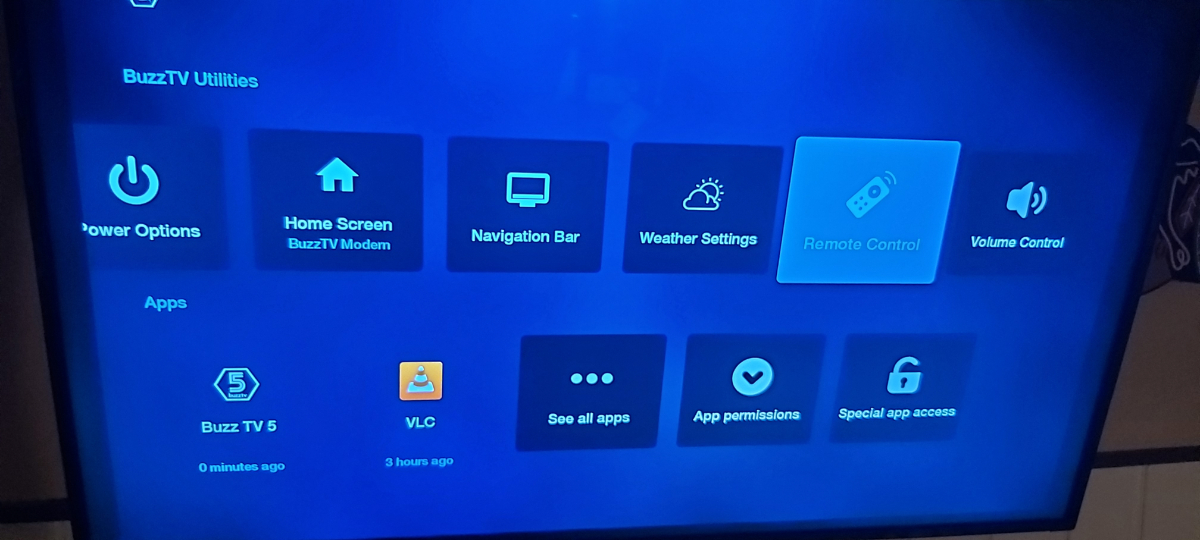
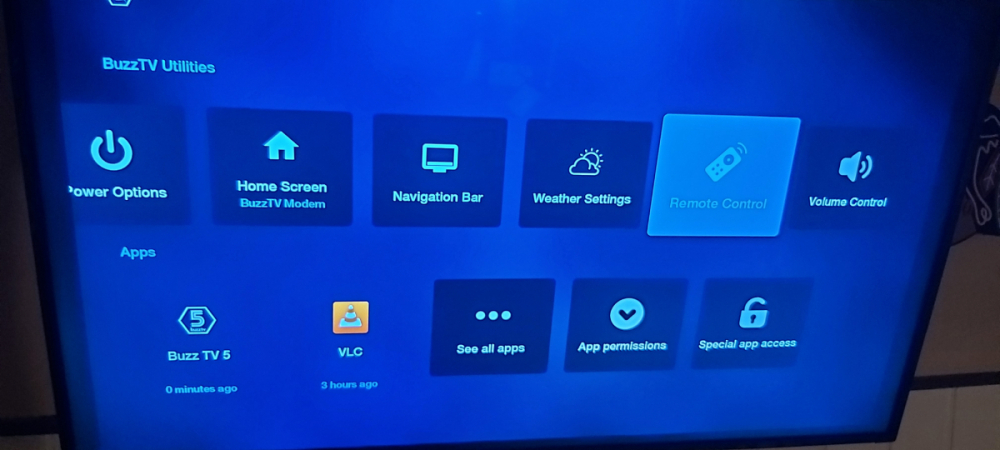
The picture I posted is from my 4900 and it's not the smart remote app
-
The bt-250 has no backlight and you need the remote app installed to get bt400 backlight on 4900 working
-
It's happened to me I just hit live tv and it go's away
-
If your 4500 came with a different remote then yes
-
Likely your service if both boxes buffering
-
i am not sure they are going to be sending it out to all boxes Best to ask allaboutbuzz when it is installed it wont be the same app as on the android 11s It will be titled remote control in buzztv utilities
-
To get into locked channels use 0000 Once on that channel unlock it
-
I can watch any show that I have watched previously ???
-
Sounds like provider to me
-
You only get the info using primary player
-
No the power will not turn off automatically
-
there is no discussion of services allowed here
-
-
best customer support!!
-
You can't back up on a 4900
-
If you hide all you won't have any....lol