
Skip to content
View in the app

A better way to browse. Learn more.

BuzzTV Help

A full-screen app on your home screen with push notifications, badges and more.

To install this app on iOS and iPadOS
  1. Tap the Share icon in Safari
  2. Scroll the menu and tap Add to Home Screen.
  3. Tap Add in the top-right corner.
To install this app on Android
  1. Tap the 3-dot menu (⋮) in the top-right corner of the browser.
  2. Tap Add to Home screen or Install app.
  3. Confirm by tapping Install.

nbs.

Members
  • Joined

  • Last visited

Everything posted by nbs.

  1. I have never had an issue reconnecting after a reset This is the same on 4 services
  2. It's meant to restore to the unit you reset ,not from buzz to another buzz
  3. nbs. replied to Oppugno's topic in How To
    Please clarify You tried it on another box?
  4. nbs. replied to Oppugno's topic in How To
    ? You have a play button now?
  5. nbs. replied to Oppugno's topic in How To
    What happens when you hit ok?
  6. nbs. replied to Oppugno's topic in How To
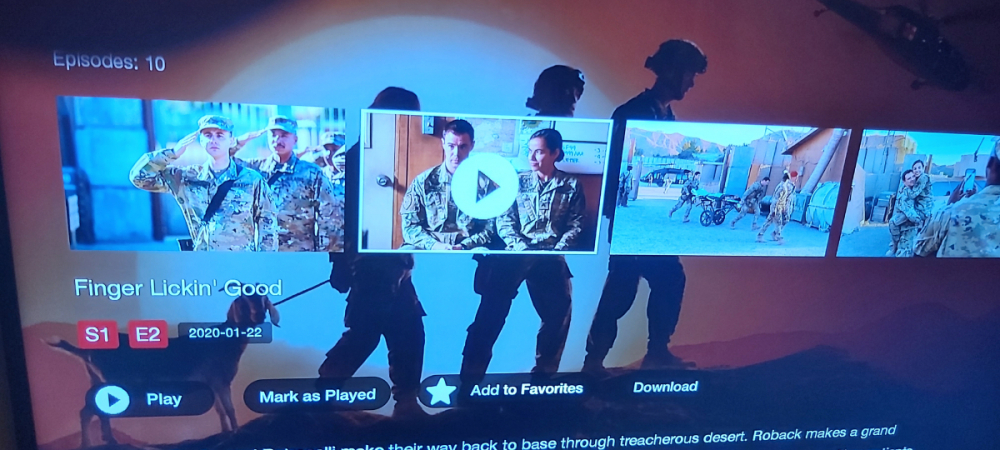
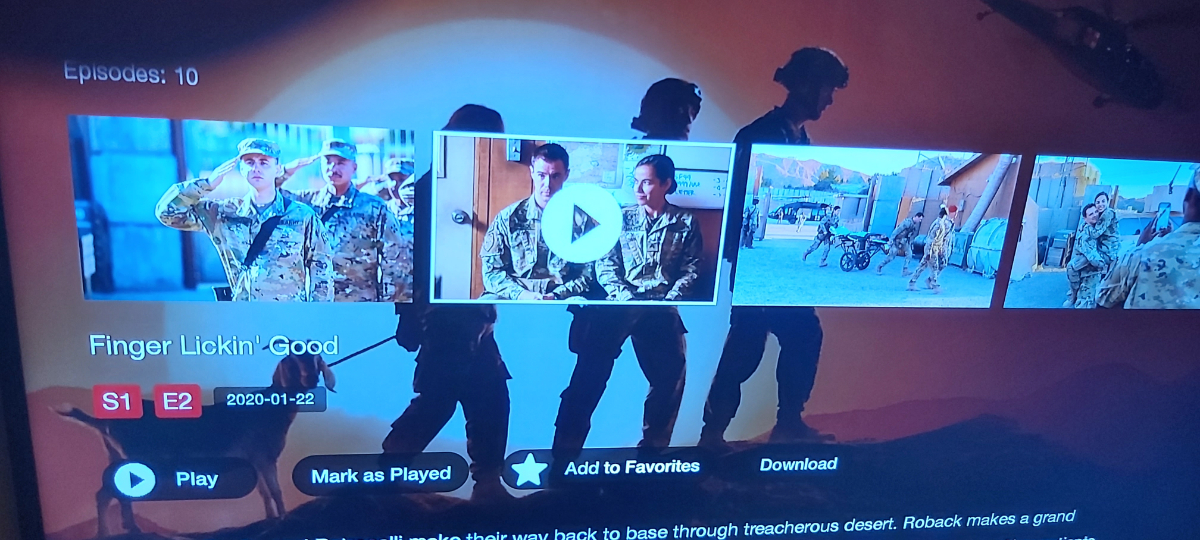
    Here is a pic of mine. I can either hit ok or scroll to where it says play
  7. nbs. replied to Oppugno's topic in How To
    Buzz model? Firmware? Buzz version? Post a picture of the screen please
  8. Not good to post this imo
  9. Strange as no one I know and any of the test group have ever had the issue or anyone on the forums Strange one
  10. Home settings,buzz tv utilities backup and restore Use a USB or SD It takes 20-30 ninutes
  11. You won't lose anything if you do a backup and restore Settings, device preferences, reset
  12. Just add another one
  13. nbs. replied to rdw33's topic in BuzzTV 5
    Sometimes it's not possible as they are embedded in the stream
  14. Same here but I'll still have running apps
  15. nbs. replied to Raymond's topic in BuzzTV 5
    a reset usually fixes the issue
  16. Has he entered 2015 on remote?
  17. Allaboutbuzz posted the fix
  18. Have never had a pop up message in over a year You clear cache? Close running apps?
  19. nbs. replied to phantomvs's topic in HD5
    It wont affect iptv
  20. No ,you'll have to request it be sent to box
  21. The buzz update is stable There are very few issues being reported with it Does your provider have another url? Have you tried your service in another app to see if it works there too? (stbemu)

Account

Navigation

Search

Search

Configure browser push notifications

Chrome (Android)
  1. Tap the lock icon next to the address bar.
  2. Tap Permissions → Notifications.
  3. Adjust your preference.
Chrome (Desktop)
  1. Click the padlock icon in the address bar.
  2. Select Site settings.
  3. Find Notifications and adjust your preference.