

nbs.
Members
-
Joined
-
Last visited
Everything posted by nbs.
-
There was an issue with some x5s that would not allow the box to update There is a fix for it. Unfortunately i am not near my laptop Someone else should be able to send you the fix
-
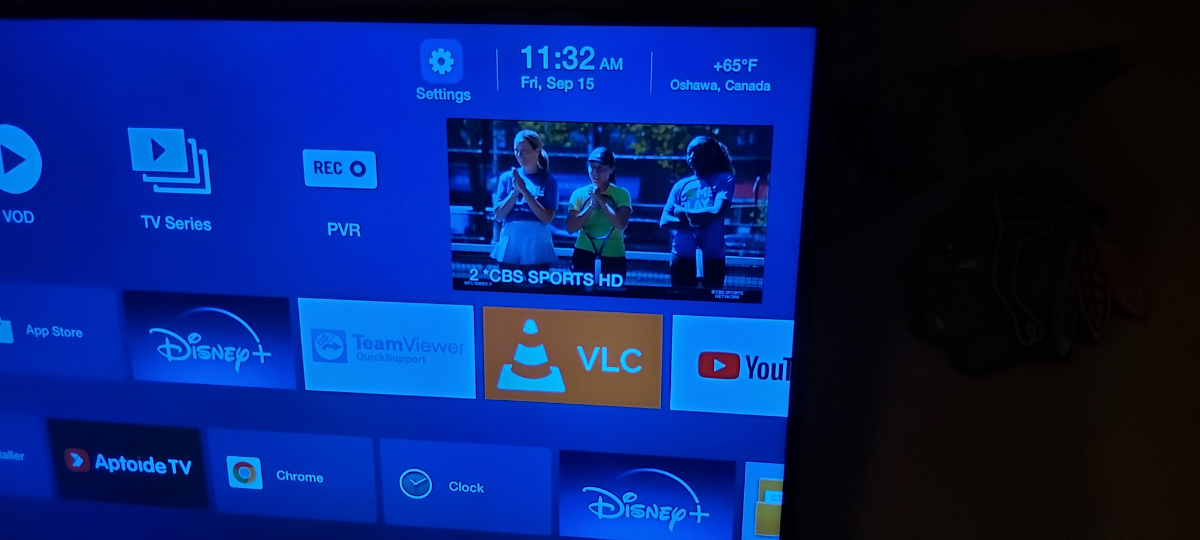
Post what firmwate and software version it isHackers hack into server panels and steal info then share it with others.How can you not have have the device(server) id?I had no issues backing up the 4900 to usbRead the other thread titled recording issuesBoth my recordings worked well One was a 2 hour movie and the other was an hour show Recorded from epg on a MAC serverI'm heading out for the day I'll do a couple of recordings and report back tonightI see what you are saying nowI have weather on my 4500 home screenthe new backup and restore will save buzz 5 preferences,,favs and serverHave you ever reset your buzz? When you record on the fly did you set up one button record in options?Have you ever tried recoding to an external stick?same hereEmail buzz with your issueHave you assigned storage?Instructions are already posted hereThx for posting backFyi You won't be able to factory set with a black screenWhat app are you using to stream with?That would be your service IMODon't sweat the data


Account
Navigation
Search
Configure browser push notifications
Chrome (Android)
- Tap the lock icon next to the address bar.
- Tap Permissions → Notifications.
- Adjust your preference.
Chrome (Desktop)
- Click the padlock icon in the address bar.
- Select Site settings.
- Find Notifications and adjust your preference.
Safari (iOS 16.4+)
- Ensure the site is installed via Add to Home Screen.
- Open Settings App → Notifications.
- Find your app name and adjust your preference.
Safari (macOS)
- Go to Safari → Preferences.
- Click the Websites tab.
- Select Notifications in the sidebar.
- Find this website and adjust your preference.
Edge (Android)
- Tap the lock icon next to the address bar.
- Tap Permissions.
- Find Notifications and adjust your preference.
Edge (Desktop)
- Click the padlock icon in the address bar.
- Click Permissions for this site.
- Find Notifications and adjust your preference.
Firefox (Android)
- Go to Settings → Site permissions.
- Tap Notifications.
- Find this site in the list and adjust your preference.
Firefox (Desktop)
- Open Firefox Settings.
- Search for Notifications.
- Find this site in the list and adjust your preference.