Gilles1945
Members
-
Joined
-
Last visited
-
Ok thanks Ryu I will have a great day
-
Sorry I just found it but no change still with the same problem 😔
-
Where do we wipe cache partition I can't find it??
-
Hi Ryu thanks for your reply. No I didn't and will check that tomorrow watching hockey game.
-
No not anymore purchase May 2023
-
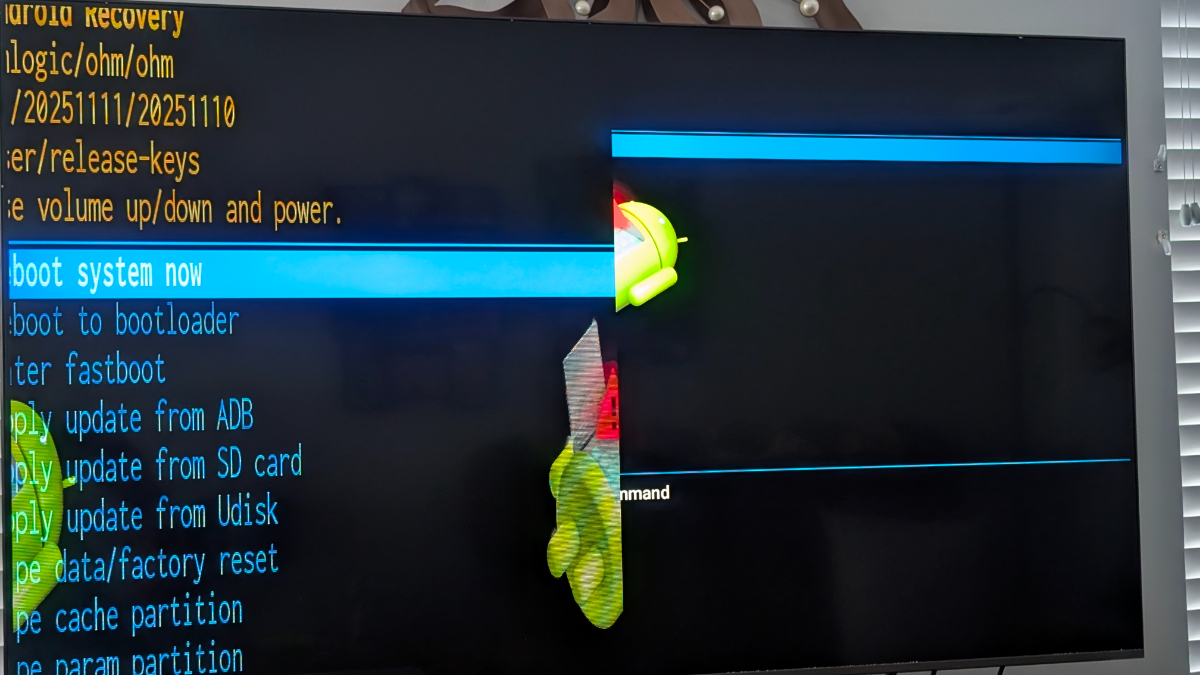
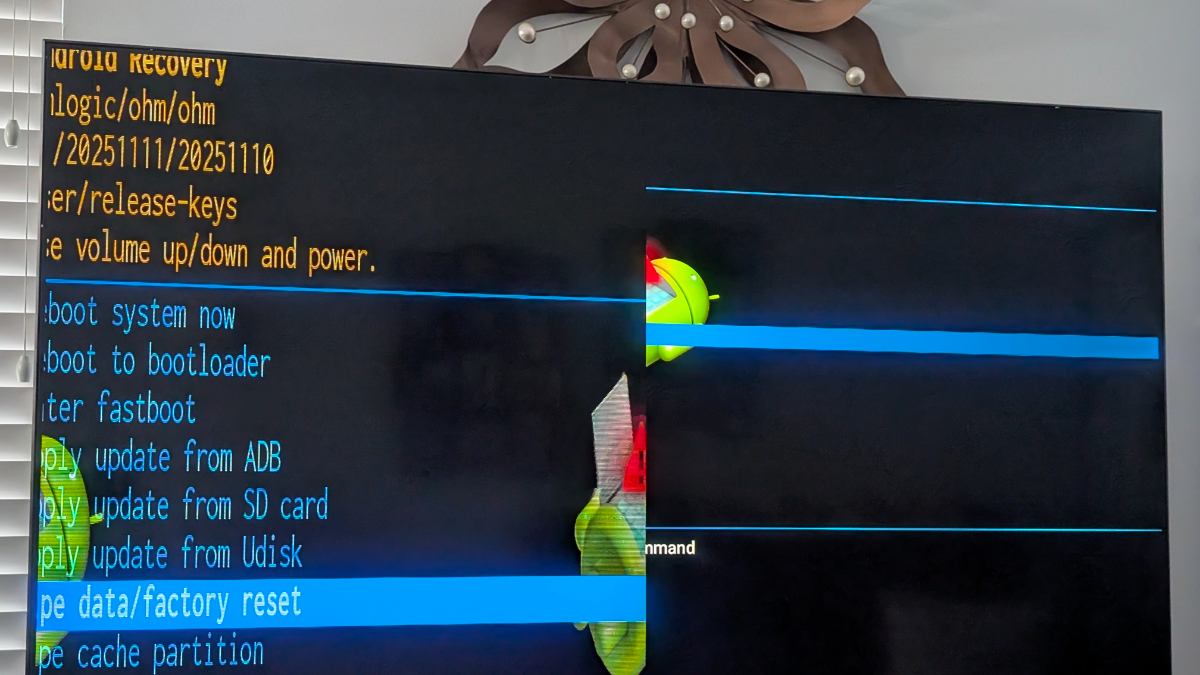
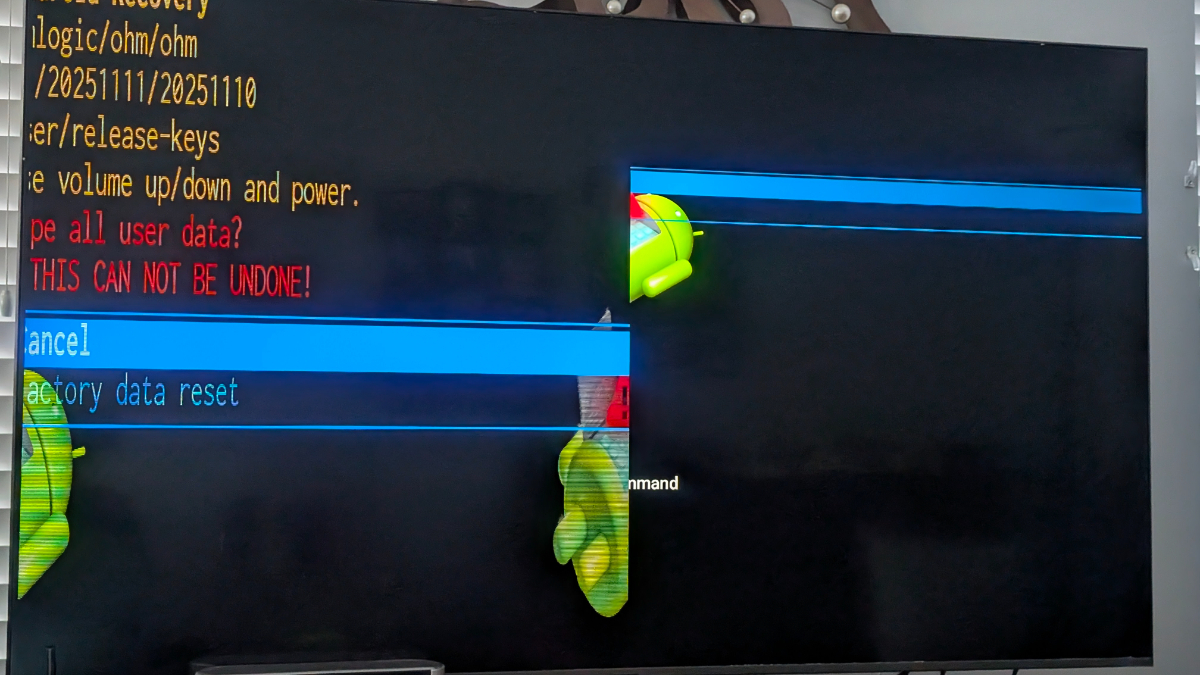
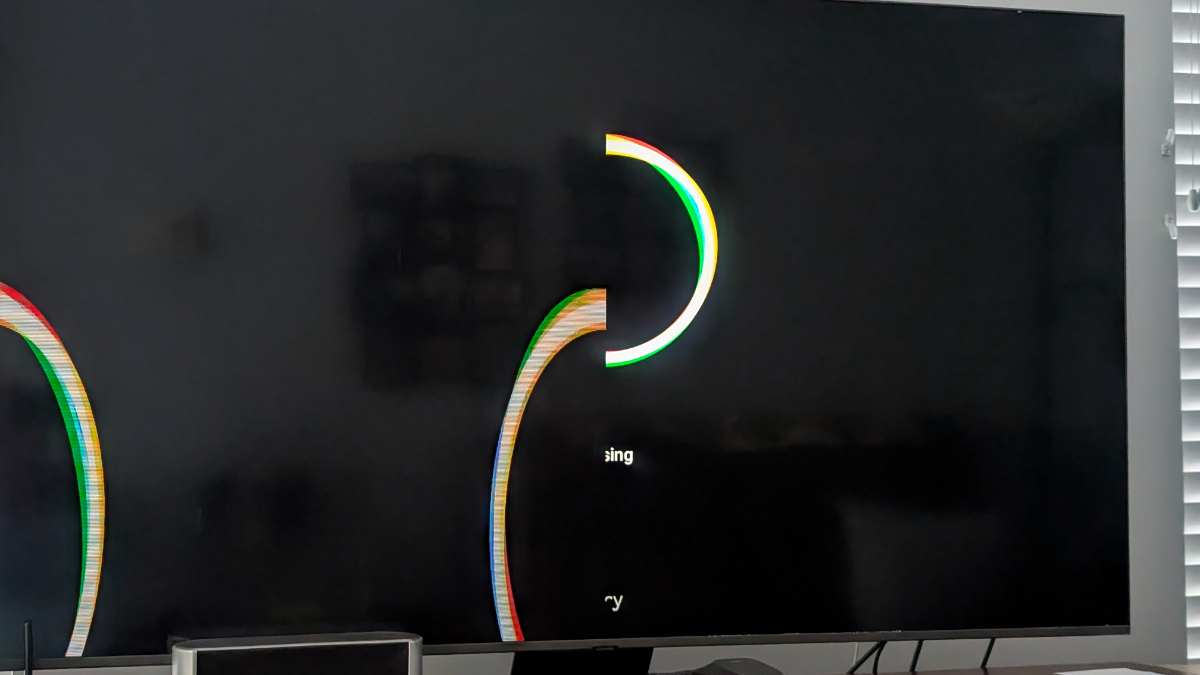
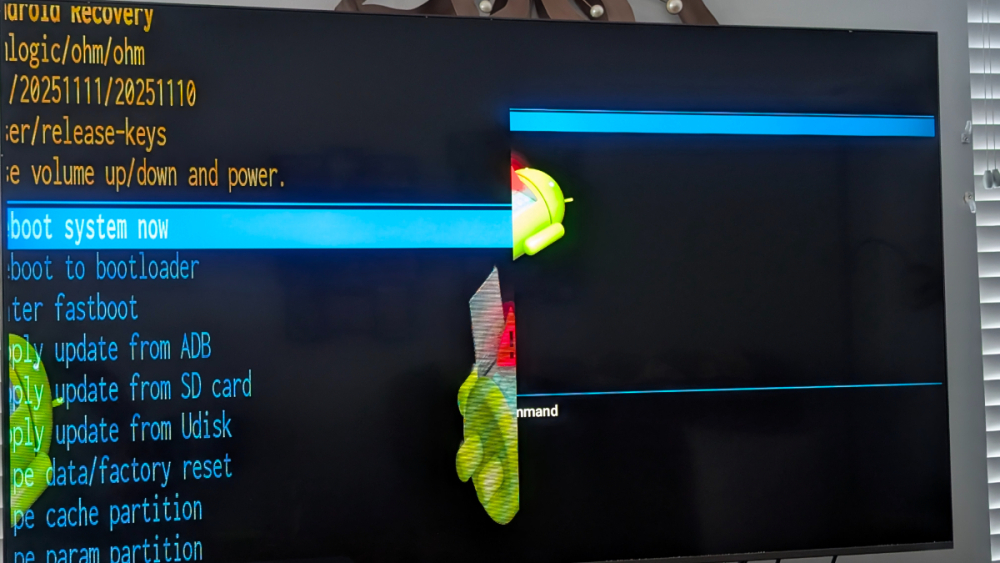
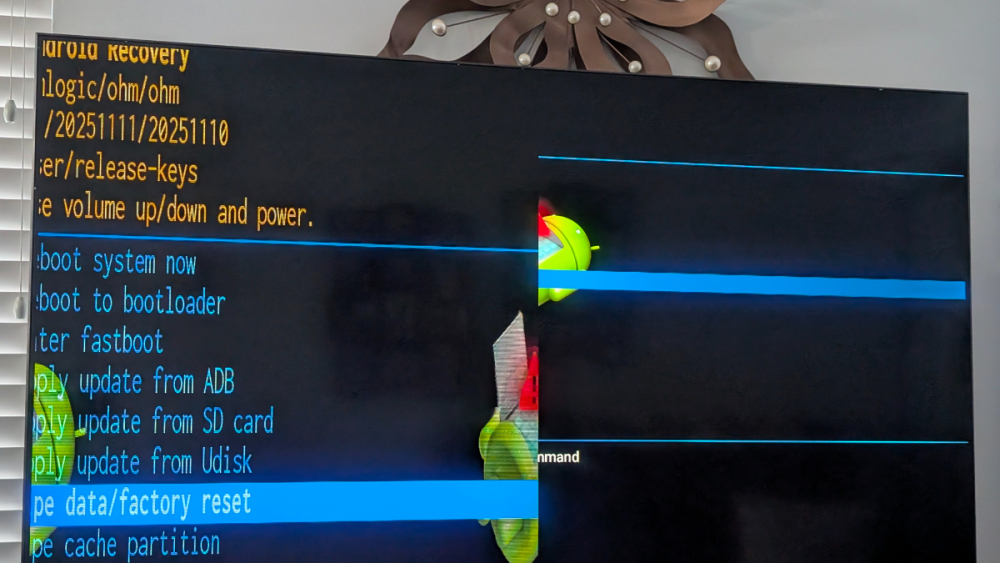
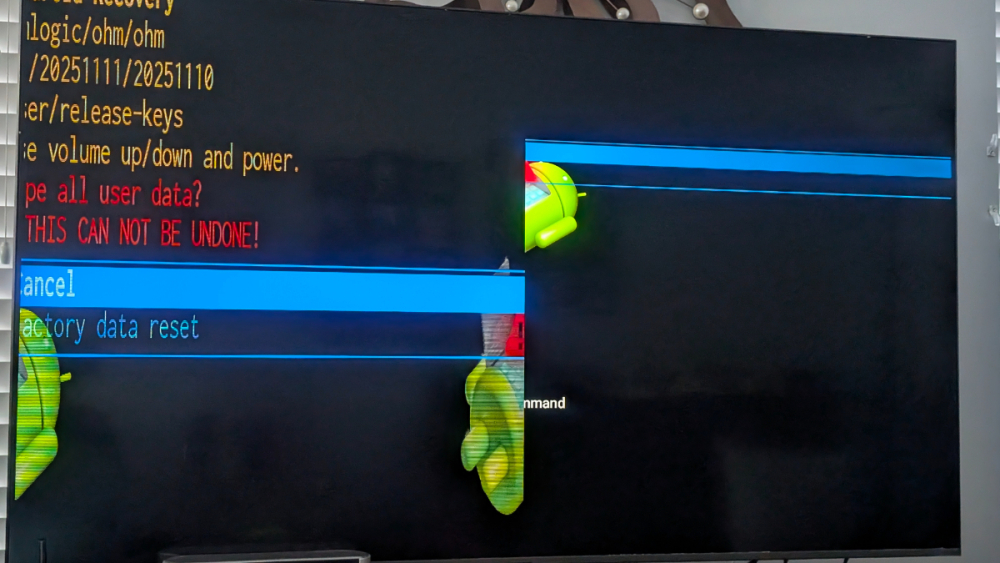
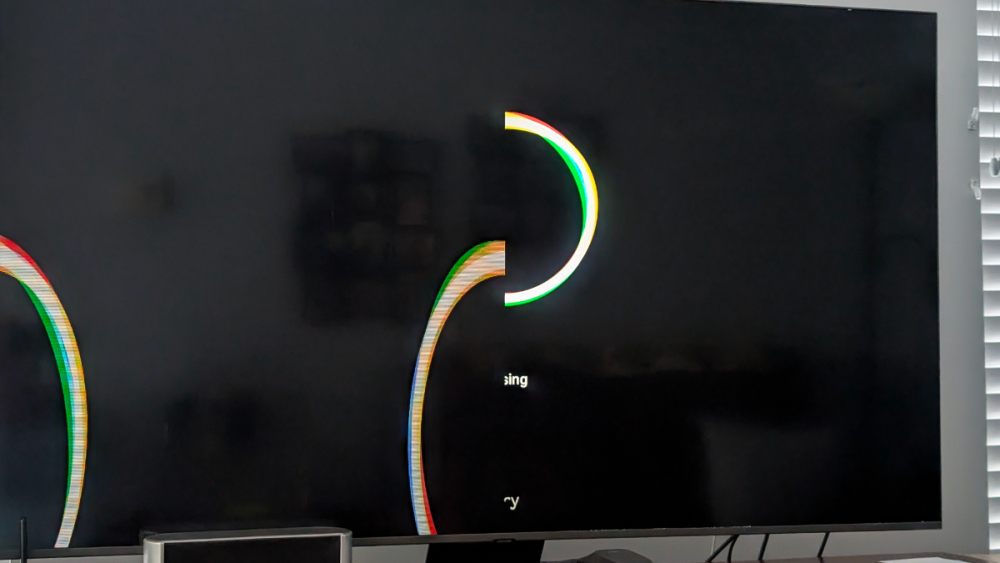
I'm experiencing a problem with my Buzztv 5X ia128. I have reset 3 time all curled I can't do a factory reset even if I'm pressing together the electric plugin and the pushing reset in the back of the box see my picture.
-
I changed my TV and Internet provider to Roger's Xfinity. The problem is with there on the road application. While I was with Bell the on the road application was working fine. What I call on the road is when I bring my Buzztv X5 in my RV went go camping. Now with Roger's I get a message saying that the Buzztv X5 is not Compatible with there Xfinity application. Is there other way to do this. Thank you all and have a great day
-
Thanks dishuser I will try that. It's really appreciated
-
Am' I missing something?? Did I forgot to put more details?? Please help!
-
Sorry I forgot to mention, that is on Buzztv X5 128AI.
-
Can someone understand the reason why went freezing you change channel and come back right away to the same channel and it's not freez anymore. Always appreciated your support
-
No I installed from Google play store after resetting
-
Finally Amazon prime is working after resetting so I guess the problem was with Buzztv.
-
Hey thanks again dishuser I'm doing this right away. You're a great supporter
-
Well dishuser I'm in trouble. Amazon has asked me to reset the Bozztv so I did and I can't restore my settings. I did a hard reset still the same problem. When I get main menus -configuration it go back automatically to server setting. What do I do wrong?? Please help