DiRama
Members
-
Joined
-
Last visited
-
Just reporting back that I still have no working Epg. 😣
-
No, but I will now.
-
I have issues with EPG since this update too. I am using an m3u playlist. I get unknown XML EPG error after using two different Epg urls on two different servers. Epgs work on other players.
-
I have a Buzztv 5 Classic. Lately all of my favorite sports channels and some foreign (UK) channels are all broadcasting the same channel namely CNN in English and Spanish. I have not made any changes recently. Any ideas? firmware: V20240927 IPTV version: 5.0.946
-
-
No it doesn’t. I get “Cannot load portal:not supported “. I really appreciate all the help. I can stream if I enter the info through the m3u portal but as I said no epg. I have some epg urls that work partially, that’s why I would like to add more than one source epg. But I will try to see which one will load the most channels. Thanks again to all who answered me.
-
-
-
My IPTV provides an m3u url and an epg url. The epg url is currently not working on any video players including buzztv5. Is there a way I can use the server settings I currently use and add different epg urls to it.?There is only one line to put in an epg url (which says optional and I don’t know why you would leave that line blank). Does that mean I have to add the same m3u playlist and pick all my favorite settings and channels all over again just to try a new epg? I believe more than one epg source is needed for the favorite channels on my playlist. I hope I have explained this so someone can make sense of it.
-
-
Wow that sounds too high tech for me! I do only have the 2 URLs from my provider so I guess I don’t need to do anything with that. Although the URL for EPG is currently not working. Thank you so much for all your help EM and DU. 👏
-
m3u
-
No, I’m not. I just want to know what that is for.
-
Yes okay I did know that. It just seems to only take a second to backup. I expect it to take a little longer. Also do you know the answer to my last question about the choose file in the picture.
-
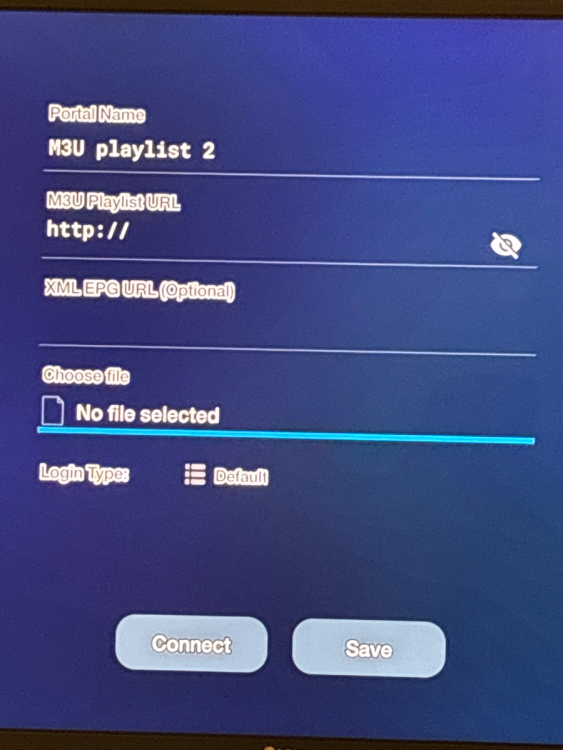
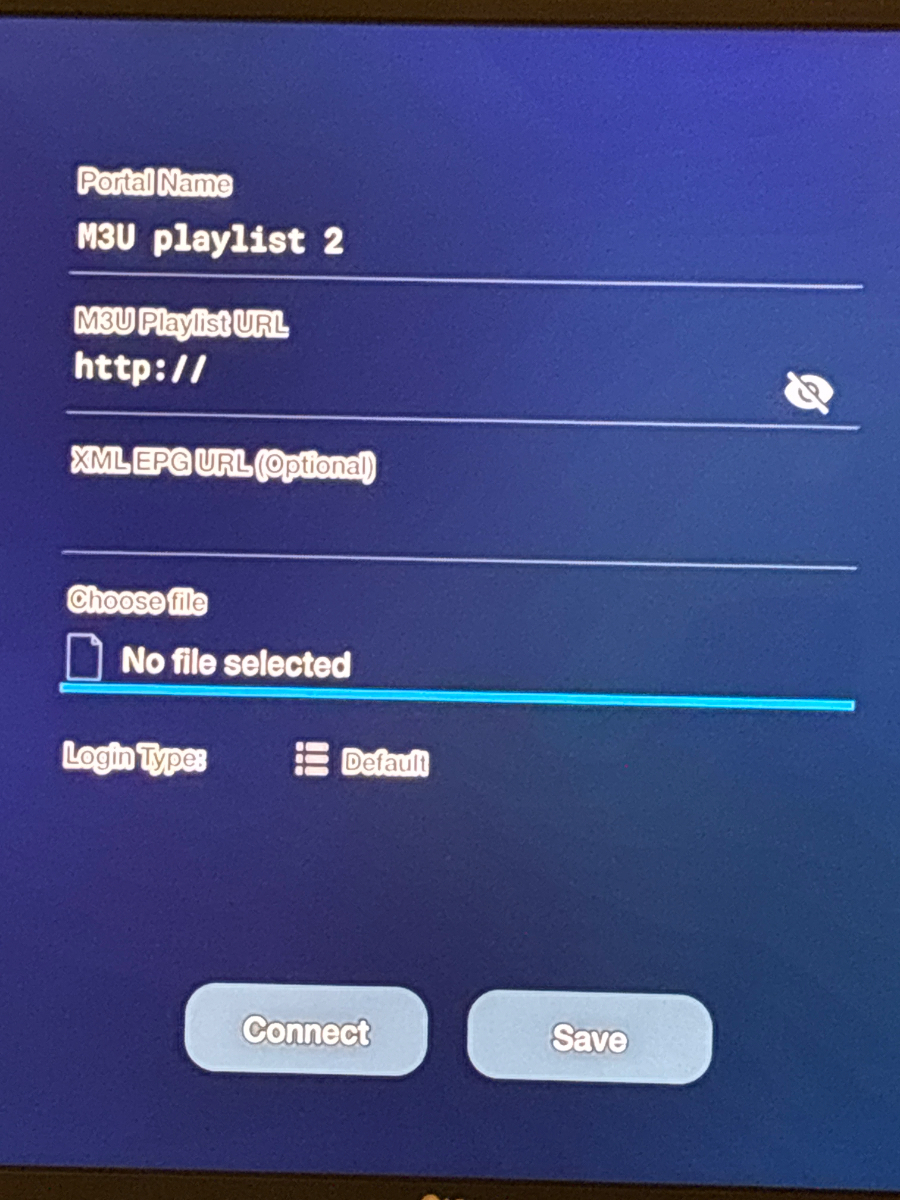
There was nothing saved on last usb drive I used. I now attached a memory card for backup. I know it’s saving some of my apps. But where can I see that the server settings were backed up? I’m assuming that means log in and favorite channels etc. I also want to know how to use the choose file on m3u playlist page (see pic). When I click in it I see my SD card but when I click on it and go back to portal, it still says no file selected. And finally what is Login type under the choose file (in pic)? Thanks for putting up with my ignorance. It’s hard to find a whole tutorial on this box. I have watched Troypoint’s.