nbs.
Members
-
Joined
-
Last visited
Everything posted by nbs.
-
Try the cable that came with the SS anyway
-
I doubt anytime soon as one was just released but you can hope
-
Backup will only save your server settings as well as your buzz settings
-
It was created on Dec 2
-
I'm sure all the buzz 5 features will be added in time
-
If there was an issue with the update there would be dozens of posts on it You could try clearing cache If still an issue try clearing data Then a reset if still an issue Do a backup of your server settings etc beforehand
-
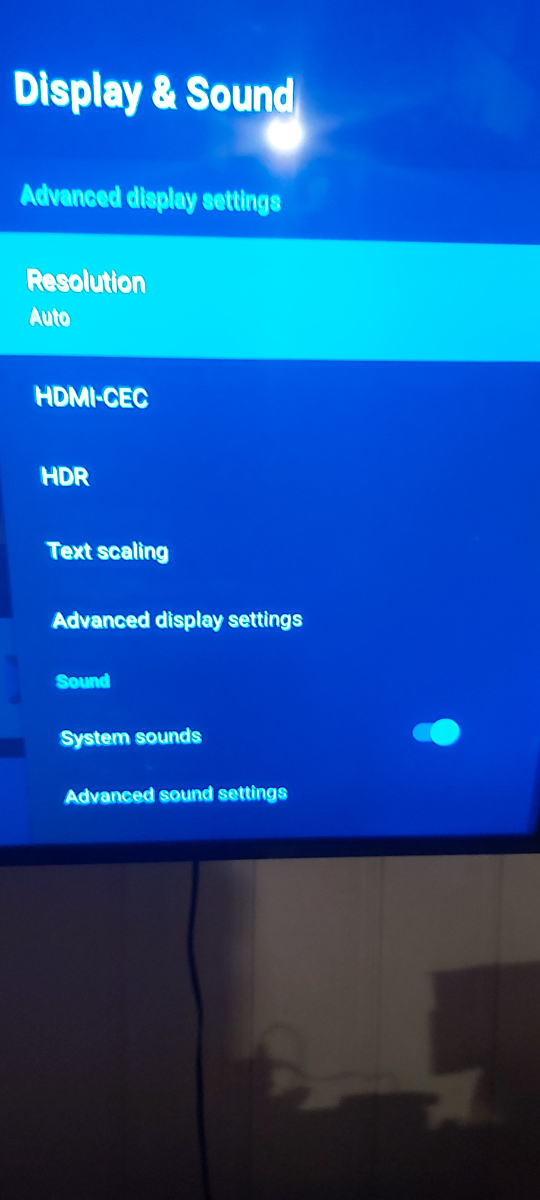
I see advanced display settings. What are you looking for?0Settings device preferences,display and soundSend buzz an email with your mac concerning registrationIf you are using buzz 5 hit menu button to get guide Buttons are mapped for buzz! 6Then it's your serviceTry your service on an app loaded on the buzz See if it is still an issueWith all the info posted I'm shockedReally? You already mentioned it and you had a response todayPlease don't post your mac addressHave you previously reported all your info to buzzNot possibleDo a soft resetHome all apps .app installer If that's not available you can use file browserWhen I said do some reading I meant do some reading in the forumDo some reading concerning powered drivesPost more info Post your current firmware and softwareI've reported this issue with buzz 6