sperron
Members
-
Joined
-
Last visited
-
Yes x5 is up-to-date and the problem is still there
-
No, the problem still there. In the BuzzTV OTA screen firmware = v20240930. In the BuzzTV app, firmware = 5.0.946 01/03/2025
-
No special settings for that on my TV. I used Buzz XPL 3000, an U5 and XRS 4900 on the same TV and the stereo and surround working throught the Buzz App. The only change is the unit for the X5 Super Sport model and since this model I have the sound problem. Thanks
-
-
NEW UPDATE: After some tests, I have the stereo sound but not the surround sound on the IPTV channels using Buzz TV app. After installing a third app XCIPTV, stereo and surround sound = working. Question: Is new firmware update planned to solve this problem? Thanks
-
-
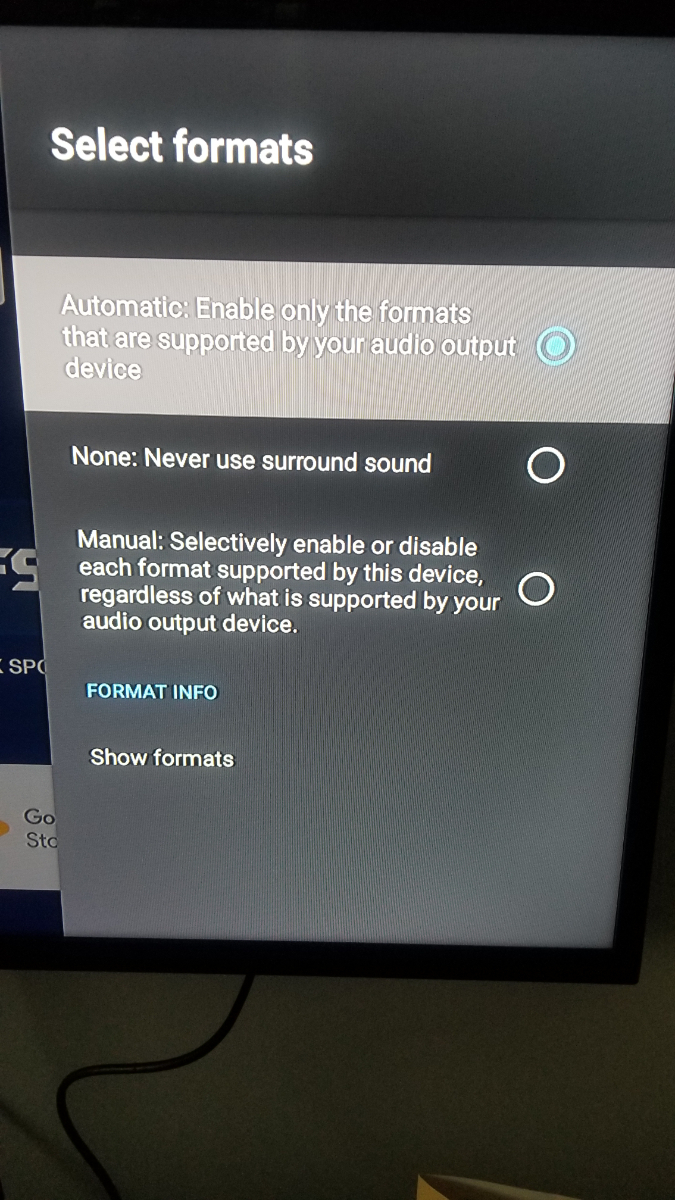
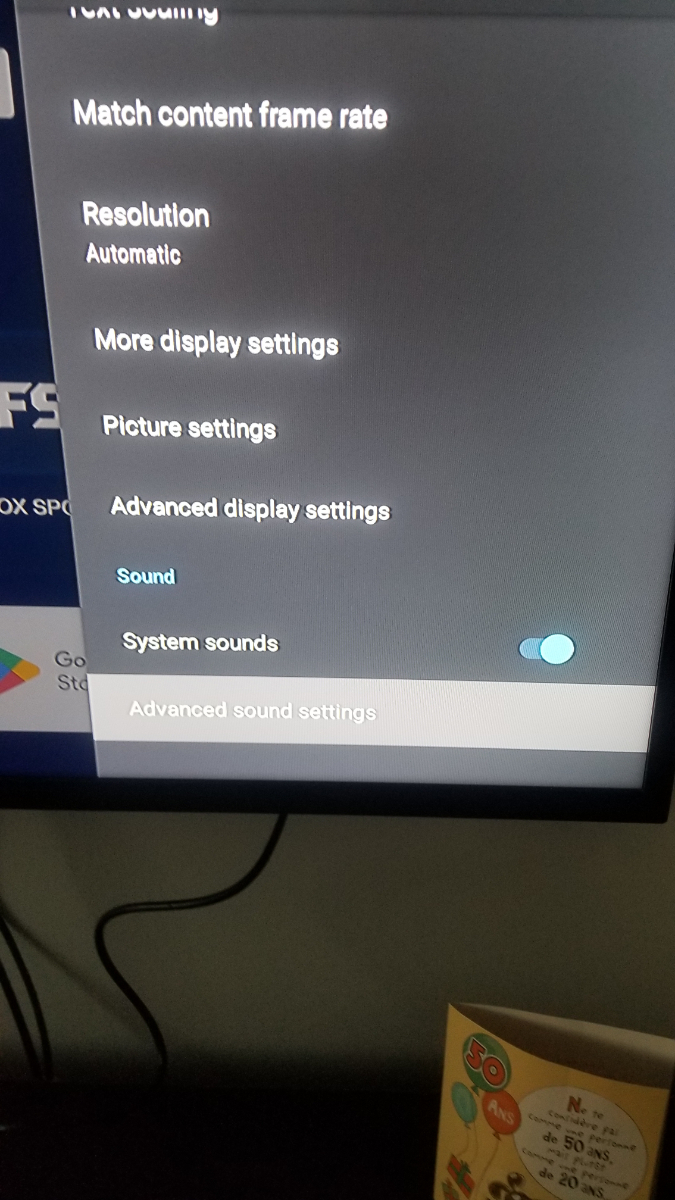
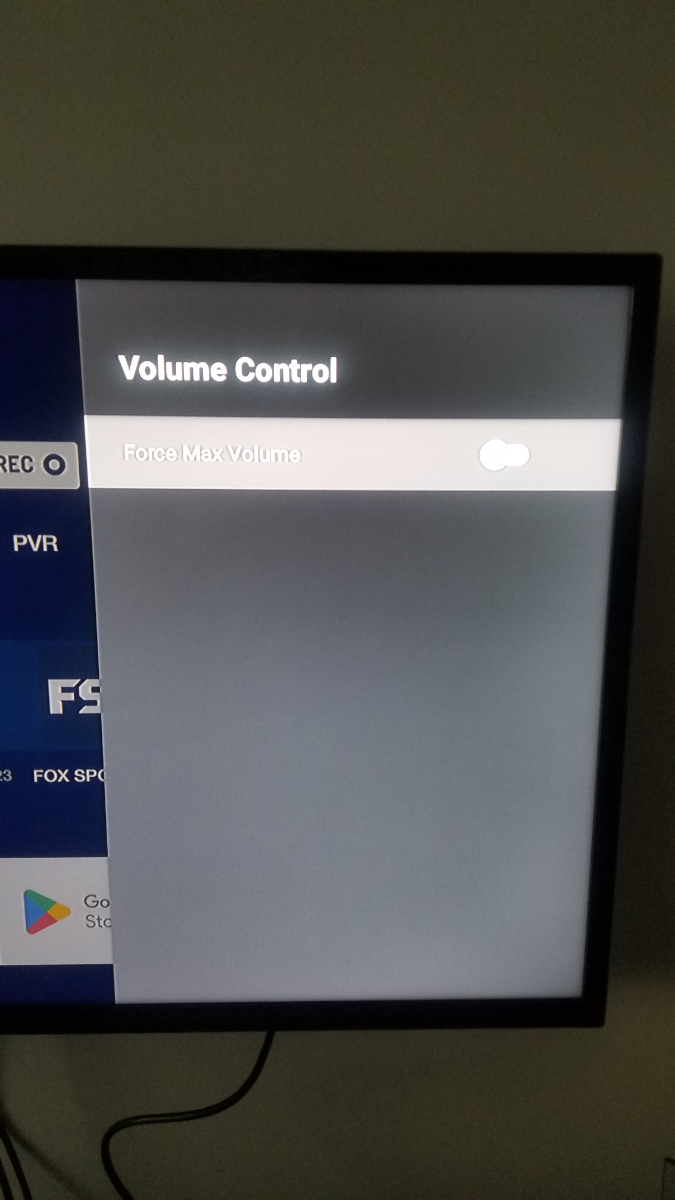
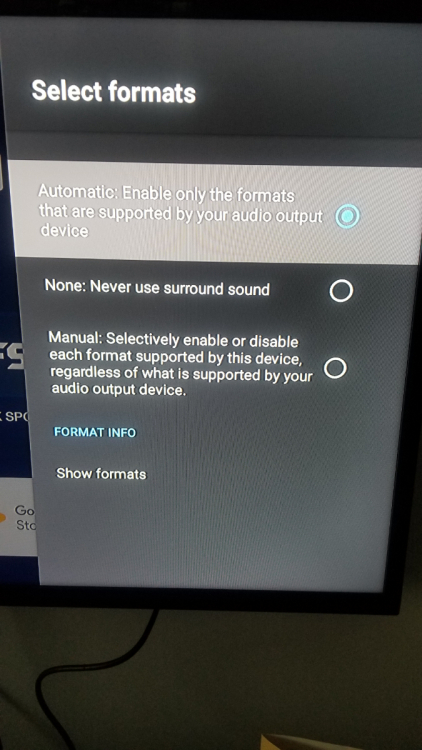
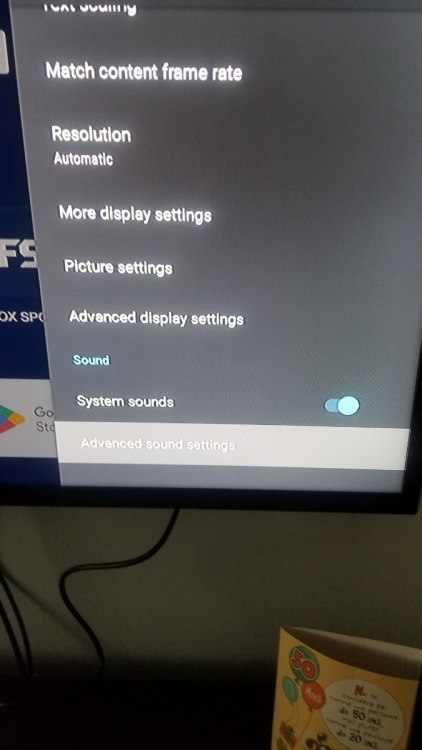
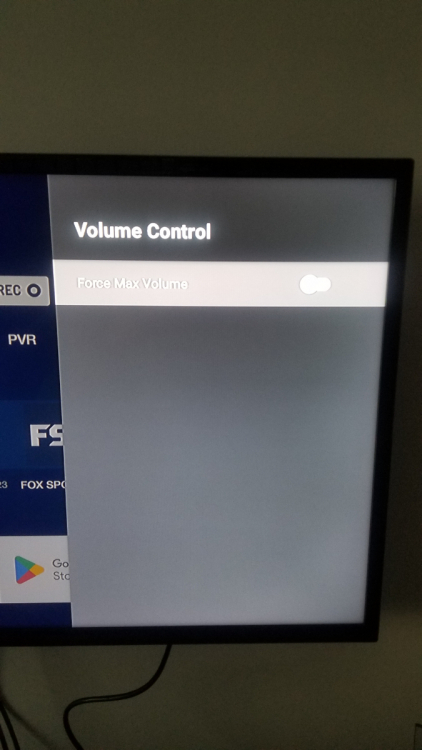
Hi, After soft reset (Thanks Peter), the stereo sound working but not the surround sound throught the hdmi. working on my U5 but not with the X5 ss (I'm using same port, same cables on my TV for the 2 devices) Disabling system sound = do nothing also changing parameters None or manual Thanks for your support Sylvain
-
Hi, After soft reset (Thanks Peter), the stereo sound working but not the surround sound throught the hdmi. working on my U5 but not with the X5 ss Thanks for your support Sylvain
-
Hi, In my case, this setting is auto and I have no sound! Any idea? Thanks Sylvain
-
Hi, No sound on my TV when I'm using the X5 Super Sport model that I recently bought on black Friday! If I plug my U5 (same cable, same TV and port)= working. Need help before contacting BuzzTV support. Any idea? Thanks Sylvain