Skip to content
View in the app

A better way to browse. Learn more.

BuzzTV Help

A full-screen app on your home screen with push notifications, badges and more.

To install this app on iOS and iPadOS
  1. Tap the Share icon in Safari
  2. Scroll the menu and tap Add to Home Screen.
  3. Tap Add in the top-right corner.
To install this app on Android
  1. Tap the 3-dot menu (⋮) in the top-right corner of the browser.
  2. Tap Add to Home screen or Install app.
  3. Confirm by tapping Install.

nbs.

Members
  • Joined

  • Last visited

Everything posted by nbs.

  1. nbs. replied to Elie's topic in PowerStation
    They won't tell you except it'll be soon
  2. nbs. replied to Rhian's topic in BuzzTV 5
    Firmware If you go to check updates from settings it will telk you
  3. nbs. replied to Jean-Luc's topic in PowerStation
    Wouldn't it be easier to check here for an update?...lol
  4. nbs. replied to Rhian's topic in BuzzTV 5
    post your buzz model .your firmware and buzz software
  5. nbs. replied to Elie's topic in PowerStation
    Something at the server end changed
  6. There is no upscaling
  7. nbs. replied to Steph22's topic in BuzzTV 5
    Post more info
  8. nbs. replied to Chris1's topic in PowerStation
    You really shouldn't be posting beta updates in public.
  9. Have you ever messaged buzz with your details?
  10. nbs. replied to Justin's topic in BuzzTV 5
    There are lots of people on this site that could have answered your question
  11. nbs. replied to Justin's topic in BuzzTV 5
    Why does it matter?
  12. That would depend on your hardware
  13. Please post in the correct section next time
  14. The dev has said the update has been pulled and will be fixed tomorrow
  15. nbs. replied to razor07's topic in PowerStation
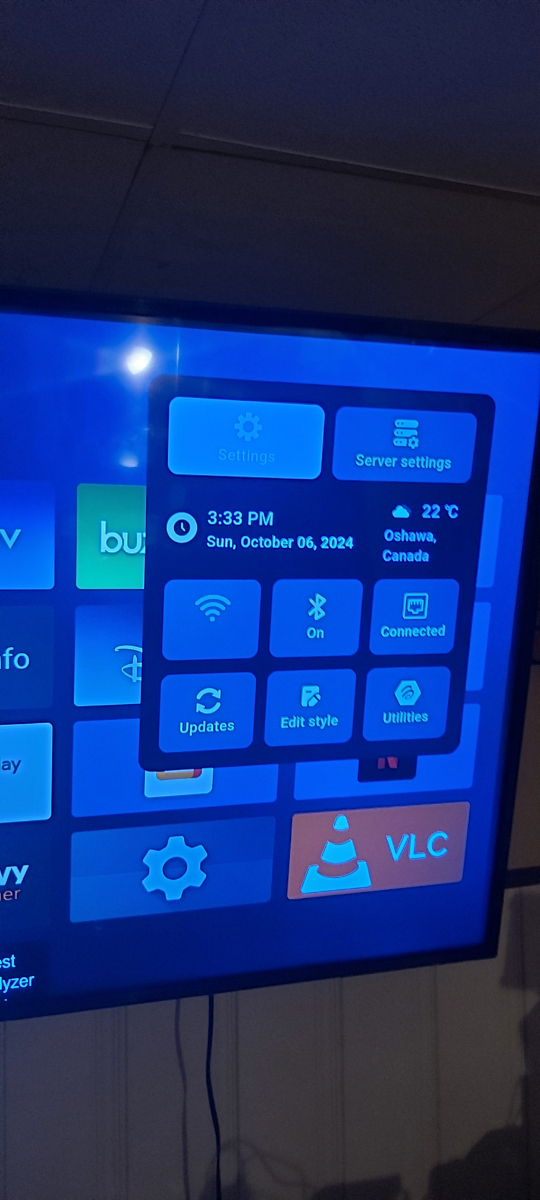
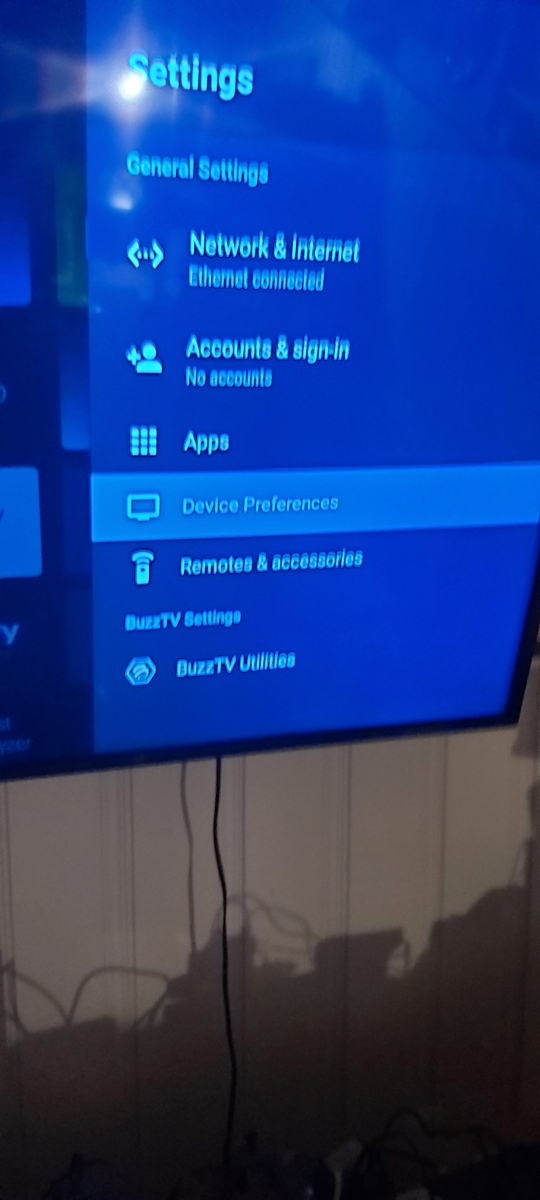
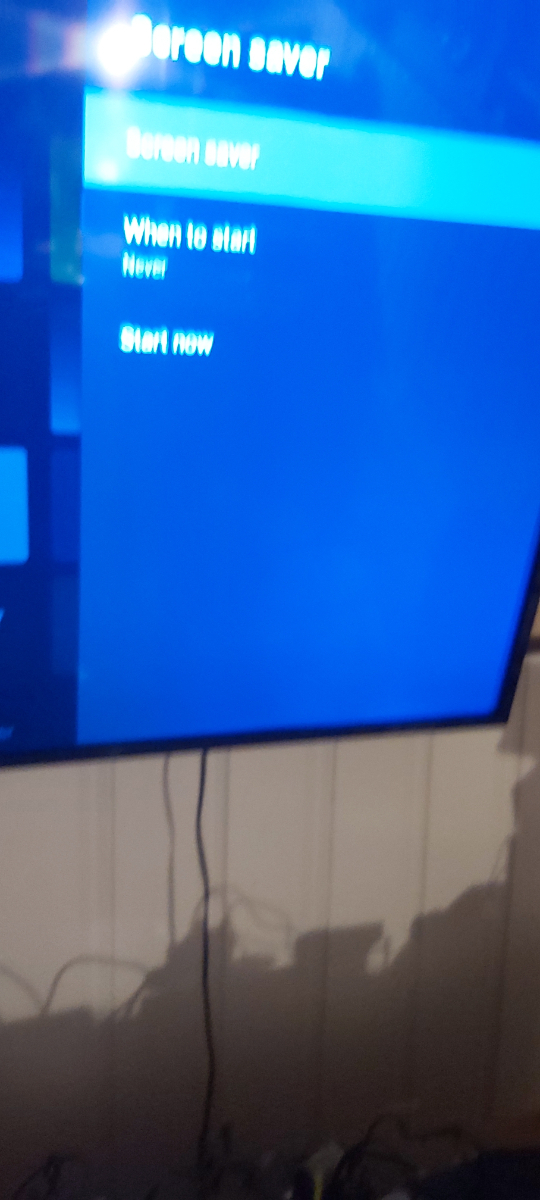
    Screen saver
  16. nbs. replied to razor07's topic in PowerStation
    Scroll up to top settings device manager ,bg settings
  17. nbs. replied to razor07's topic in PowerStation
    Yes you can post pics
  18. Send allaboutbuzz your info
  19. Try using buzz 5 to test them Also try external player with buzz 5
  20. Have you ruled out your service having issues yet?
  21. You need to contact buzz Cs at buzztv.com Give them the firmware on your x5 and they should be able to help you


Account

Navigation

Search

Search

Configure browser push notifications

Chrome (Android)
  1. Tap the lock icon next to the address bar.
  2. Tap Permissions → Notifications.
  3. Adjust your preference.
Chrome (Desktop)
  1. Click the padlock icon in the address bar.
  2. Select Site settings.
  3. Find Notifications and adjust your preference.