
Skip to content
View in the app

A better way to browse. Learn more.

BuzzTV Help

A full-screen app on your home screen with push notifications, badges and more.

To install this app on iOS and iPadOS
  1. Tap the Share icon in Safari
  2. Scroll the menu and tap Add to Home Screen.
  3. Tap Add in the top-right corner.
To install this app on Android
  1. Tap the 3-dot menu (⋮) in the top-right corner of the browser.
  2. Tap Add to Home screen or Install app.
  3. Confirm by tapping Install.

Chris1

Members
  • Joined

  • Last visited

  1. Chris1 replied to Chris1's topic in Classic Ai
    Sorry thanks for helping me out the wifi issue seems to be fixed but now i am having this issue
  2. Chris1 posted a topic in Classic Ai
    All a sudden my if box is left on for a while I will freeze on the screen it's on and then I have to unplug the box and plug it back on
  3. The firmware is 20260829_190325.heic
  4. All a sudden the wifi goes on and off by itself I tried a hard reset and it still does it
  5. Lan

    Chris1 posted a topic in Linux Player
    Can the l1 take a 1gb connection or is it better to use wifi with that speed
  6. Chris1 posted a topic in Linux Player
    Can you made a backup for buzztv6 with your service url and favorite onto a usb stick
  7. Chris1 replied to Chris1's topic in Linux Player
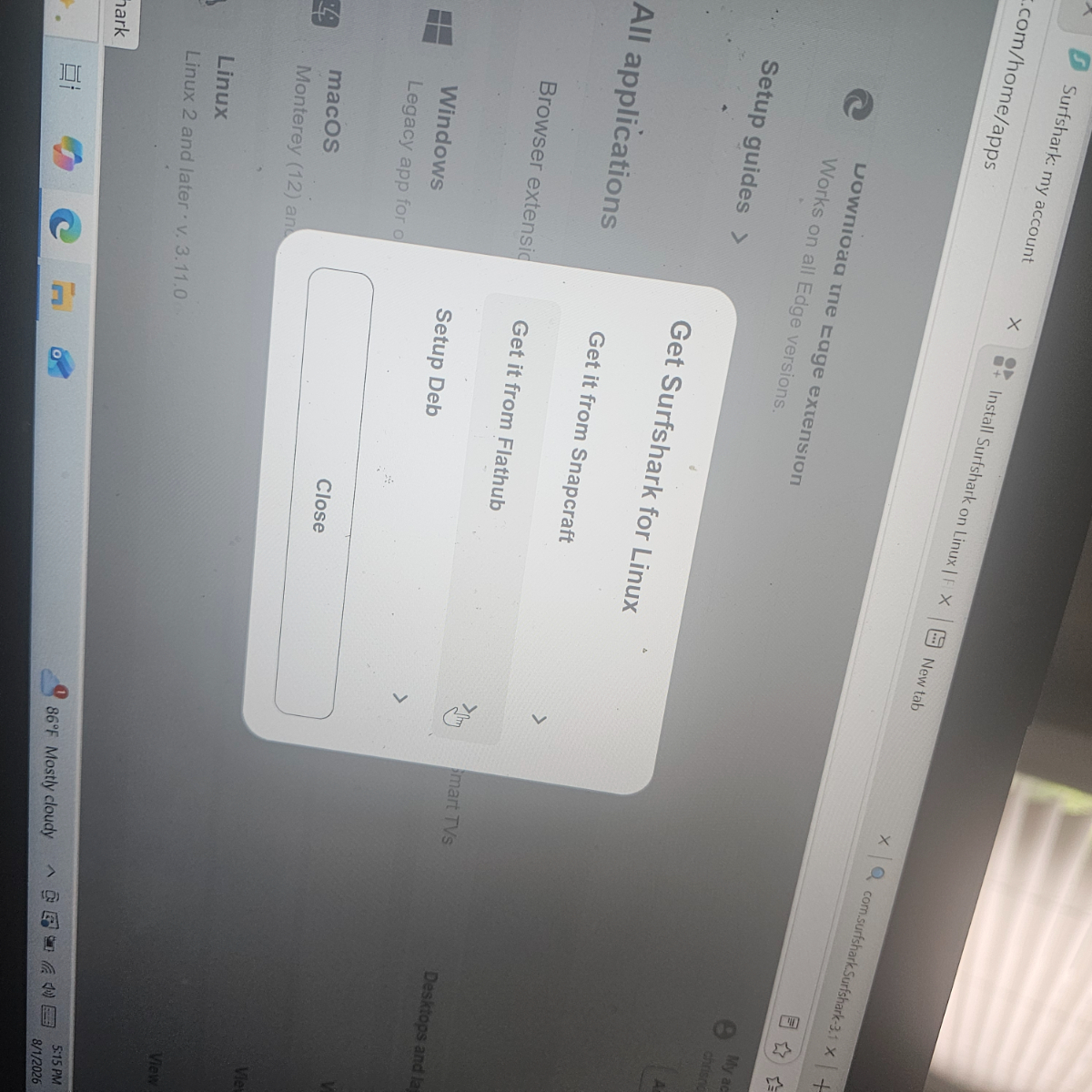
    This the page I need to download from and then put it in the usb on the back and open vpn and put in my password and username and hit save and connect 20260801_190545.heic20260801_190545.heic
  8. Chris1 replied to Chris1's topic in Linux Player
    Which one do I hit
  9. Chris1 replied to Chris1's topic in Linux Player
    I get this page
  10. Chris1 replied to Chris1's topic in Linux Player
    For Linux right
  11. Chris1 replied to Chris1's topic in Linux Player
    How do i do that
  12. Chris1 posted a topic in Linux Player
    I downloaded the VPN onto a stick and installed it onto a usb stick and put into the usb on the back but I can get this far can someone tell me what I am doing wrong 20260731_211255.heic
  13. Pvr

    Chris1 replied to Chris1's topic in PowerStation
  14. Pvr

    Chris1 posted a topic in PowerStation
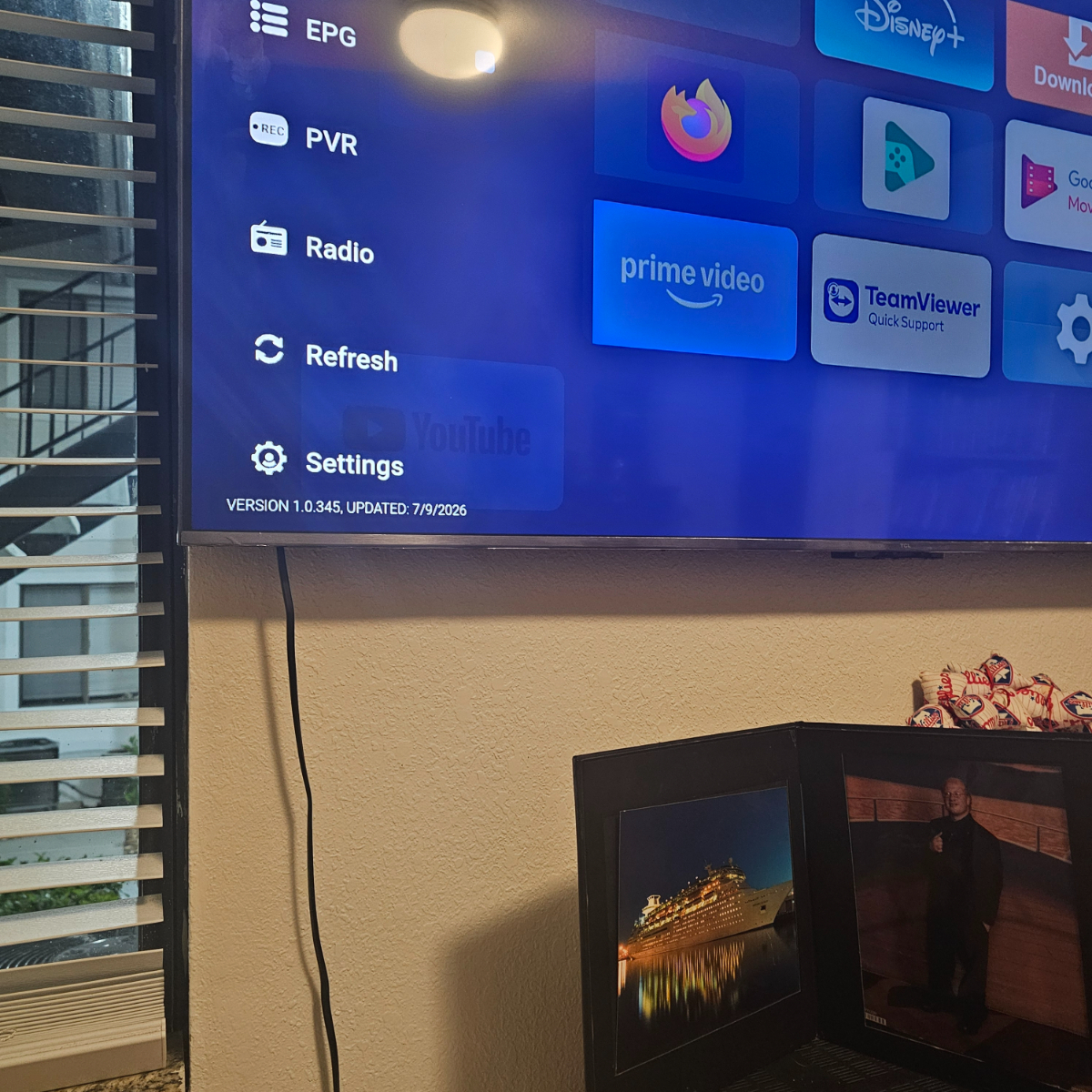
    Since the last beta update I can't get across to the pvr part of my p6
  15. Sorry i reread your post no it's not made of wood but what do you recommend to keep the top of the box good if it gets dusty and fingers marks on the top
Account

Navigation

Search

Search

Configure browser push notifications

Chrome (Android)
  1. Tap the lock icon next to the address bar.
  2. Tap Permissions → Notifications.
  3. Adjust your preference.
Chrome (Desktop)
  1. Click the padlock icon in the address bar.
  2. Select Site settings.
  3. Find Notifications and adjust your preference.