Chris1
Members
-
Joined
-
Last visited
Everything posted by Chris1
-
Sorry thanks for helping me out the wifi issue seems to be fixed but now i am having this issue
-
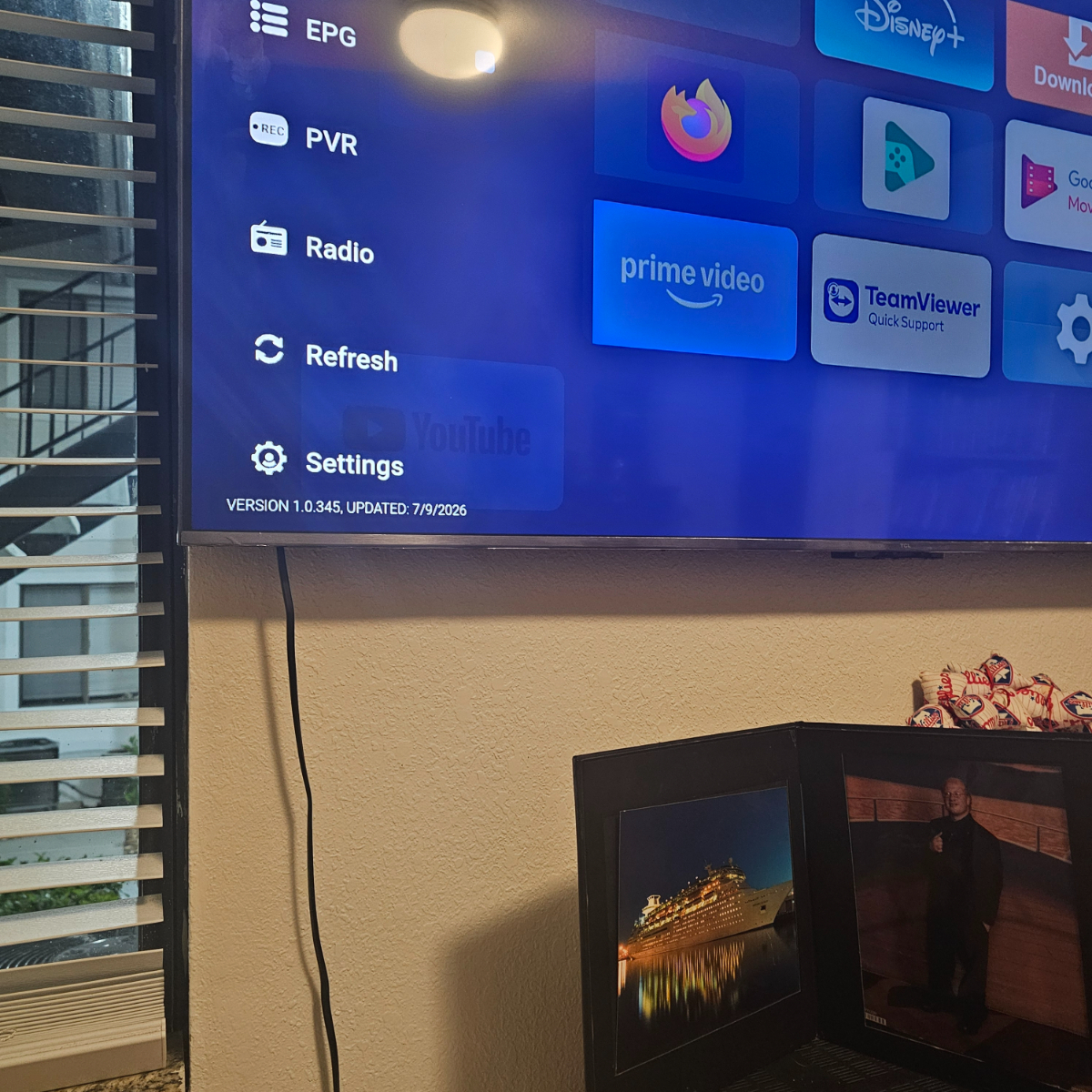
All a sudden my if box is left on for a while I will freeze on the screen it's on and then I have to unplug the box and plug it back on
-
The firmware is 20260829_190325.heic
-
All a sudden the wifi goes on and off by itself I tried a hard reset and it still does it
-
Can the l1 take a 1gb connection or is it better to use wifi with that speed
-
Can you made a backup for buzztv6 with your service url and favorite onto a usb stick
-
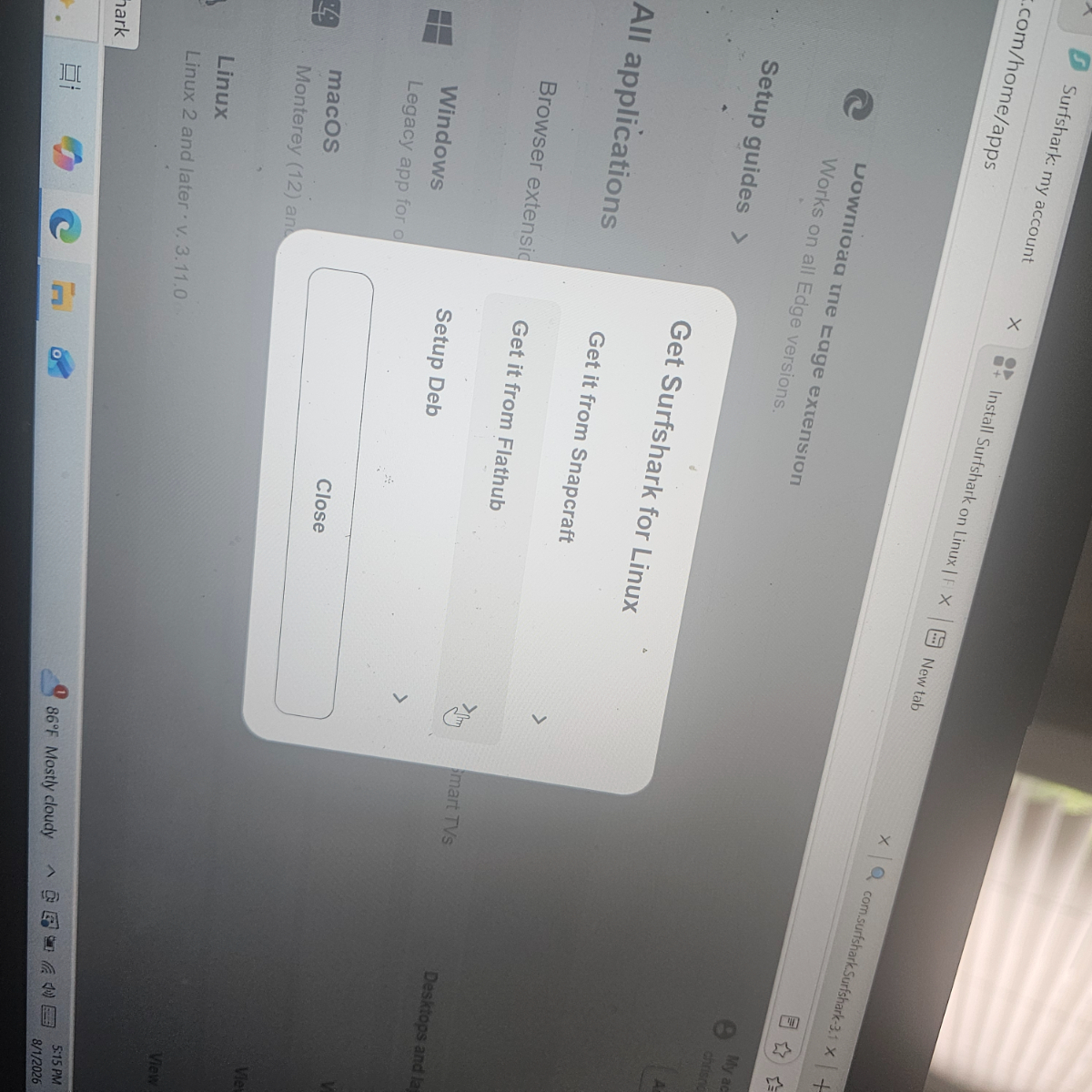
This the page I need to download from and then put it in the usb on the back and open vpn and put in my password and username and hit save and connect 20260801_190545.heic20260801_190545.heic
-
-
-
-
-
I downloaded the VPN onto a stick and installed it onto a usb stick and put into the usb on the back but I can get this far can someone tell me what I am doing wrong 20260731_211255.heic
-
Since the last beta update I can't get across to the pvr part of my p6Sorry i reread your post no it's not made of wood but what do you recommend to keep the top of the box good if it gets dusty and fingers marks on the topIs it safe to use furniture polish on the top to keep it looking goodWhat is the best ac power usb hub to get to use with the classic AiI uselly do but it would be a like feature to have in the future because sometimes you forgot or get in a rush and it would nice to have that feature just asking thanksI was wondering if you will be able to schedule a recording on the mobile to record on the buzz 6 boxes while you are out like you can with companies directv and spectrumCan you get Disney plus in 4k on the classic Ai you used to be able on the x5 and u5Because it was label buzztv 6 mobile appI one feedback I have is you can make it possible to program your buzz 6 box to record while you are out just saying i know it is still a very early releaseHow i can't seem to be able to do it only if the chsnnel doesn't hsve any information in the epg.i try many of times but I tried doing on many channels and I tried schedule it pass the time it's supposed to end but when I always go to the extract time it supposed to end when I hit saveSince I did the last update i notice you can't set it record past what the program is set to end