Chris1
Members
-
Joined
-
Last visited
Everything posted by Chris1
-
I have never seen the box do this
-
Yes I tried removing the drive and it still the same thing and use I am the 12v cord
-
I tried to move everything to the usb drive on the bottom of the box but the drive became inject by itself and now I try a factory reset but now the screen keeps going on and off I checked the power supply and the hdmi cord 20240702_002045.mp4
-
I tried to move everything to the usb drive on the bottom of the box but the drive became inject by itself and now I try a factory reset but now the screen keeps going on and off I checked the power supply and the hdmi cord
-
I agree I have two of the 4500 two 4900 and one u5 but I know the powerstation will blow all them out of the water
-
Hopefully today tomorrow or Friday if they are still shooting for June like said on the website still
-
-
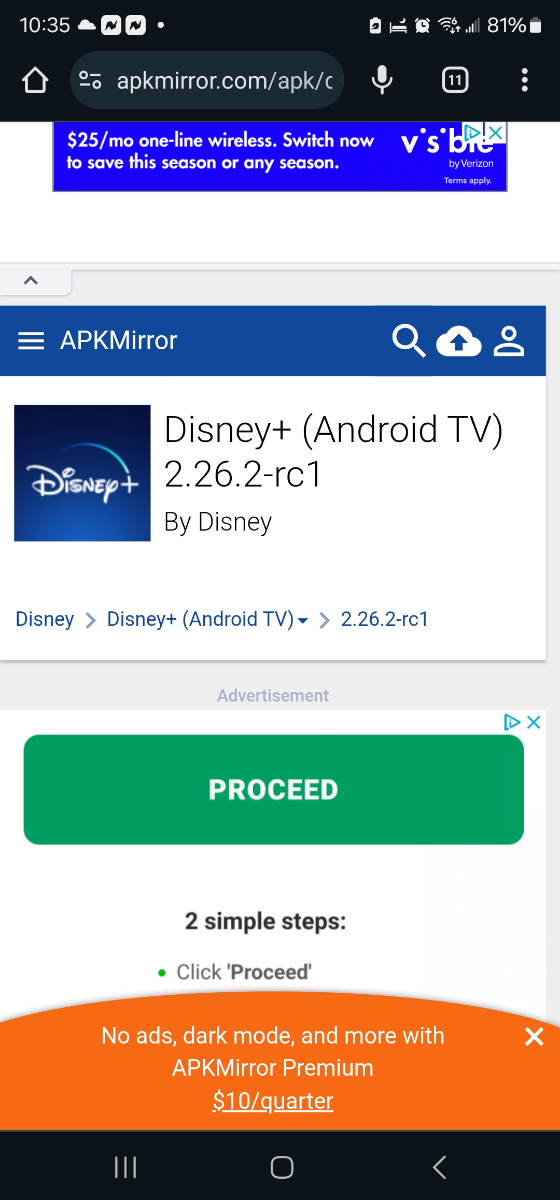
I been having a issue with Disney plus playing 4k video it says 4k on the picture but won't play then when i hit the back button it just says hd 20240209_161020.heic
-
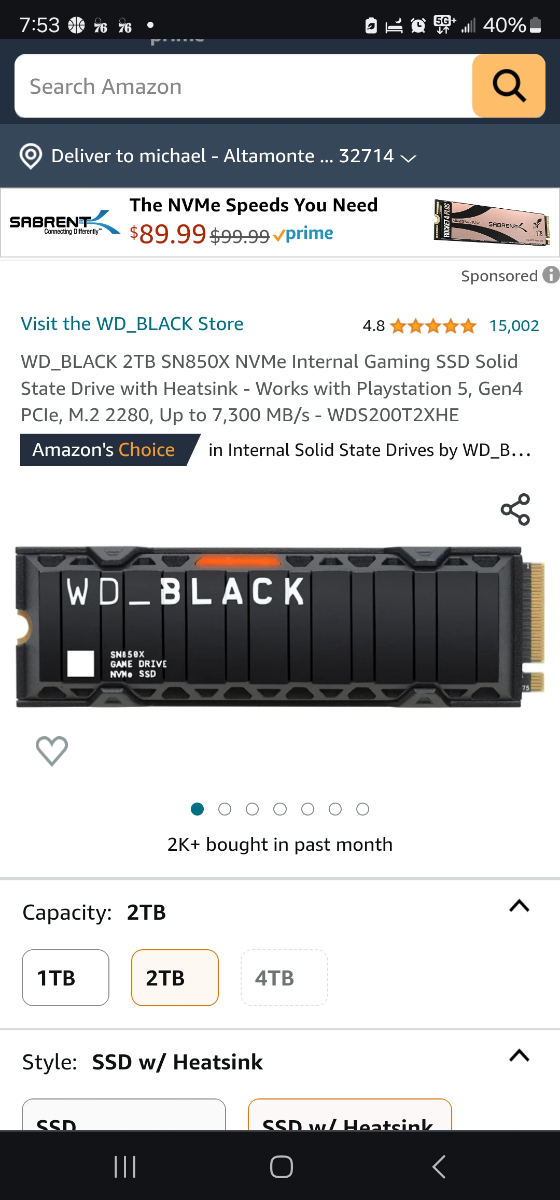
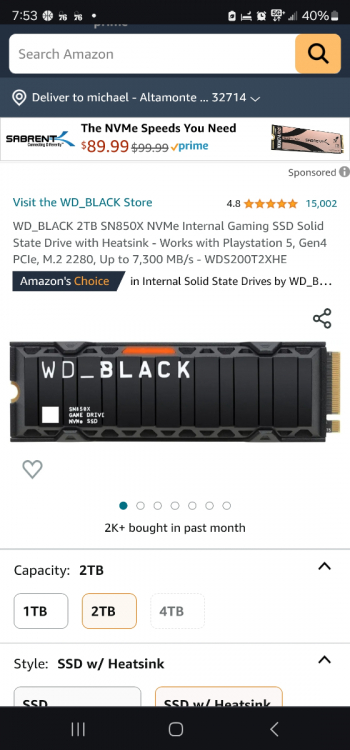
What kind of NVMe memory will fit on the bottom eill this fit
-
What kind of NVMe memory will fit on the bottom
-
What kind of nvme will fit on the bottom bay for extra storage
-
What kind of nvme will fut the bay on the bottom of the play station
-
I have the new one the c power and unfortunately i can do wireless because my modem is in the living room and the box is in the bedroom
-
And only Disney plus parmount plus i have no problems with 4k
-
And using the same tv and the hdmi card is going rightbto the tv
-
I use the same hdmi in my u5 and i get 4k and both are wireless
-
Should i try this i see it come out 9 days ago
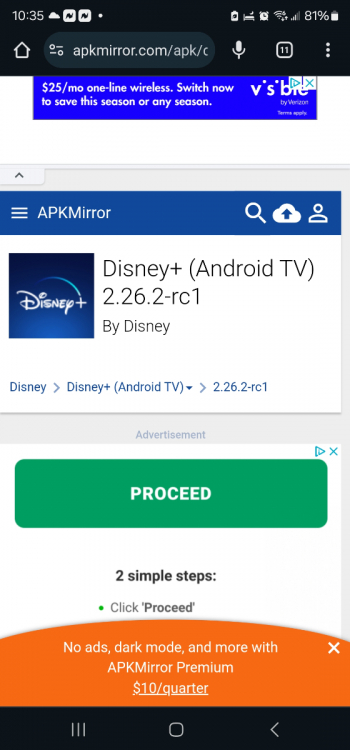 I use the one that was posted a while ago that you need to downloadIt seems that that the x5 won't play disney plus in 4k but i can can on my u5I tryed that it worked for awhile now that one is saying that it needs to be updated i tryed to install it and restill it but it keeps saying it needs to be updatedAll boxes say update but it won't let meIs there a Disney plus version for 4k available