Skip to content
View in the app

A better way to browse. Learn more.

BuzzTV Help

A full-screen app on your home screen with push notifications, badges and more.

To install this app on iOS and iPadOS
  1. Tap the Share icon in Safari
  2. Scroll the menu and tap Add to Home Screen.
  3. Tap Add in the top-right corner.
To install this app on Android
  1. Tap the 3-dot menu (⋮) in the top-right corner of the browser.
  2. Tap Add to Home screen or Install app.
  3. Confirm by tapping Install.

Chris1

Members
  • Joined

  • Last visited

Everything posted by Chris1

  1. Chris1 replied to Chris1's topic in U5
    And what strange it will hsve the rec on the top of the screen but i says on the bottom finished and makes a thumbnail
  2. Chris1 replied to Chris1's topic in U5
    I try that on all my service and still only couple of minutes
  3. Chris1 posted a topic in U5
    I have try on my srevices which i have 3 different ones and since the last update i only get couple of minutes i have the 32g one and i have try the bottom bay and the 4 usb on the side i have also have been successful on tivimate and my 4900 and xrs 4500
  4. Chris1 replied to Chris1's topic in U5
    Yes i allows set to record on the usb on the bottom it was working fine till the last update i try both players
  5. Chris1 posted a topic in U5
    Since the last update i don't get all reconding when i set something to reconding but when i do it on my 4900 i get my whole reconding
  6. Chris1 replied to Chris1's topic in U5
    It's set to record using the drive on the bottom
  7. Chris1 posted a topic in U5
    Since the last update i don't get all my reconding even though it's still says reconding on the top of the screen but it has all ready has made a thumbnail
  8. P6

    Chris1 posted a topic in News And Announcements
    Any word when the P6 is coming out and the specs
  9. Chris1 replied to Chris1's topic in U5
    I also tried it going straight from the box by optical to my surround sound receiver
  10. Chris1 replied to Chris1's topic in U5
    My sumsung 4k smart tv
  11. Chris1 replied to Chris1's topic in U5
    I am hook up with hdmi
  12. Chris1 posted a topic in U5
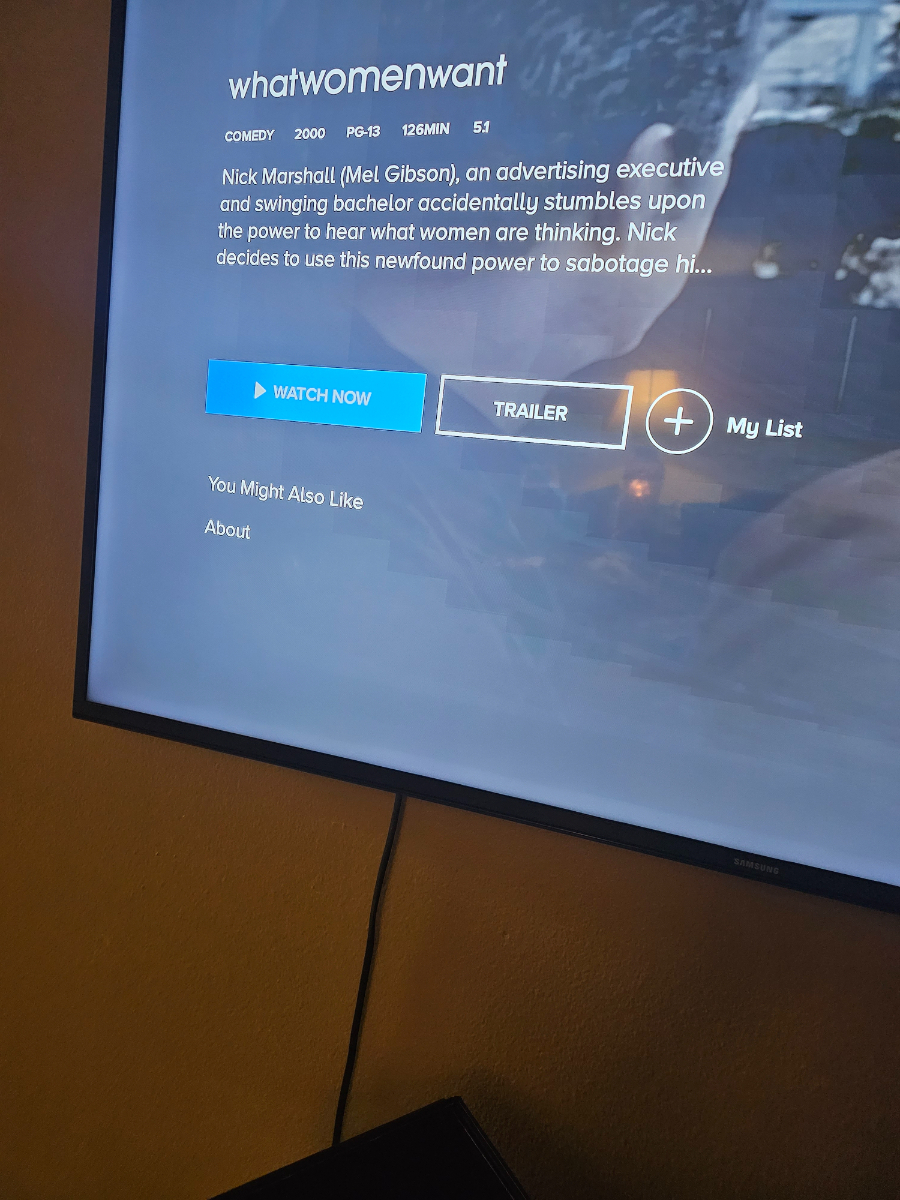
    I was wondering how to get parmount plus to do 5.1 because It saying 5.1 on the app but doesn't give me the option to do 5.1
  13. Pa

    Chris1 posted a topic in U5
    Parmount plus how do you get the app to play in 5.1 which in the description of the show or movie it says 5.1 but it does play in 5.1
  14. Chris1 replied to Chris1's topic in BuzzTV 5
    Is there around that because its says the same on my u5
  15. Chris1 replied to Chris1's topic in BuzzTV 5
    No i did not take a update
  16. Chris1 replied to Chris1's topic in BuzzTV 5
    No it won't let me
  17. Chris1 posted a topic in BuzzTV 5
    How do you get Disney plus to work because i did what they said to do on rumble and it worked for a while but now it doesn't work
  18. Is there a way to side load it and still get it to play 4k
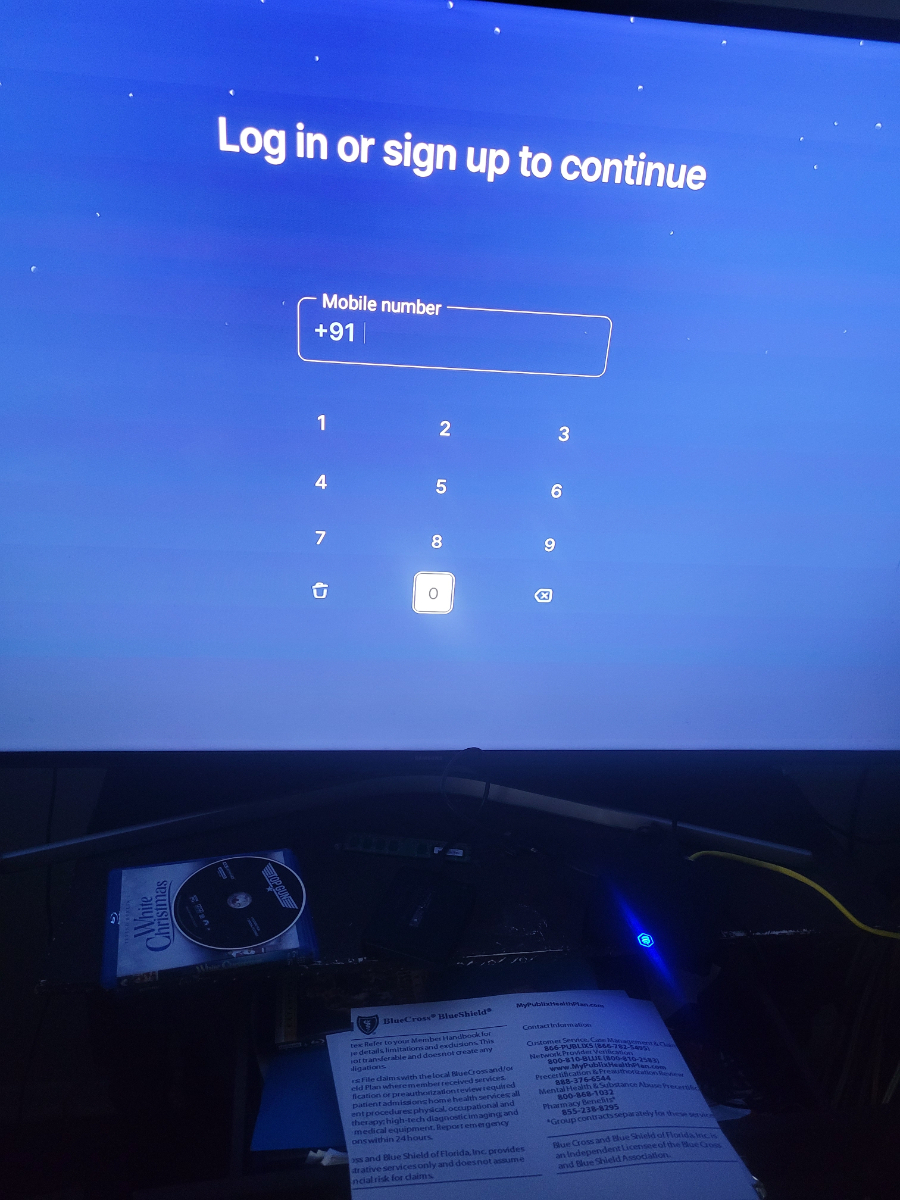
  19. I tried that to did not work get this screen but can get of the +91
  20. I tried that to did not work
  21. No it's says to upgrade but it won't let me
  22. I was wondering on how to get the latest version of Disney plus on my u5
  23. Chris1 posted a topic in X5 AI / AX-C
    I just got my X5 and i love the picture especially when streaming 4k on parmount+ and Disney plus great job buzztv you guys hit it out of the park with the X5
  24. What is supposed to do to the box

Account

Navigation

Search

Search

Configure browser push notifications

Chrome (Android)
  1. Tap the lock icon next to the address bar.
  2. Tap Permissions → Notifications.
  3. Adjust your preference.
Chrome (Desktop)
  1. Click the padlock icon in the address bar.
  2. Select Site settings.
  3. Find Notifications and adjust your preference.