nbs.
Members
-
Joined
-
Last visited
Everything posted by nbs.
-
Which model buzz?
-
-
-
You ask about classic and now you're talking gseries? It was posted the update for gseries was submitted to Google for approval
-
Seriously? You think they will update three boxes but not the classic?
-
Message allaboutbuzz with ALL your info so he can look at the issue
-
Even without a service box should start up.
-
-
Not following you. Is your tv shutting down the buzz If it is it shouldn't be a problem as the buzz should wake up and record
-
The software is fine but sometimes tweaks are needed for some services Contact buzz with all your info Did you update the software on your remote? Ps Never heard of a box making a clinking noise
-
It worked for me on p6 Ill try it on the ai later today.
-
What didnt work? Didnt find subtitles? Post more details
-
Just set up an account online Then the buzz will ask you for your username and password when you turn on subtitles
-
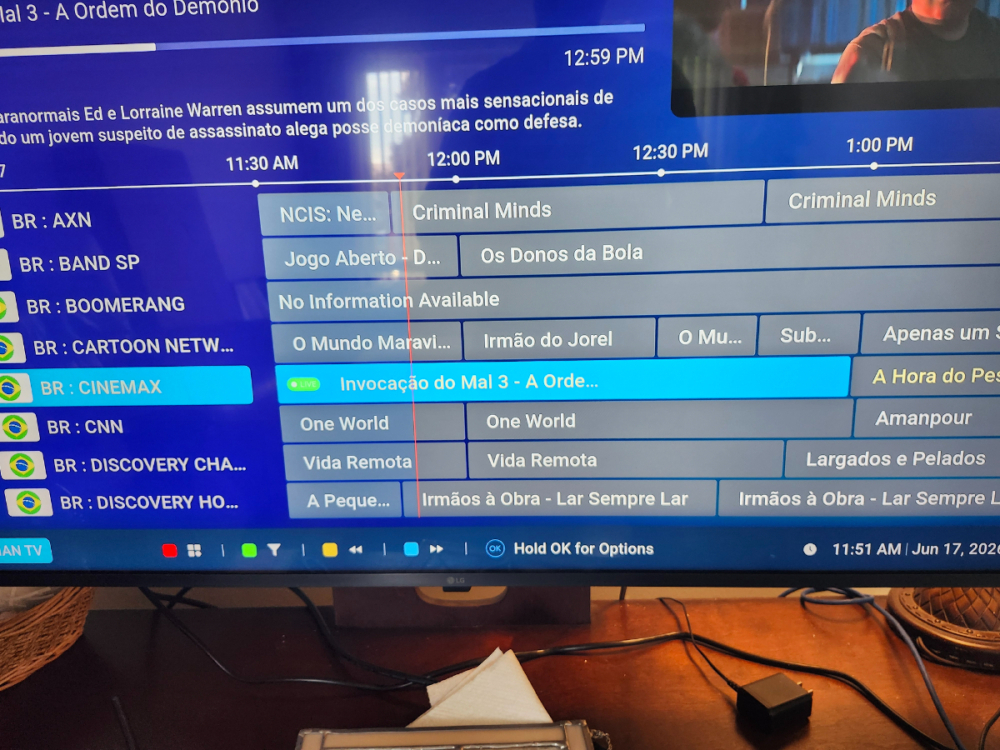
There already is a full guide. When I am in guide and hit back arrow it goes to live tv As far as showing new streams restart your box to update
-
Im really not sure what you are talking about when you say you click way back and it disappears? Also oversized? How is this oversized?
-
-
I have no random reboot issues with my classic ai Neither do half a dozen friends who bought one Can't comment on ts as I dont use itĥh
-
I can confirm that
-
Its under warranty
-
Youve tried a different power supply?
-
Then try the other suggestions
-
You should be able to select one of the options on recovery screen Did you select wipe data?
-
Maybe talk to the app guys as gbox was not designed to record.
-
Then you are doing it right
-
Did you get to the android recovery screen? Which option did you select?