D L
Members
-
Joined
-
Last visited
-
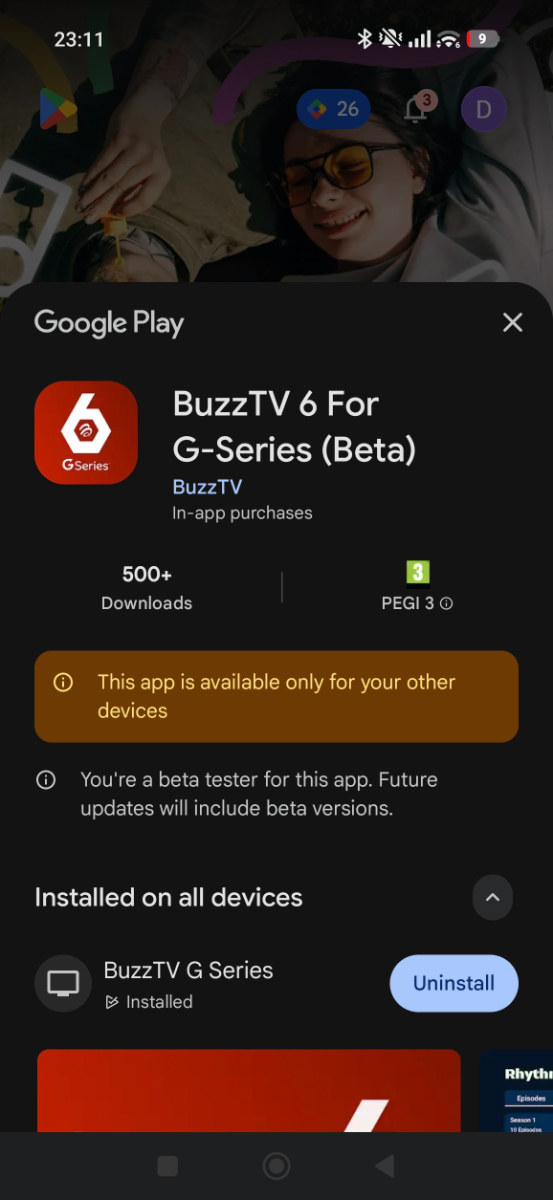
I am no longer part of the beta test program.. I never received any beta updates from what I could see either..Do I now need to delete and reinstall and can I back up sub details or do I have to add again. I understand there is an app as well that allows you to add details with your phone am I correct and if so where do I obtain?
-
-
The app that's on trial on playstore? Or for another device sideloaded?
-
Looks like Google are cracking down on IPTV apps and removing them. With the G series is it not possible to use the android TV app which is obvs more polished ?
-
The only way I have found is via holding ok button until categories appear.
-
The only way is to hold ok button and select categories bud.
-
The only way I found it possible is to hold the ok button and select categories for now.
-
Search for movies works though using VOD search.. Just not filtering into movie section..
-
Did this to provider URL didn't work maybe need to change url and some extension not sure
-
A bit more reading on full passthrough suggests it's actually Google that have removed the passthrough option on Google TV 14. And that seems to be regardless of system. Apparently pay tv providers like netflix / prime do not prioritise this. Probably as most folk don't have highend audio equipment..Seems pretty reverse logic but is what it is..Not likely to change unless Google have a change of heart. To be fair I expected this and used Kodi for best audio.
-
I just installed this on my mobile and was a piece of cake and almost works perfectly. Live TV works great , and series shows up but movies are not showing under movies. I used XC codes API .But good job so far very responsive and nice GUI. Can't see EPG either but not experimented enough as off yet..
-
The way I read it it does say Google controls everything as controls the security side so everything needs approved before being released It's just meeting those standards that will likely be difficult. I imagine passthrough is a system driver related issue so be SEI responsibility. Not a retailer, retailers likely can only make minor adjustments software side like gui etc
-
A quick check online brings this up in AI which seems to explain the situation better if correct
-
I like the remote has a fire TV cube 3rd gen and it's miles better.
-
Yeah am absolutely sure it will. But very early days the remote is nice and box is snappy.. The upscaling is nice well. Once the app is all good am sure it will be class.