D L
Members
-
Joined
-
Last visited
Everything posted by D L
-
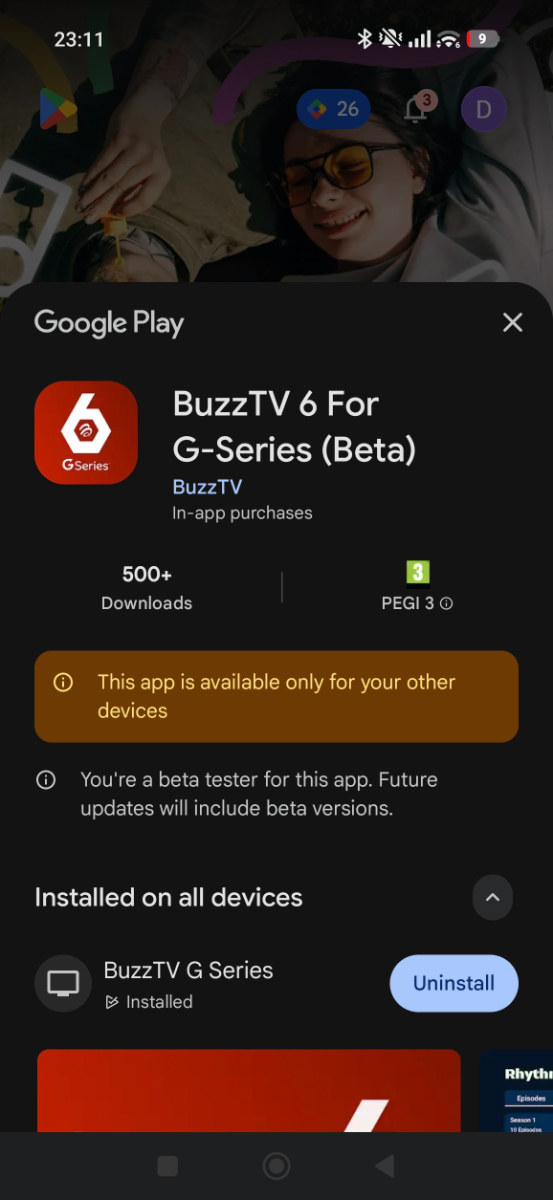
I am no longer part of the beta test program.. I never received any beta updates from what I could see either..Do I now need to delete and reinstall and can I back up sub details or do I have to add again. I understand there is an app as well that allows you to add details with your phone am I correct and if so where do I obtain?
-
-
The app that's on trial on playstore? Or for another device sideloaded?
-
Looks like Google are cracking down on IPTV apps and removing them. With the G series is it not possible to use the android TV app which is obvs more polished ?
-
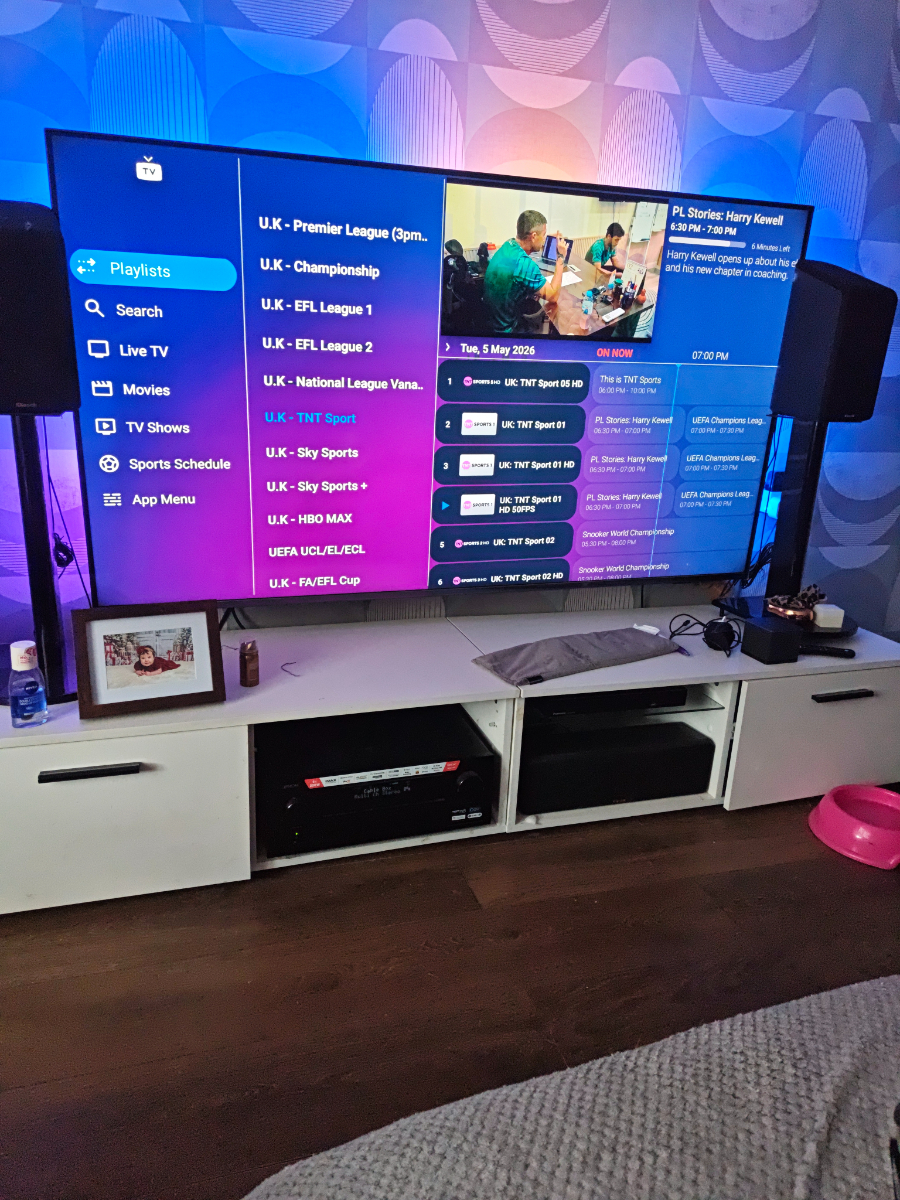
The only way I have found is via holding ok button until categories appear.
-
The only way is to hold ok button and select categories bud.
-
The only way I found it possible is to hold the ok button and select categories for now.
-
Search for movies works though using VOD search.. Just not filtering into movie section..
-
Did this to provider URL didn't work maybe need to change url and some extension not sure
-
A bit more reading on full passthrough suggests it's actually Google that have removed the passthrough option on Google TV 14. And that seems to be regardless of system. Apparently pay tv providers like netflix / prime do not prioritise this. Probably as most folk don't have highend audio equipment..Seems pretty reverse logic but is what it is..Not likely to change unless Google have a change of heart. To be fair I expected this and used Kodi for best audio.
-
I just installed this on my mobile and was a piece of cake and almost works perfectly. Live TV works great , and series shows up but movies are not showing under movies. I used XC codes API .But good job so far very responsive and nice GUI. Can't see EPG either but not experimented enough as off yet..
-
The way I read it it does say Google controls everything as controls the security side so everything needs approved before being released It's just meeting those standards that will likely be difficult. I imagine passthrough is a system driver related issue so be SEI responsibility. Not a retailer, retailers likely can only make minor adjustments software side like gui etc
-
A quick check online brings this up in AI which seems to explain the situation better if correct
-
I like the remote has a fire TV cube 3rd gen and it's miles better.
-
Yeah am absolutely sure it will. But very early days the remote is nice and box is snappy.. The upscaling is nice well. Once the app is all good am sure it will be class.
-
-
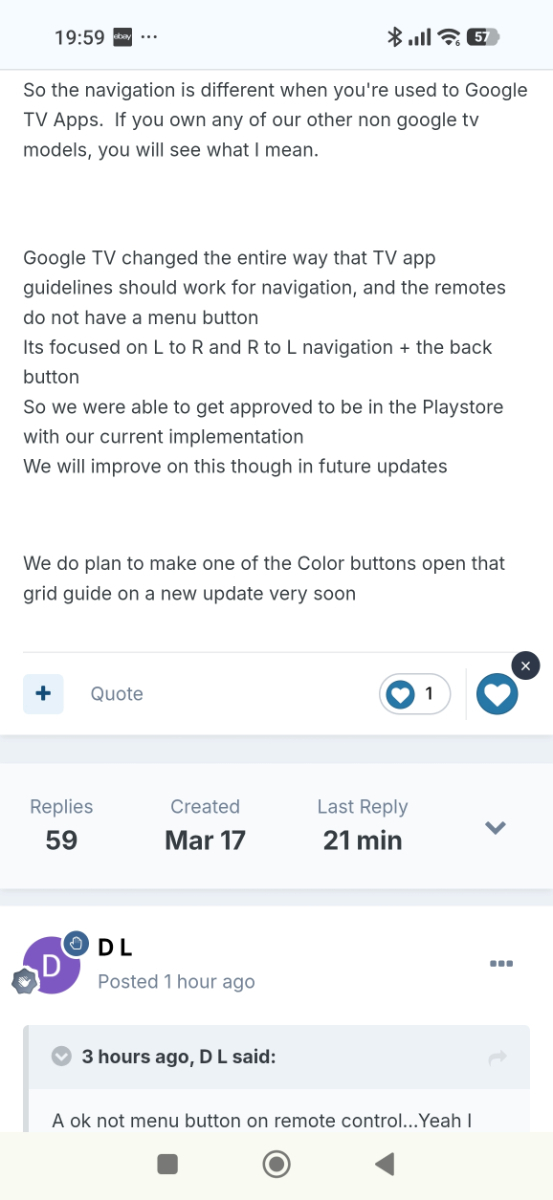
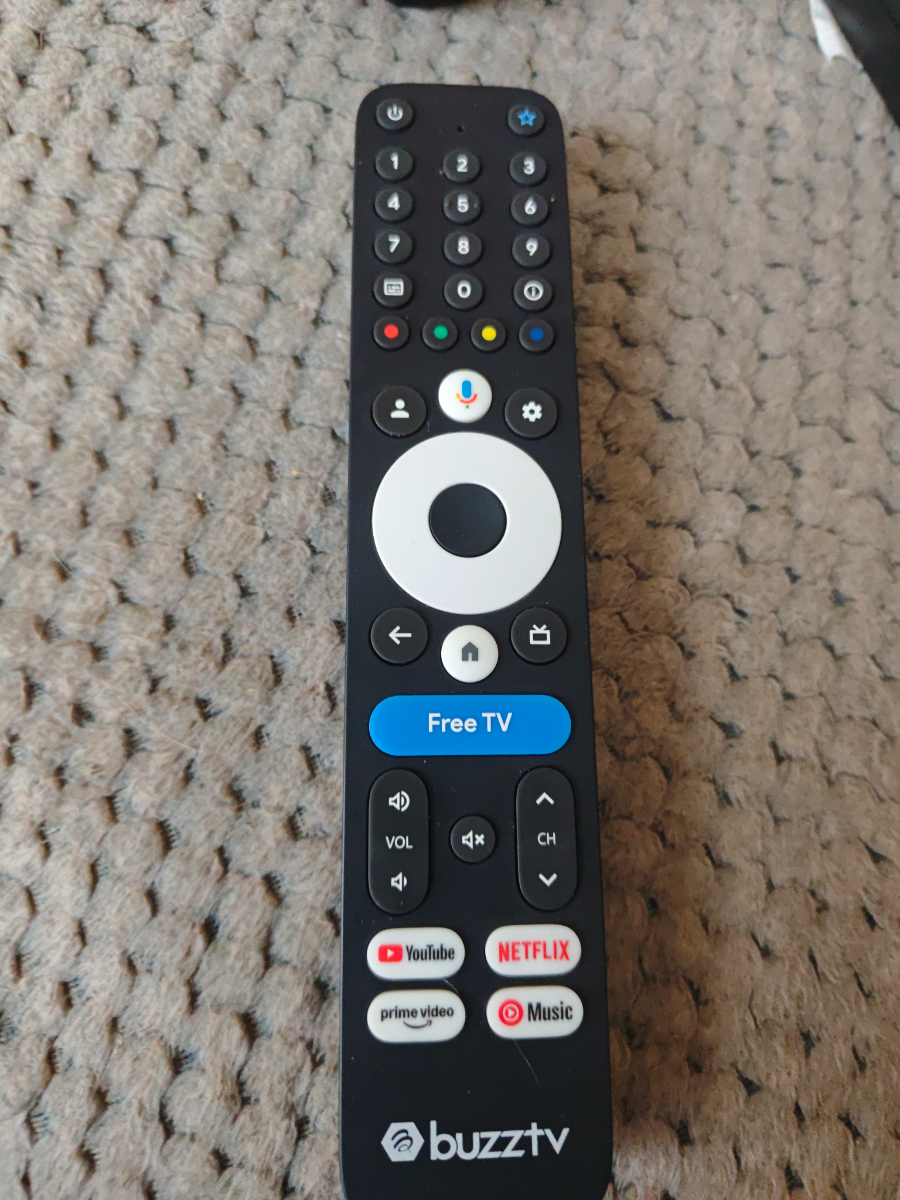
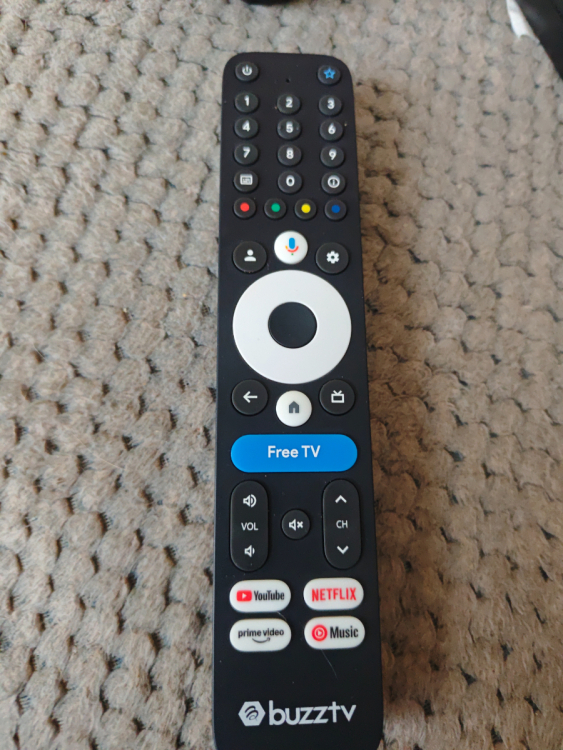
That button on my buzz TV app brings up channel list. It doesn't take me to menu my thinking that was EPG / guide button. A commentor posted earlier there is no menu button on this remote. It's all left and right navigation.
-
Fair enough sure it won't be a problem as other Google TV apps I have use it and are on playstore .
-
There is no menu button on the remote I was provided
-
Will this be addressed with Google or SEI as other Google boxes in the UK have this option. At present if I am understanding correctly then although the box has Atmos and Dolby vision etc it is not really what customers are getting on this platform unless using apps that bypass android or Google audio decoding like Kodi? To the best of my understanding and I am not any expert SEI make the initial fw and then box producers edit the fw in line with Googles strict guidelines and push the updates. Official apps such as prime and netflix Hulu etc should have no issues playing in the HD audio formats as has all the appropriate licenses
-
Also is there away to close the app when you are not using it. When I click home I come away from it but certain it's still running in background and possibly affecting other apps.. Can I suggest an easy way of doing this like double tap back button and an option appears to close app.. Sorry if I am making so many suggestions but would like to see this being the best app. Some feature described that are available on other models like copying epg to playlists that don't have any for a particular channel sound awesome and merging playlists..
-
Left on this particular app brings up categories and left again brings up menu for VOD etc. I personally would prefer this was all just back button to go back the levels..
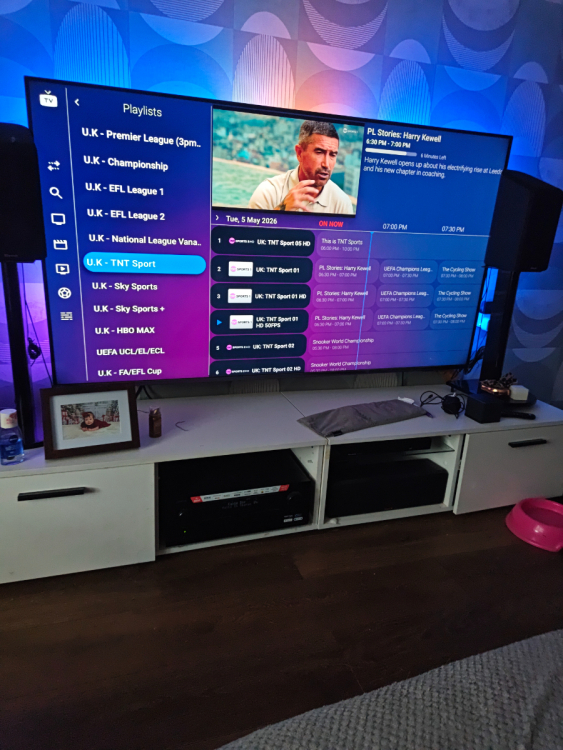
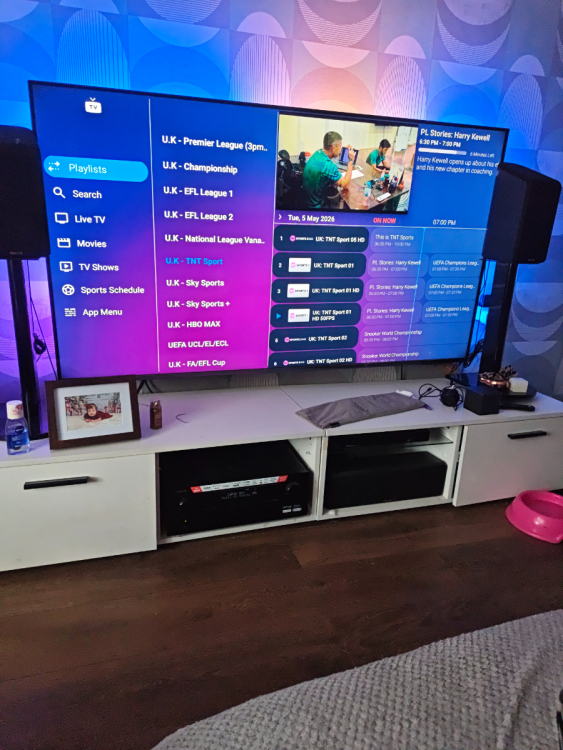
-
Can I also make a suggestion not sure if it would be possible but would be very helpful. With the app I have shown below I can login to the app from my phone via website panel and select a playlist and hide categories I don't want to see etc and same with VOD. This is very nice esp with some playlists being so big and far less time consuming than doing via a remote. As I have many it can select my playlist and I just click the categories or bits I don't want and click apply. This is handy some providers don't offer this You can also change stream to HLS etc which makes it so easy to manage
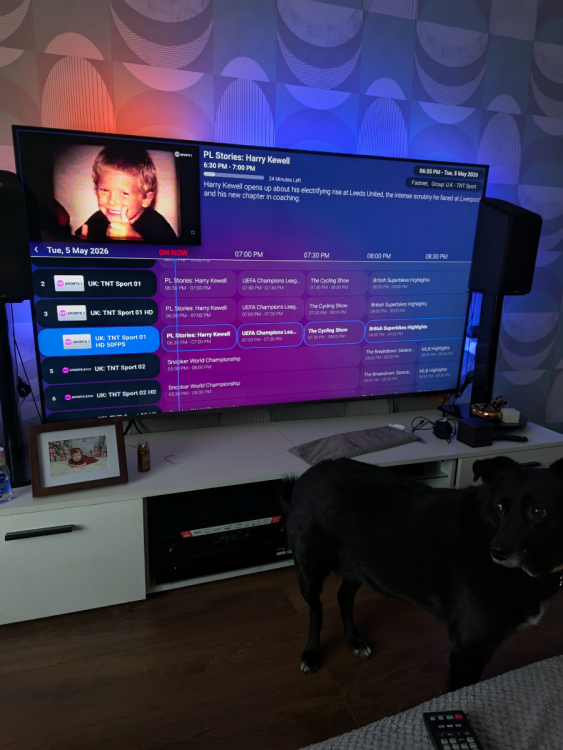
-
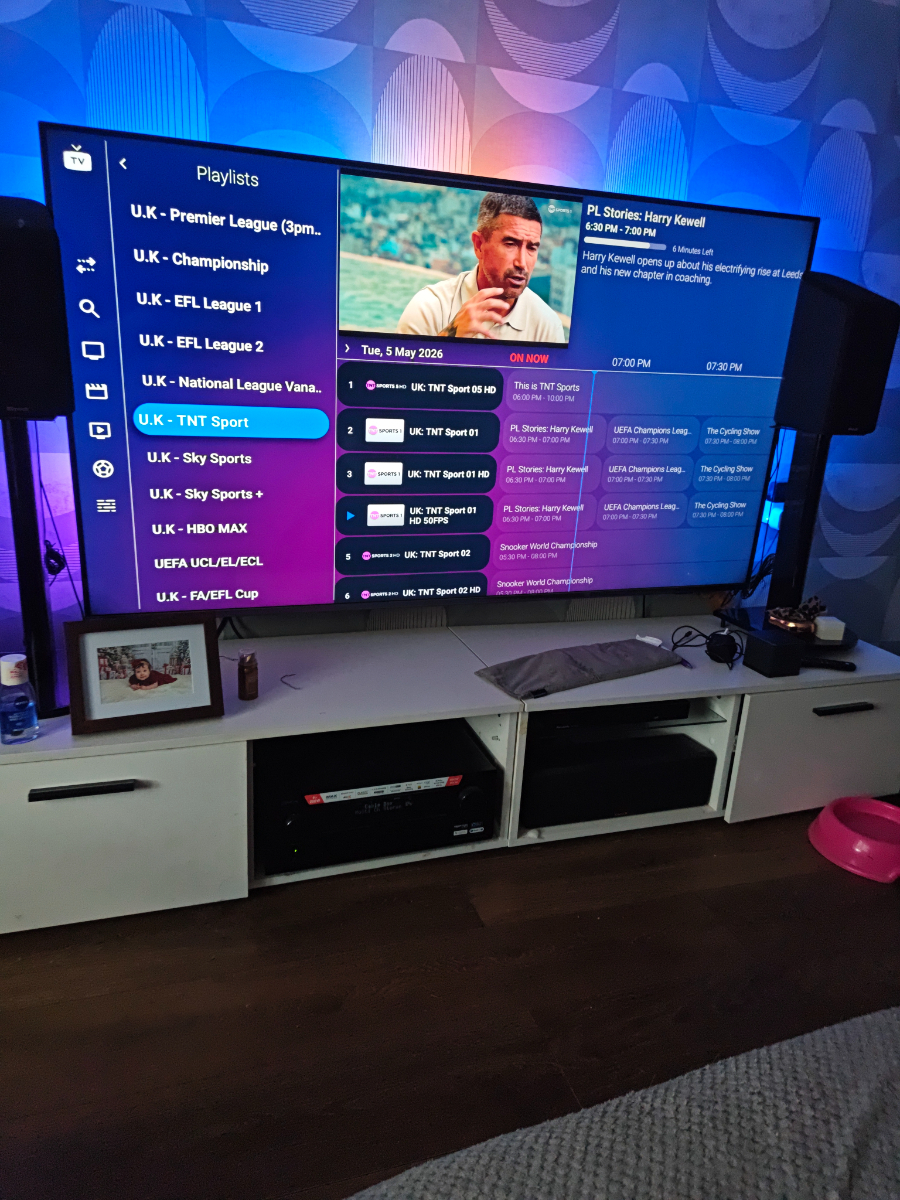
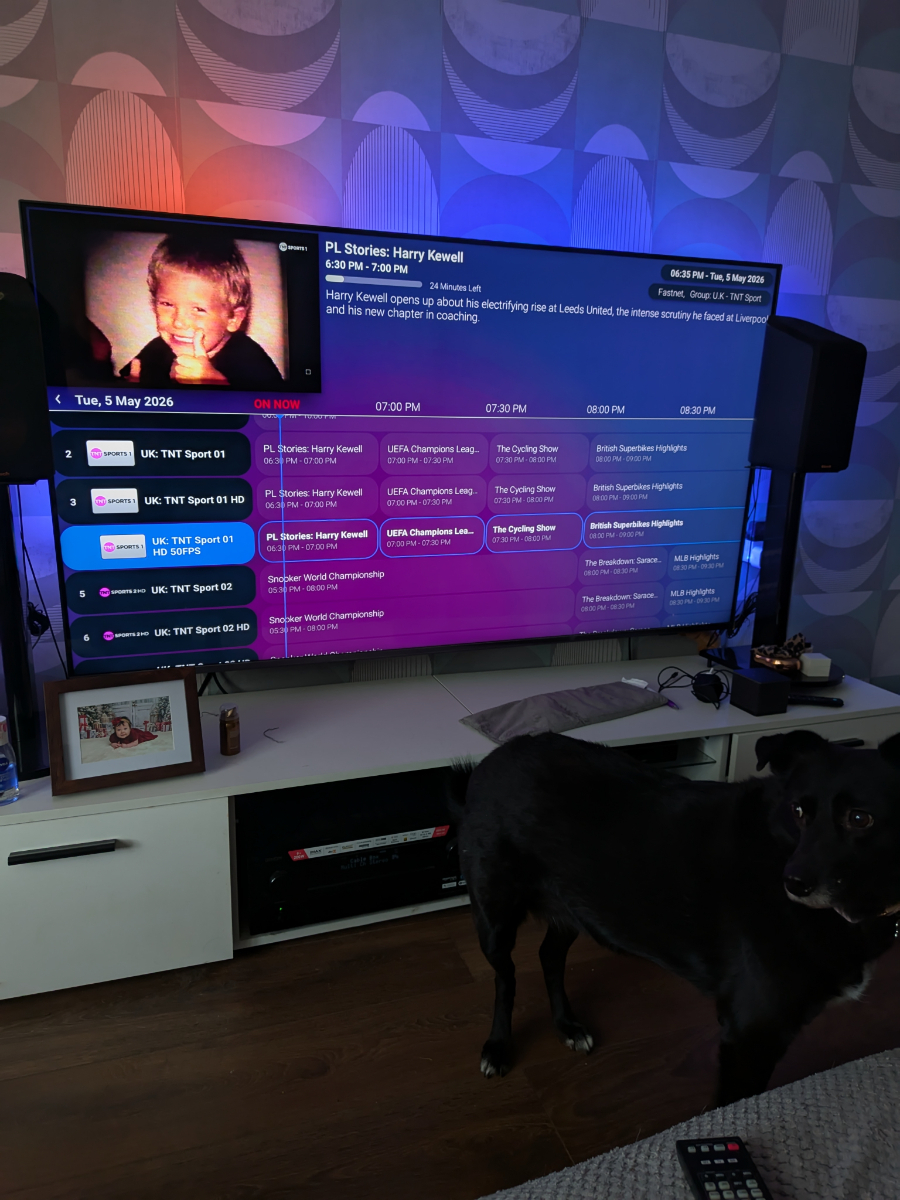
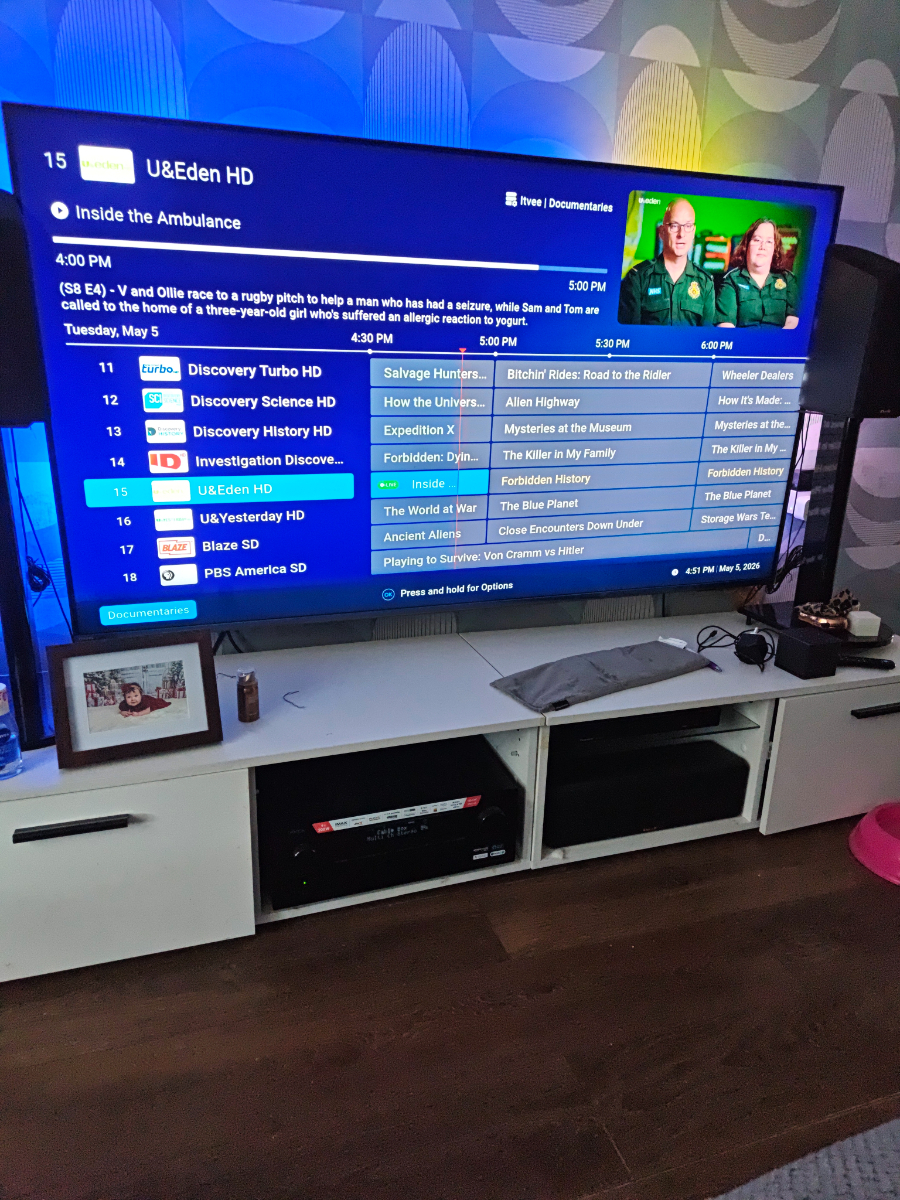
I have since found out how to change categories in this view by holding ok button it brings up a sub menu with categories. Would be better if there was an option in epg to change view and lock it like that and just hit back arrow to go back to categories etc. The themes are very basic would be nice if it was bit more modern..
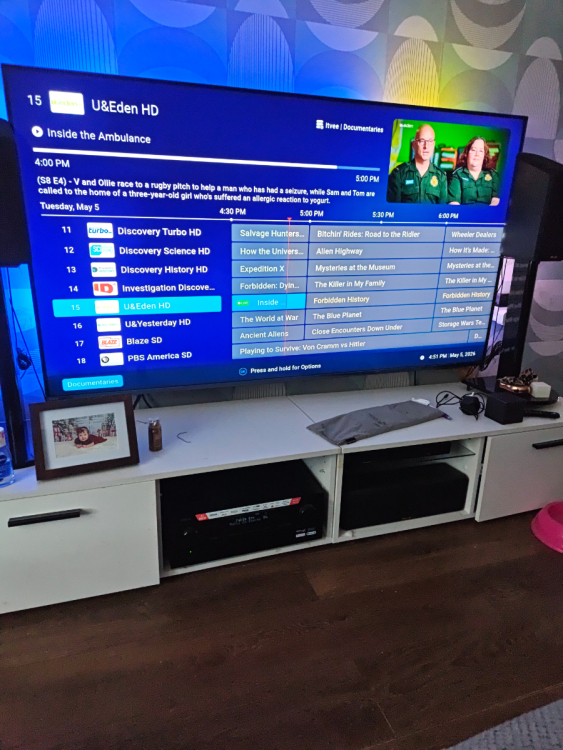
-
A ok not menu button on remote control...Yeah I found this main menu option and if your hit blue button while hovering over EPG it brings up this. This is the way I would like the EPG to hold but does not if you hit left you go back to regular epg