nbs.
Members
-
Joined
-
Last visited
Everything posted by nbs.
-
That's not what he said
-
What buzz version are you at?
-
Thanks for reporting
-
he should be here tomorrow afternoon
-
I asked you to pm all your info to allaboutbuzz He is the buzz dev
-
why not wait till tomorrow for them to fix it?
-
As i mentioned already there is no beta anymore To update buzz5 software you hit menu button,,settings ,check update
-
maybe you dont know how to update the buzz 5 software
-
its not beta anymore
-
Pm allaboutbuzz with all your info
-
I don't know of any firmware updates that have gone out recently Hit the menu button and post what buzz version you have
-
Hit the menu button ,update buzz 5 there
-
And you have tried both players?
-
The bt 300 and 400 are the same
-
Wtf does it matter exactly how many? The people with the June file will obviously post here as they are directed to.
-
Does anything happen if you hit back button or home button on remote?
-
Then go-to the downloads as instructed
-
Click on the file name It should take you to the 4000 file If not click on the 3 bars ,then downloads and find the file for the 4000 The three bars are at top rightvof page
-
Click on the file name It should take you to the 4000 file If not click on the 3 bars ,then downloads and find the file for the 4000
-
Try another pin reset too
-
-
Tired Maestro? Meant a reset
-
Nothing on the 4900 I'll be hooking up the android 11 tomorrow and see
-
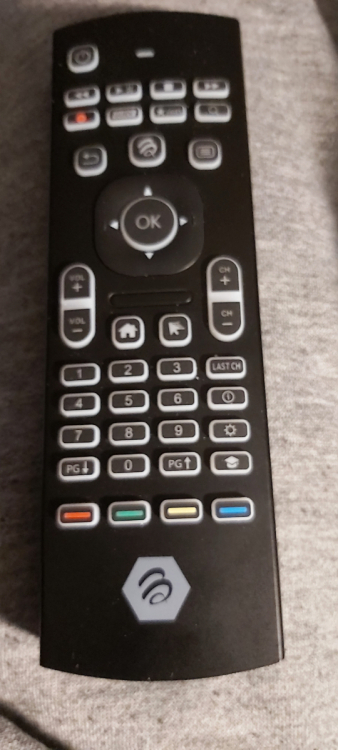
There already is a page up/down Still trying to figure out what the hat is. .,.lol
-
I've noticed channel up/down doesn't work in full guide It works as page up/down. You still have the arrows around the ok button to go up/down one channel