nbs.
Members
-
Joined
-
Last visited
Everything posted by nbs.
-
Yes I am
-
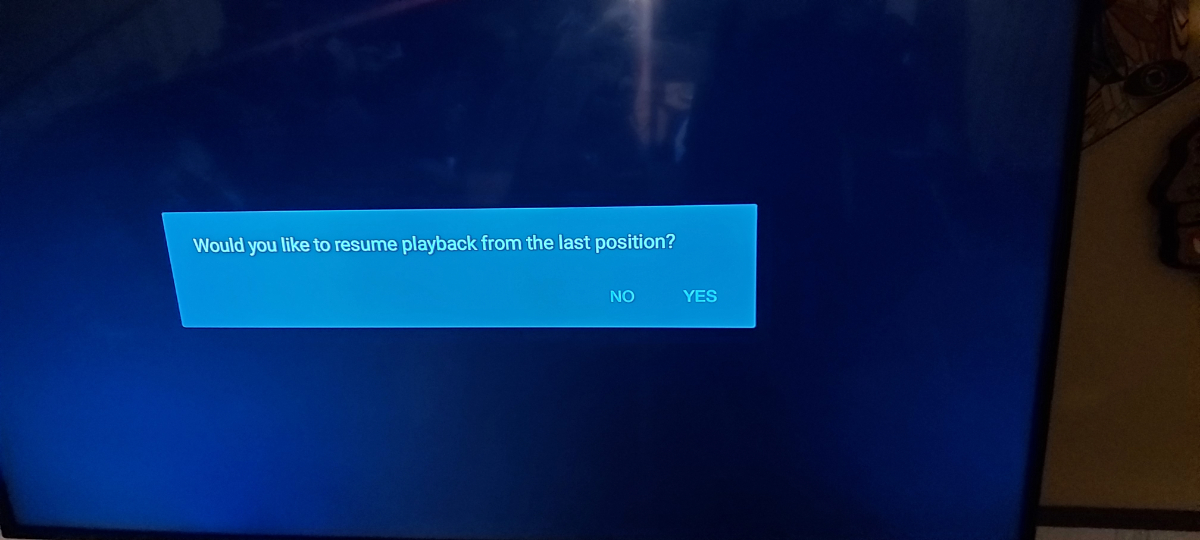
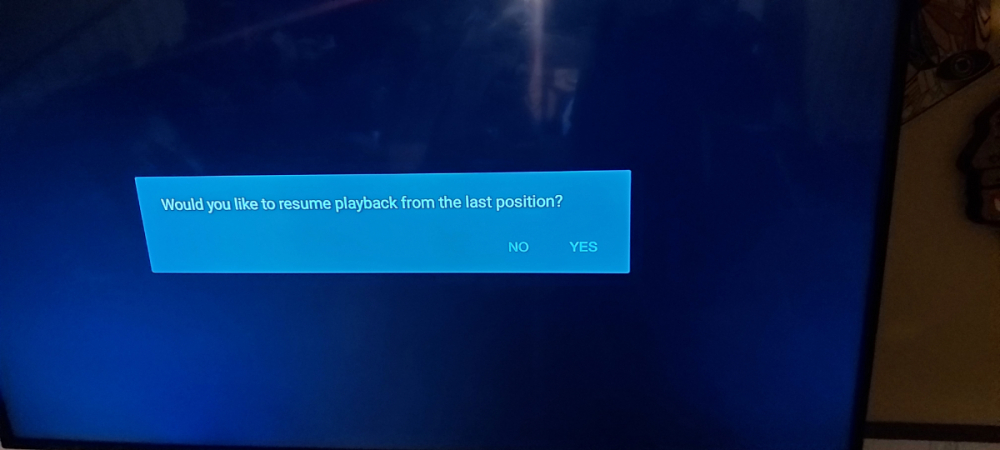
I have no issues with ff and I get the attached message when going back to recording
-
Vlc is an external player which can be used in buzz 5
-
Did you try both players?
-
Have you cleared cache? Closed running applications?
-
No once this update is done you will be able to update normally
-
You can't remove channels from list
-
What firmware do you have Did? Did you enter 2015 to get the firmware?*
-
After downloading it did you go to menu ,check updates? I know several people who loaded the file and it was 352
-
It's not beta anymore
-
Actually Buzz asked you why you were continuing with this issue on the forum
-
Actually he came to this site and said he didn't have an update
-
He says in his post how.
-
Send allaboutbuzz a pm with your mac addy and firmware version He'll add it to the update list He'll be here tomorrow
-
there is no backup feature yet you can change colour of guide menu settings config ,theme style you can organize your favs too
-
are you checking for update from home page? post the firmware it says when you check update
-
I would recommend you update to buzz 5 After checking for update enter 2015 on remote
-
Possibly but I doubt it There was a holiday last week too
-
Are you on buzz 4 or 5? Hit the menu button and post the info at bottom
-
Out-of 14 I know its fixed 12 Don't know what questions you are refering to
-
If there is anyone who is not letting it go its you!!! You have been given options.
-
You need to stop being such a drama queen They gave you an option to send it back and get it fixed No tv oh my God!!!!!!
-
So if you send it out and you get a working box back what's the issue? Despite your assumption that there are many (there isnt) how would you suggest buzz contact them?
-
The issue was caused by an outside source not notifying buzz of a security update The number of units with the June firmware is small under 100 and a fix was issued If the fix didn't work or the customer wasn't techy enough to do the fix an exchange is arranged. I think that is good service.
-
Have you tried the other player?