LINDA B
Members
-
Joined
-
You can ban me I don't care like I said I will manage. Maybe CRTC would like a copy of this Hmmmm
-
Dish idiot in my book you are a stupid entitled woke you don't know how to write don't need you for my issue I'll get it you think you are the only one on the internet who can fix these boxes issues??? Think again
-
OH YES FUCKTARD read the rules also retarded woke
-
First of all you should read your site's rules #4 and #5 and learn how to talk to people. We are not ALL genious like you I wonder who's the entitled here??? You can barred me I don't give a shit I will manage myself BY READING ya reading and learning myself isn't that what you always told people read before posting the good old dish years idiot mods who downtalk to people and they think they know everything
-
Why in the world do I have 2 member name anyway Emporium I just tried it with the settings changed in my router and I get a cannot connect to portal not working
-
Emporium I just changed my main router's DHCP server settings to 1.1.1.1 I found it following a Youtube video but when you mentioned to supply it to all DHCP requests downstream my vpn is not showing in this setting it's being fed the net by the main router and only the boxes are connected on the vpn route. I've attached 2 pics for you this is a little out of my scope but willing to work on it to keep my stuff private and my provider out of the pic none of their business. Both routers are Linksys not sure what the vpn has Express Vpn load the firmware I think it's tomato Now will try connect the box again, please advice if all is fine thanks
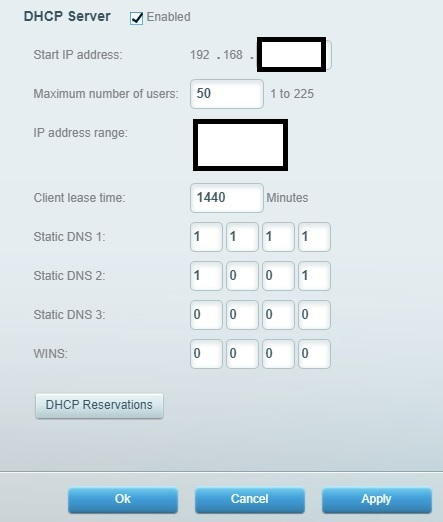
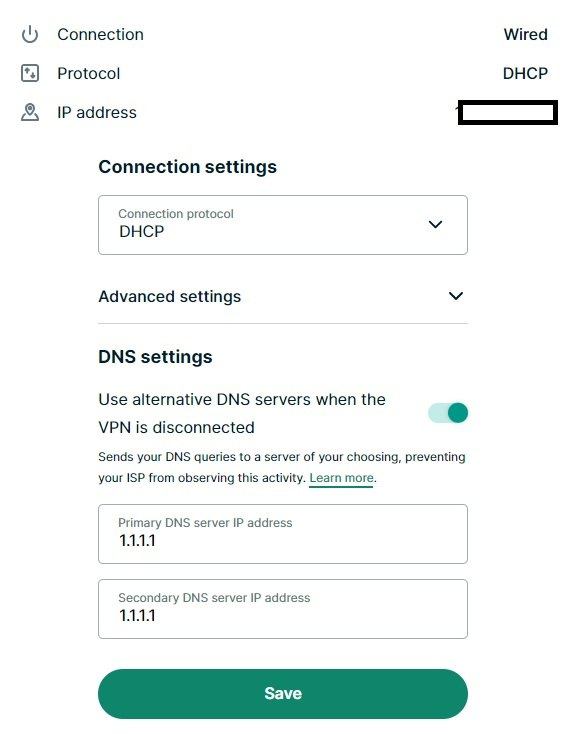
-
Maybe this could be useful for the others, somtimes when you buy a new box it might need more than 1 update to bring it up to date this is what happened to me my box is exactly like my other 64 my backup/restore option is showing up. My case is closed
-
Hang on might be my bad I forced it and it's updating again it may have needed more than 1 update. It's updating again will let it finish and come back to you and see if the backup/restore appears
-
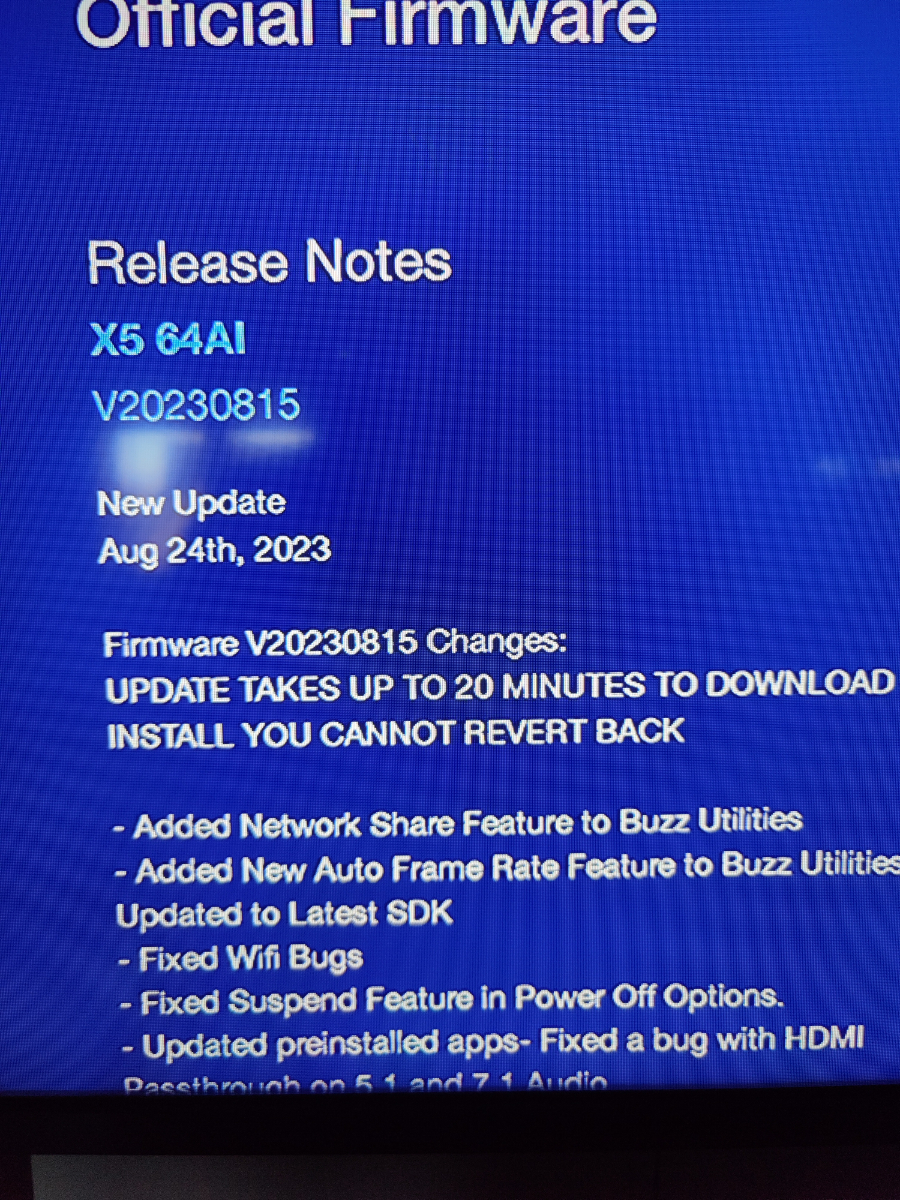
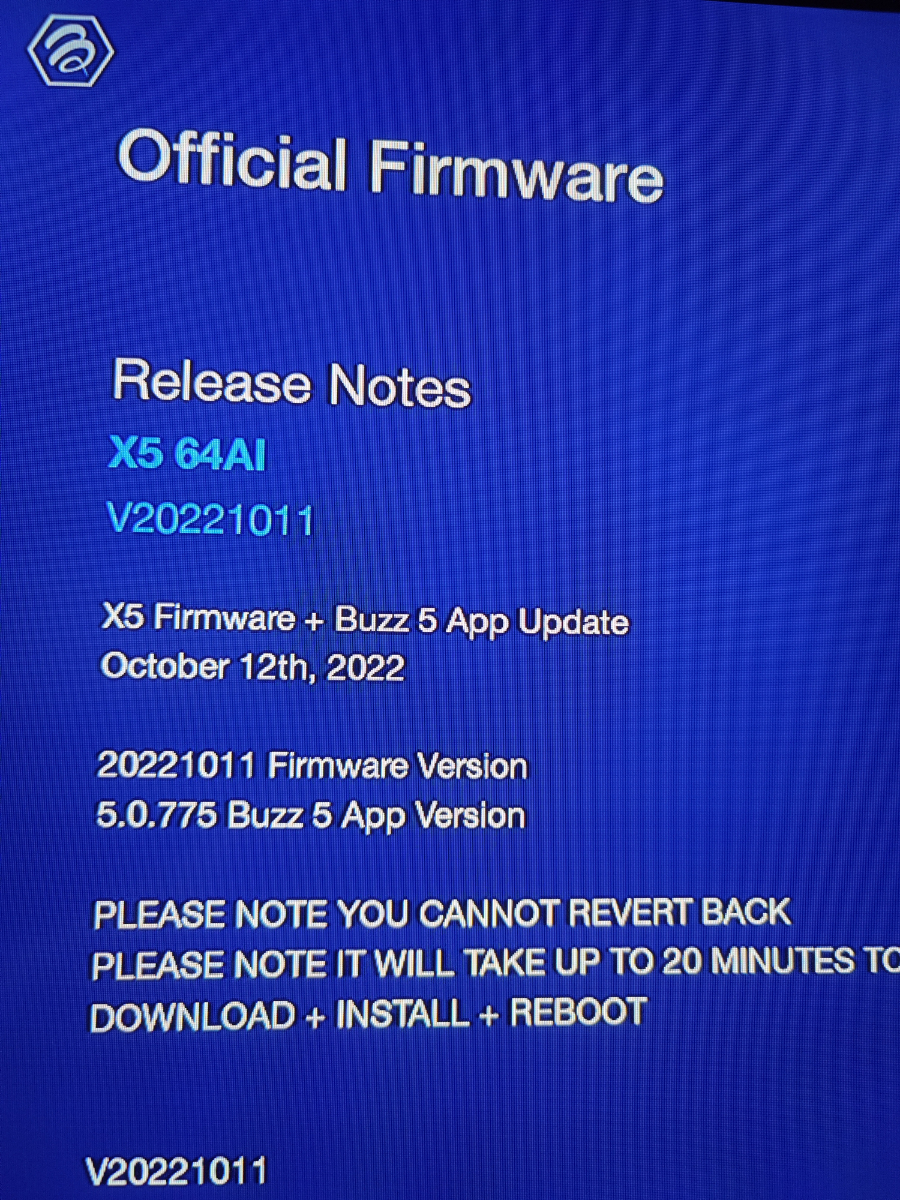
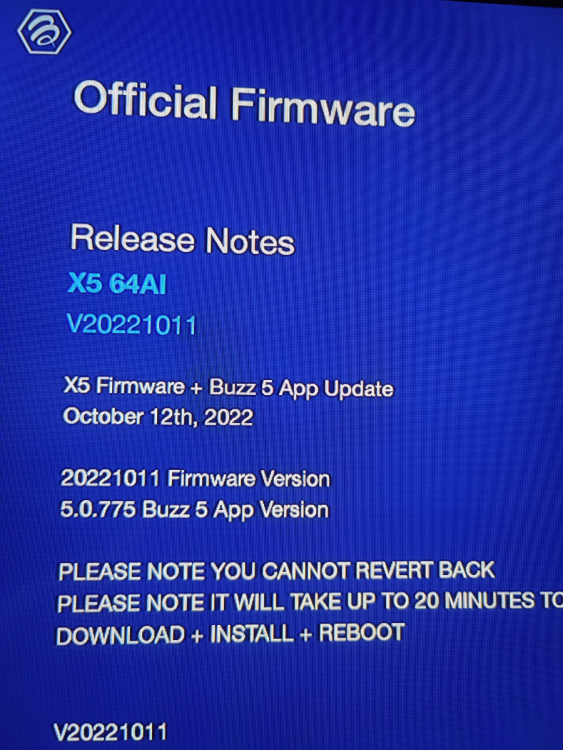
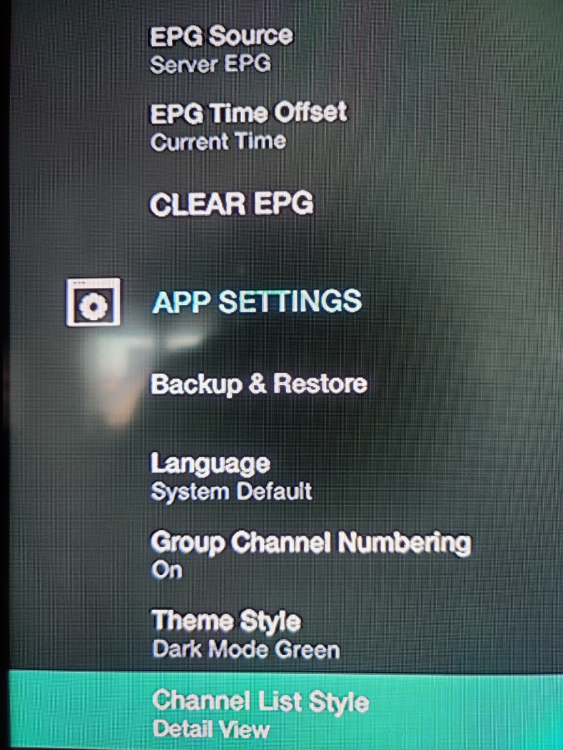
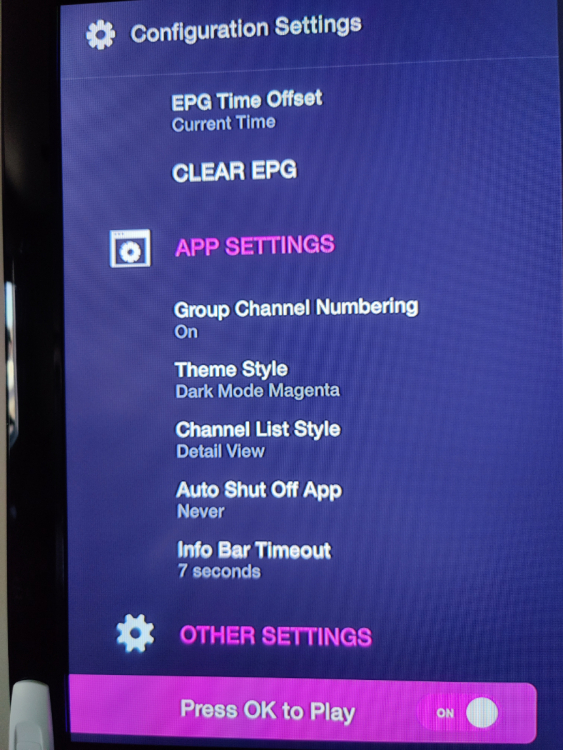
Here you go not sure what you meant by iptv software anyway I've added the settings platform firmware is not the same on both boxes but I just updated the newer one it's the one with the firmware dating 2022 (and just noticed that they are not the same)but how do I force it to update to the same firmware as the other? I just did an update and this is what it's giving me
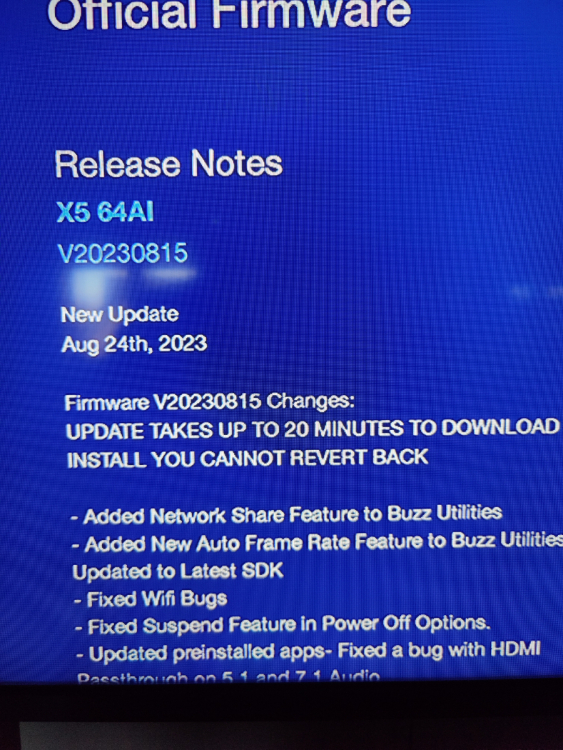
-
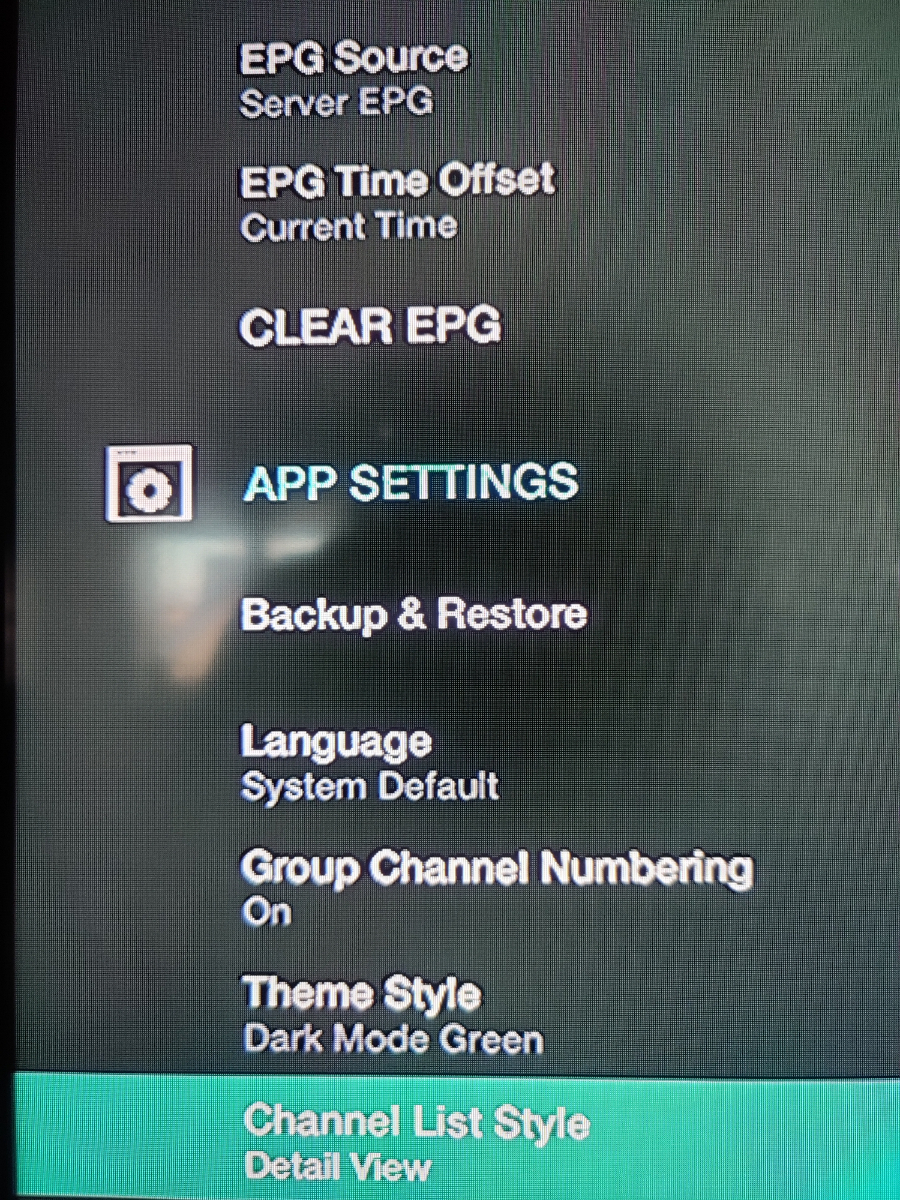
I have 2 64AI Buzz tv box one says buzz tv X5 Android OS 05x4-4GB DDR-64GB eMMC on the cardboard box and the other one says Buzz tv X5 64AI 4K UHD 4K-4GB RAM 64GB storage also on the black cardboard box. What's the difference between them because what I've seen the first one doesn't have a backup/restore option and the other one does. I thought they were the same. I just did an update on the first one the newer one (mentioned up top) and in the configuration settings app settings the backup & restore option is not showing up but it is on the second one which is 1 year older than the first one mentioned
-
Can't make a backup on an E1
-
I was sick and tired of screwing the dog with this box I did a hard reset but the downfall of this box there is no backup so I had to spend 1/2 a day again to re-add all my favorite channels in the order I want
-
I just did 107 times nothing still the same
-
Picture not showing up??
-
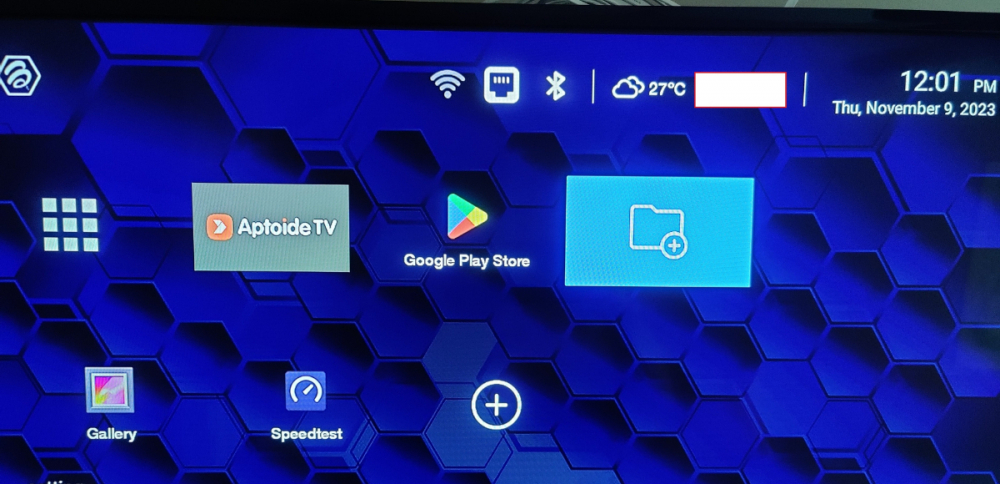
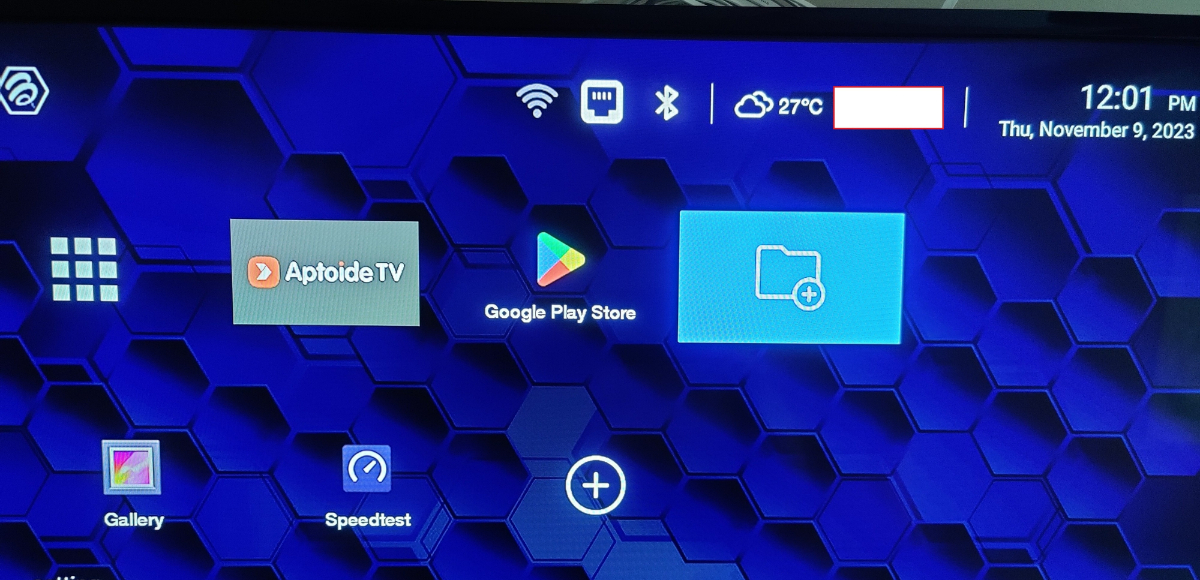
This is what I have on my tv