nbs.
Members
-
Joined
-
Last visited
Everything posted by nbs.
-
Can you turn wifi on or does it cycle before you can?
-
What firmware are you running? What buzz version are you on?
-
It's your choice to be on original firmware
-
Just checked suspend on mine Light went red ,no issues 783
-
Pm allaboutbuzz with your info.
-
As dishuser says scroll right You said earlier you were on modern
-
Can you scroll up to top of home page?
-
No it's not Click on the post
-
There is a fix for the x5 users with the June 24th firmware I can't give you the link from my phone sorry
-
What home screen are you using?
-
Post more info Hard wired, wifi?
-
I get the same dialog box but no issues
-
Then reset your box because the update works fine
-
Have you contacted your service and asked them to reset your mac?
-
That could be a server issue too
-
-
this thread is for the u5
-
Do you have another tv you could test it on?
-
-
4900 is not rooted same with all models
-
No buts it's a first step which might fix your issue
-
Most users are not having issues
-
I think you need to clear data or do a reset jmo
-
Need a few people to test this
-
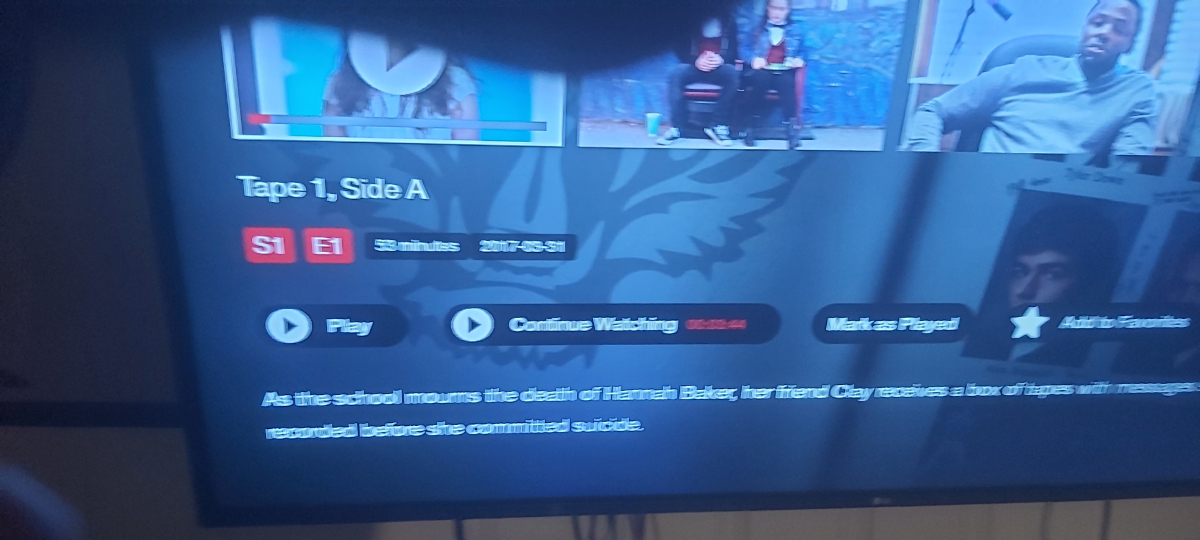
On tv series the continue watching is on the screen for TV series