nbs.
Members
-
Joined
-
Last visited
Everything posted by nbs.
-
Was wondering the same
-
I have not heard of this issue except for you on multiple forums
-
My vpn can block internet if not active. You can install servers using your laptop or phone ,don't know about multiple services
-
Backup and restore is already available on some boxes Which box do you have?
-
A hard reset is using a pin reset Copy the YouTube link A hard reset guide is there https://www.youtube.com/c/BuzzTVGlobal/videos
-
Your guy can't reimage your box. It doesn't work that way. You should do a hard reset and if that doesn't work do some troubleshooting bad cable ,power supply etc Guide here
-
its video player and you click on live tv after menu settings configand you have the option to change it Have you tested your service on another device?
-
If your provider isn't answering and it just stopped working its quite possible a server issue and you are pulling out your hair for no reason
-
What model buzz do you have?
-
-
Just look ,there have been changes to the player names
-
I must have tested a file for another setting and this was included
-
Menu ,settings, configuration There are two media players
-
Whats the issue?
-
This is on my 4900?
-
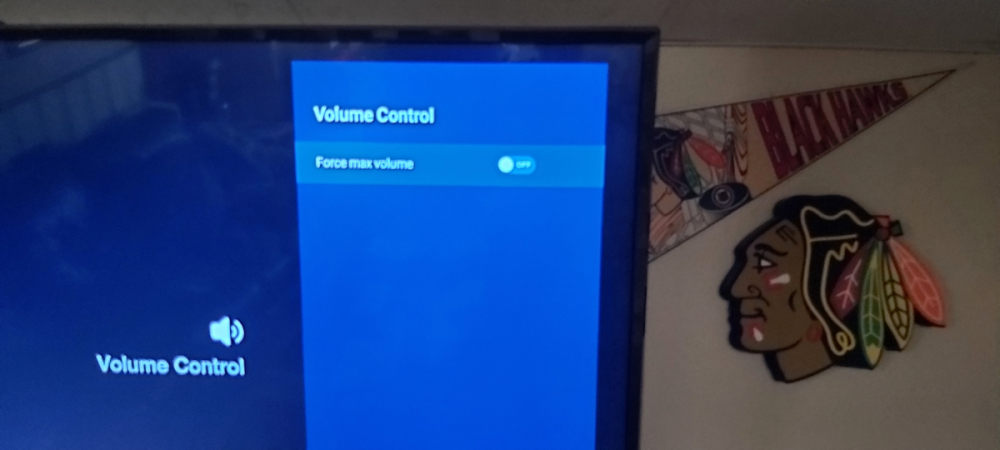
its in buzz utilities scroll right
-
Even though the issue is the same the reasons might be different Discussion of one receiver model should stay in that receiver forum It's too difficult to help multiple people in one thread which is why hijacking is frowned upon
-
After an hour you will have to unlock it with a password I believe
-
-
You could also install an app to test your service to confirm its not a server issue They have been known to BS
-
-
Have you tried both media players? Cleared cache in buzz 5 app? Closed running apps (hit home button twice quickly)?
-
You already have a thread going
-
Could be power supply, bad hdmi. Try clearing cache too Have you done a hard reset or soft?
-
Ryu?...lol