nbs.
Members
-
Joined
-
Last visited
Everything posted by nbs.
-
Everyone I know thinks customer service is top notch You have never posted having any issues before except for a 4500 issue six months ago
-
Reboot and try again If nothing works pm allaboutbuzz with your firmware version and mac addy
-
Switching to default player in settings will get you that channel
-
It's a bug which allaboutbuzz knows about Hitting green button and switching from disabled will go to black screen Issue will be fixed on monday
-
Change to default player
-
Then there is a bug that will need to get fixed Thanks for reporting
-
Pm allabout buzz with your mac id and issue He should be able to help you
-
no need to make multiple posts on same issue
-
have you tried display settings in the buzz?
-
Good to hear
-
Appreciate feedback but why in someone else's thread?
-
i think you will have to wait for a bug fix You can stop the message appearing by hitting app info on the pop up and turning notifications off
-
have you powere box off at all?
-
That service is restricted to certain geographic areas
-
Have you rebooted after the update?
-
Most likely your server What is message on screen when you try to connect to live tv? You could try a vpn but no guarantee
-
-
how do you know its not your service?
-
They are a number 0 00 1a 79 etc
-
Do you have the same issue when starting from off ?
-
It has been posted that it will be in the new buzz 5 software
-
Read the post above your last one
-
Hit menu button while in live tv and post what version of buzz sw you have Maybe allaboutbuzz might be able to help you
-
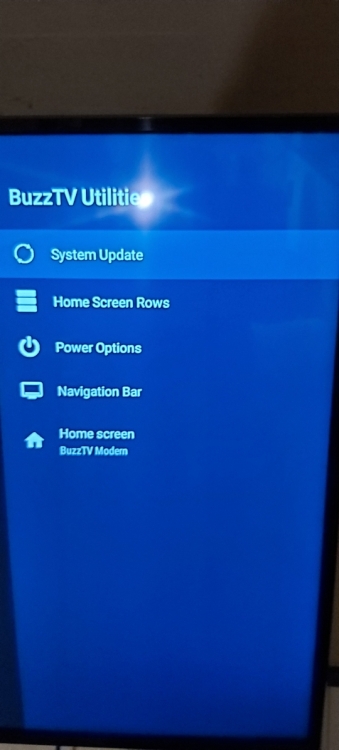
so you are saying home screen rows is not there?
-
reset your box Home screen rows should be there The reset might fix #1 also the weather widget has been fixed in buzztv modern in beta When the update is released you will be able to change it it works in the other home screens