Skip to content
View in the app

A better way to browse. Learn more.

BuzzTV Help

A full-screen app on your home screen with push notifications, badges and more.

To install this app on iOS and iPadOS
  1. Tap the Share icon in Safari
  2. Scroll the menu and tap Add to Home Screen.
  3. Tap Add in the top-right corner.
To install this app on Android
  1. Tap the 3-dot menu (⋮) in the top-right corner of the browser.
  2. Tap Add to Home screen or Install app.
  3. Confirm by tapping Install.

nbs.

Members
  • Joined

  • Last visited

Everything posted by nbs.

  1. nbs. replied to Jerry's topic in BuzzTV 5
    As dishuser stated buzz does more than m3u Why do you need to use app? Not possible to put box to sleep It only stops live tv at a user set time0
  2. nbs. replied to Jerry's topic in BuzzTV 5
    you cant remove system apps
  3. nbs. replied to ednash's topic in XRS4900
    the buzz arq100 has a air mouse and keyboard if you need
  4. nbs. replied to ednash's topic in XRS4900
    you wont find any box maker providing a guide on how to connect to a service you will find lots of guides using google and youtube
  5. Already been done
  6. I haven't seen any discussion about that being possible Allaboutbuzz will advise
  7. Could you do that before the update?
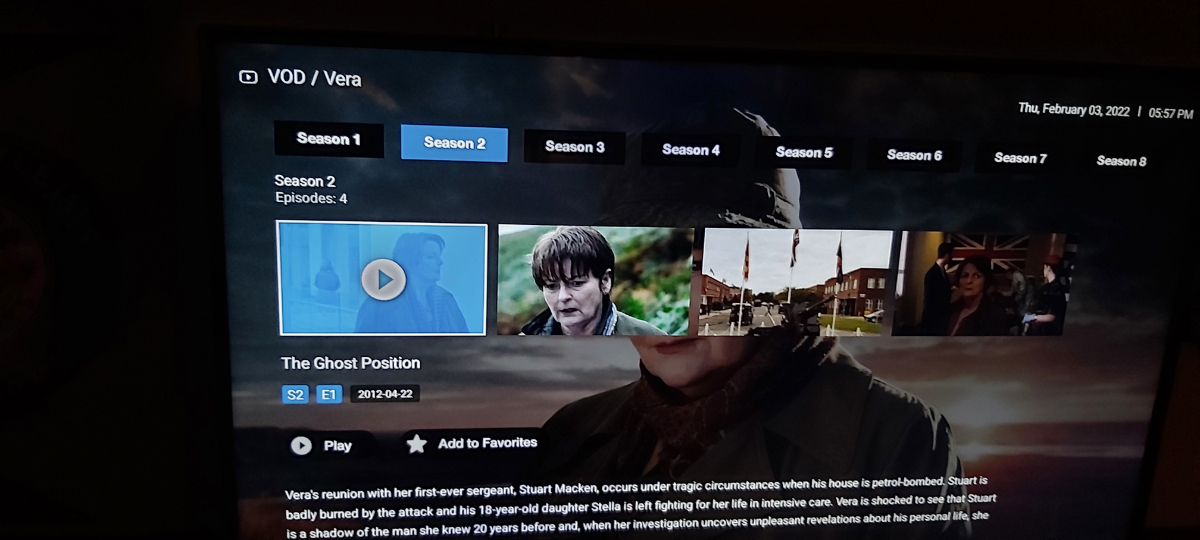
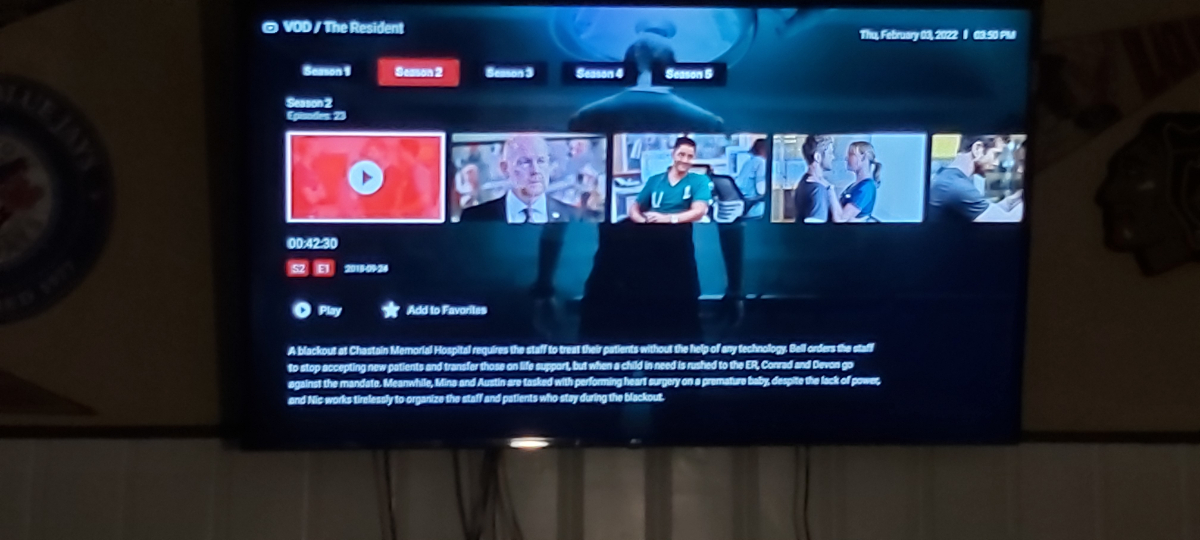
  8. Are you going into seasons? I posted a pic with dark red selected up a few posts
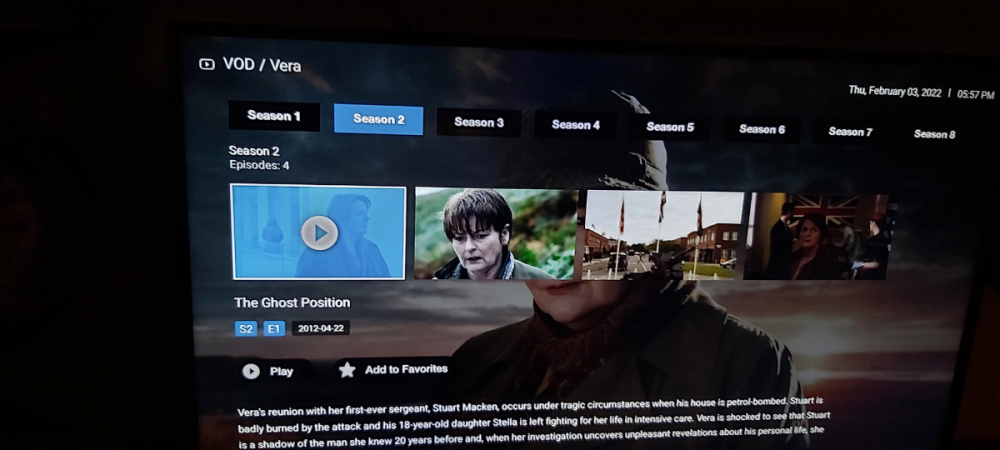
  9. Yes,he was discussing episodes
  10. Actually it does change the colour of the box that displays season/episode and the boxes
  11. In the meantime maybe change the background colour as I have no issues from 25 feet reading it
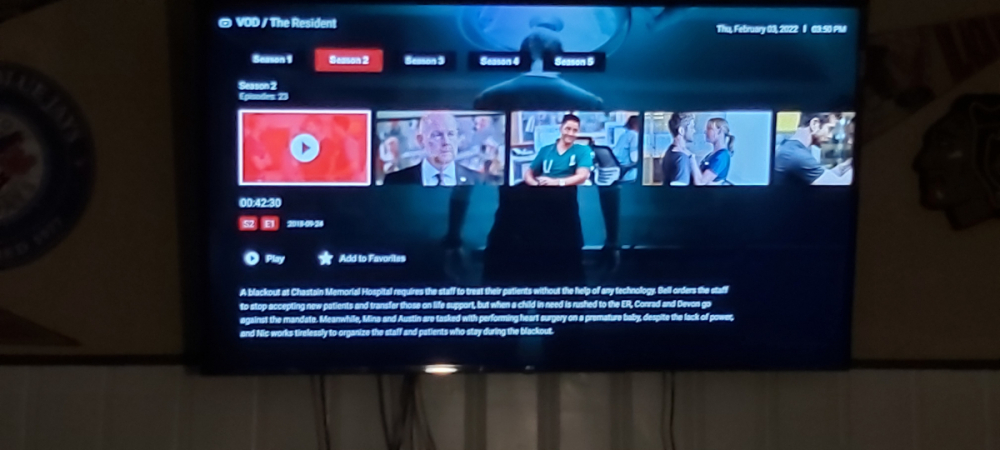
  12. Its been discussed before and I dont think its possible
  13. nbs. replied to gig63's topic in BuzzTV 5
    Buzz is aware of the issue
  14. When you are watching a movie hit green button
  15. have you tried the green button while watching
  16. nbs. replied to 225's topic in XRS4900
    buzz have to fix the issue ,its been posted about many times
  17. there probably isnt a way to get around it
  18. nbs. replied to Raees's topic in BuzzTV 5 beta
    Try setting it to shutdown
  19. nbs. replied to 225's topic in XRS4900
    Have you tried both media players? Menu settings,config
  20. nbs. replied to Zkadoura's topic in BuzzTV 5
    or you have two subs
  21. nbs. replied to Zkadoura's topic in BuzzTV 5
    Yes ,you have mentioned it multiple times
  22. I just meant a normal reboot using power button Glad it's worked out
  23. i had that happen a few times Pm allaboutbuzz with your server id did you reboot a couple of times? sometimes that helps
  24. nbs. replied to Normski's topic in XPL3900
    maybe your service made some changes. It happens
  25. You said you were worried about your portal info???

Account

Navigation

Search

Search

Configure browser push notifications

Chrome (Android)
  1. Tap the lock icon next to the address bar.
  2. Tap Permissions → Notifications.
  3. Adjust your preference.
Chrome (Desktop)
  1. Click the padlock icon in the address bar.
  2. Select Site settings.
  3. Find Notifications and adjust your preference.