nbs.
Members
-
Joined
-
Last visited
Everything posted by nbs.
-
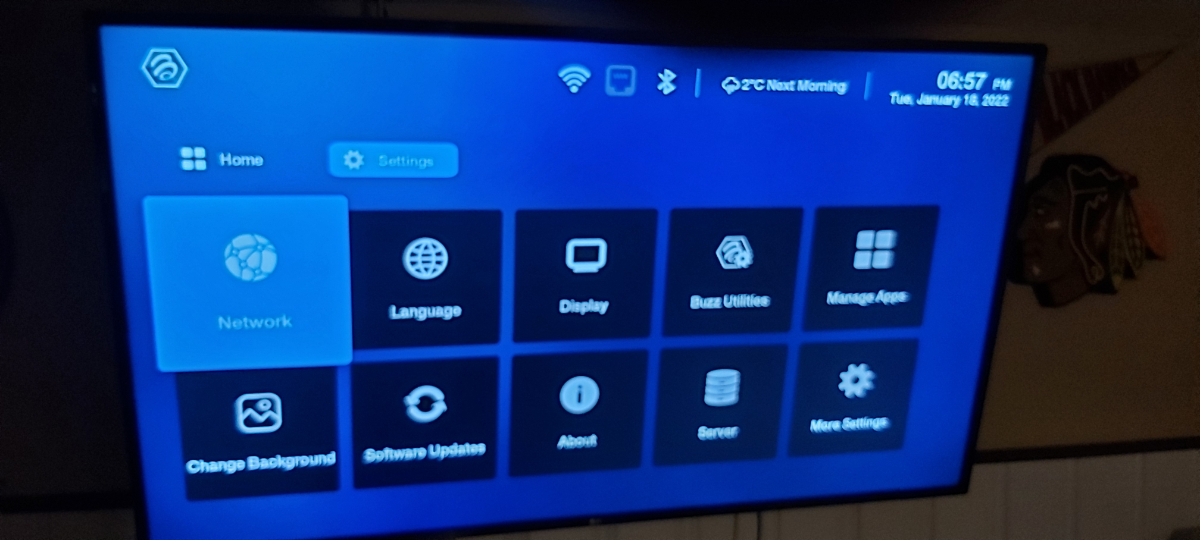
Using the right arrow scroll right and keep going past chrome
-
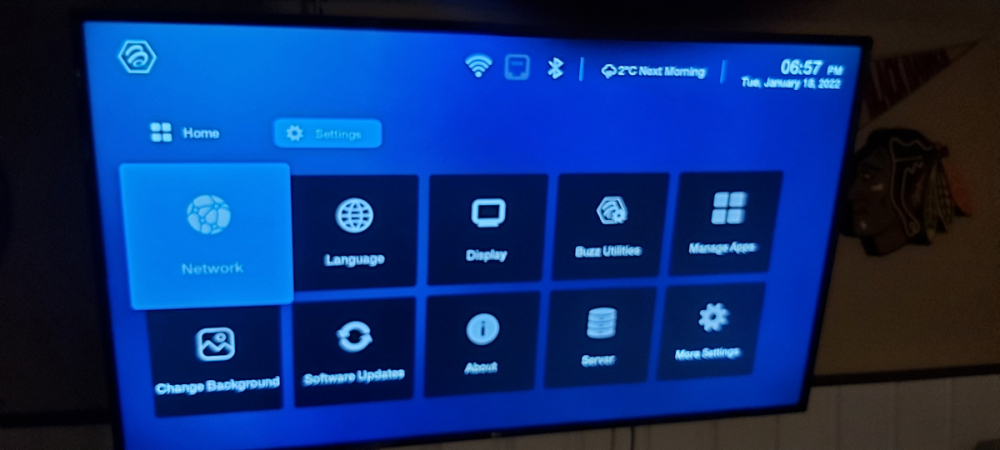
Using the right arrow go past chrome and another page opens up
-
my update isnt available yet
-
ill update mine tonight and see if i have same issue
-
So when you use the up arrow to highlight the settings icon nothing happens? Try the mouse?
-
have you unplugged and plugged back in?
-
-
Ask your service to reset your mac
-
-
read the post above yours
-
you need to contact your service to reset your mac
-
No there isnt
-
if you havnt done a hard reset do one
-
I have had mac addys that had to be removed and added back to server to work I could have easily taken video of your server working with your trial You doubt my word that it worked??? So you did a soft or hard reset I would do a hard reset if I were you
-
You still haven't said that you did a reset
-
you have a 4500?
-
mine backed it up
-
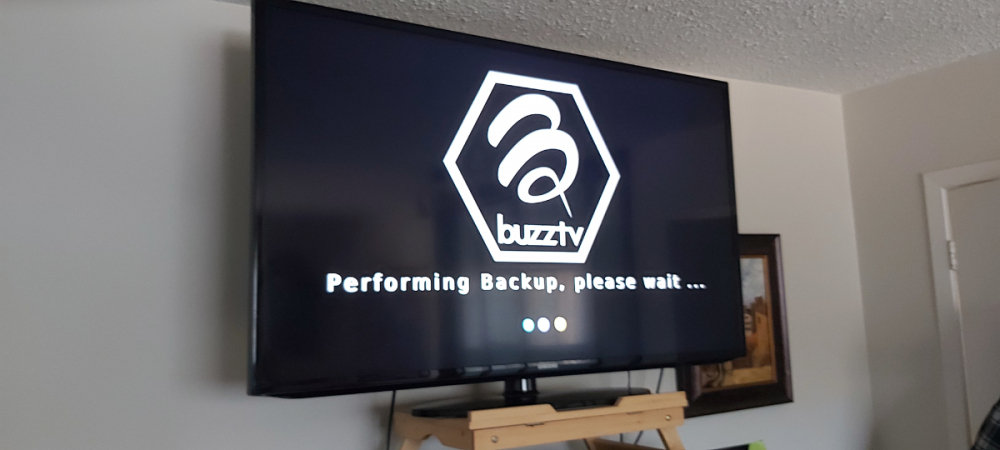
Just tried backup on mine to USB ,seems to be working
-
I just organized favs and moved them around with no issues. You might want to consider a reset
-
but the same server works for me
-
But that server works for me and one other person with no issues??
-
-
Read his last post https://stbtalk.com/index.php?/profile/200-allaboutbuzz/
-
Not enough info I could list a dozen reasons
-
You have already posted that 7leaves Did you follow up with what I said?