Benfica
Members
-
Joined
-
Last visited
-
I tried as u said.....woke up in the morning and still have access to play store ....cool Hopefully helps ....thanks
-
Will try once i can and tell u guys
-
The weird thing is.....today shows fine again....
-
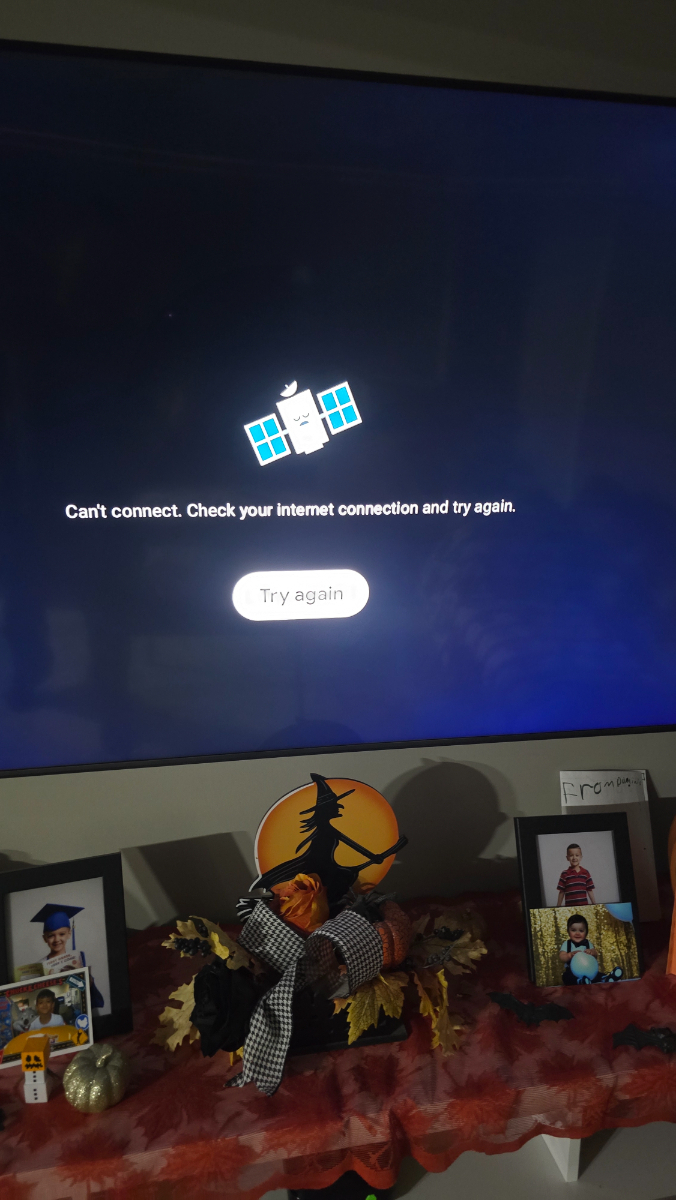
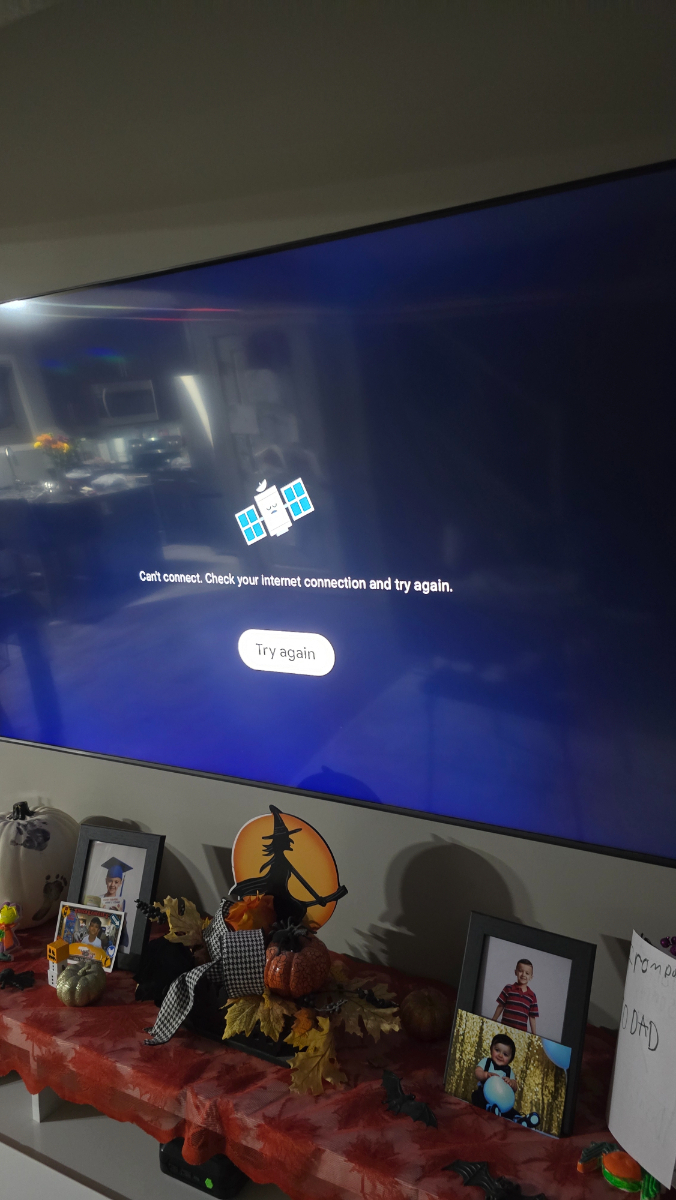
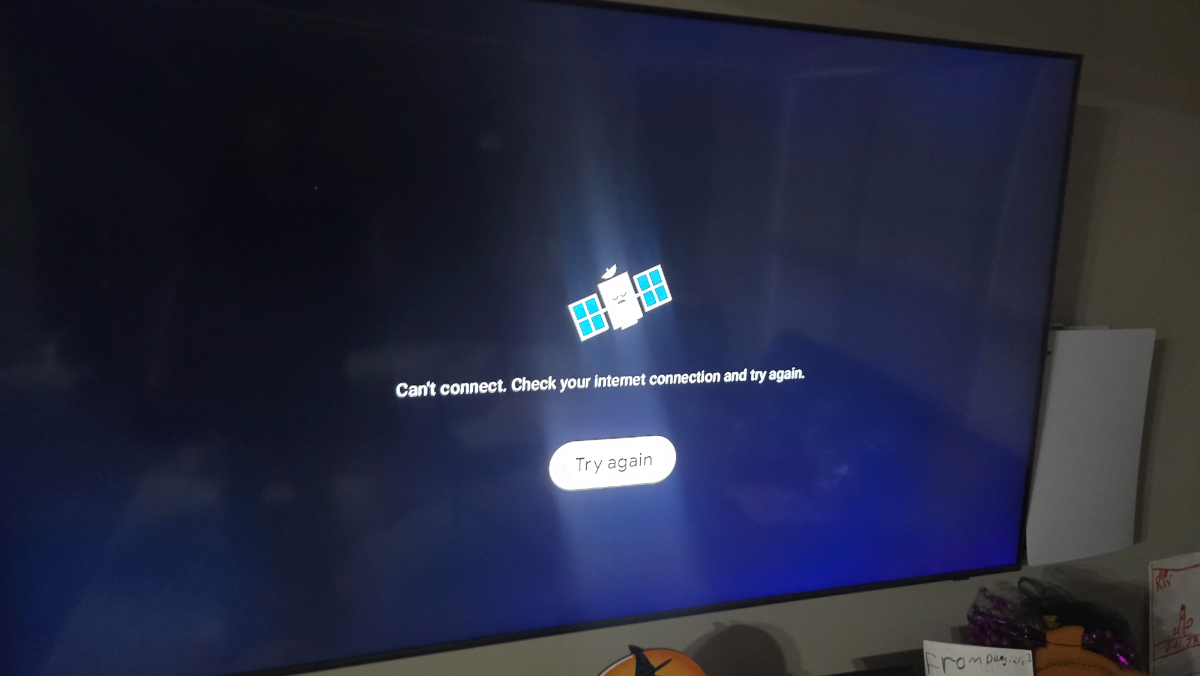
Im conected wire No wifi....ive rebooted again and still same message... soo weird....dont wana hard reset...yet Just in case...
-
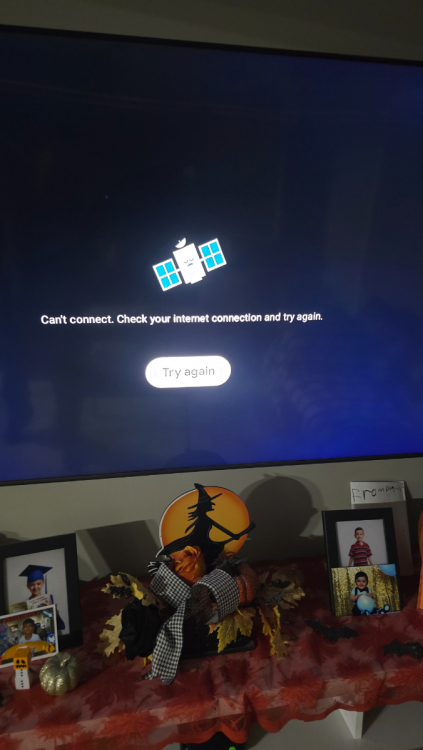
Yes. Did it both procedures, first with remote with no result then i unplugged to see if would change anything and stayed the same.....not good 😞
-
Yes....no results.....:(
-
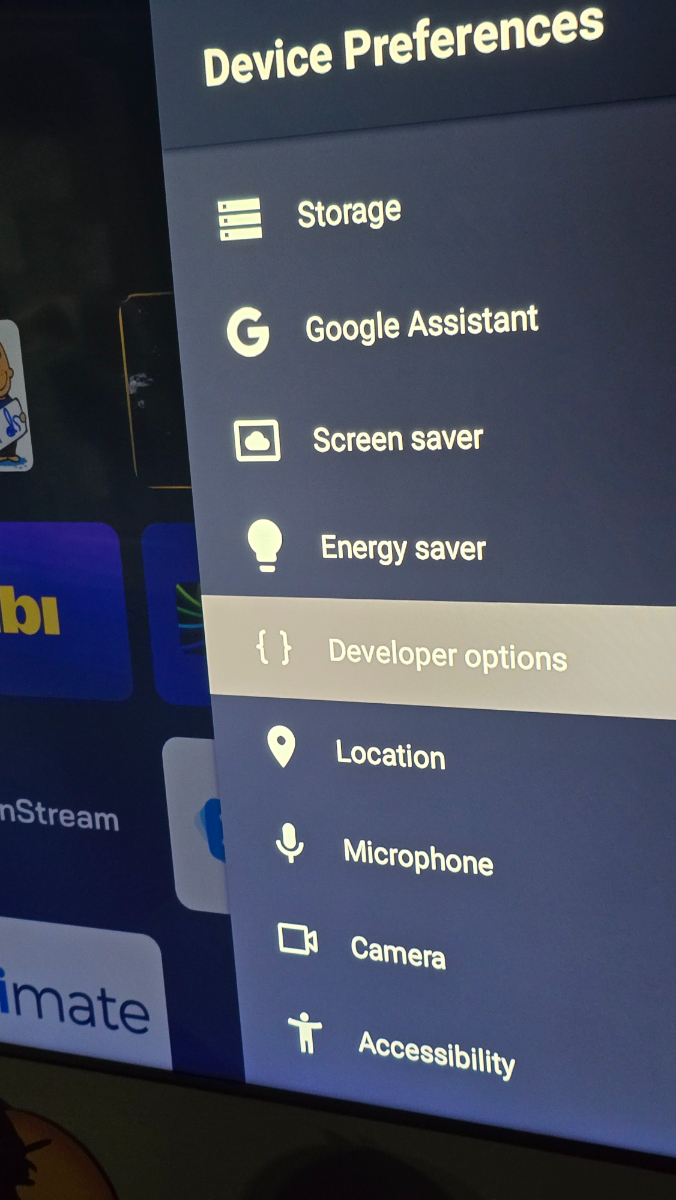
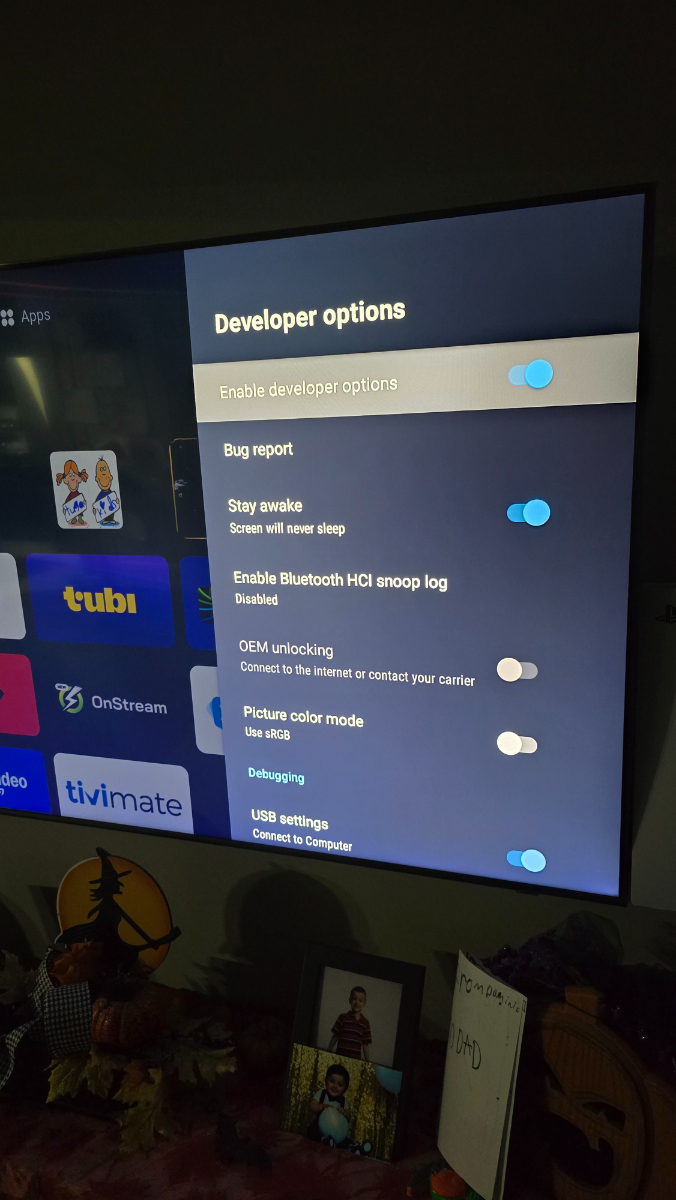
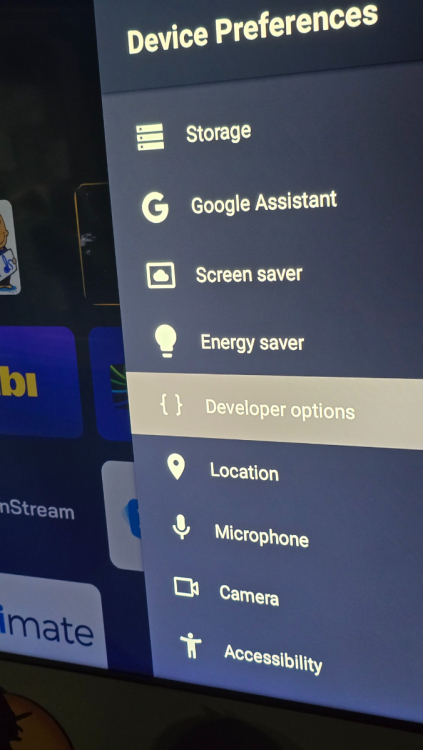
So as u said....i tried it todays and its there again, not good. Did as u said, still message didnt change... i am a developer is on and stay awake also on....
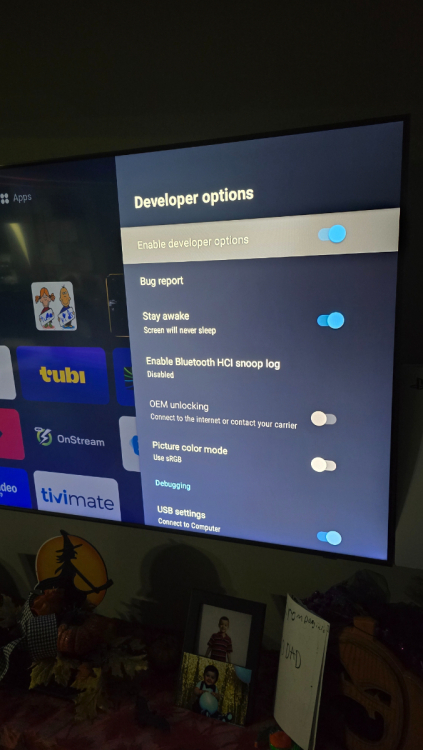
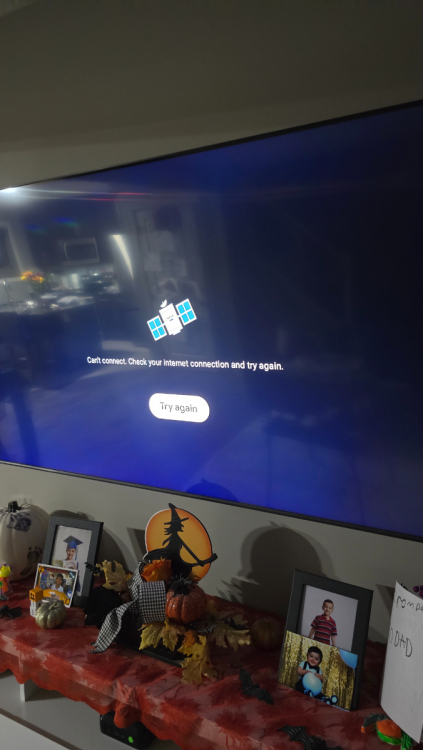
-
Last nite i didnt touch it caus my son was on it watchin a movie....so now in the morning i was going to try as you say....but somehow now google play store is available weird ....
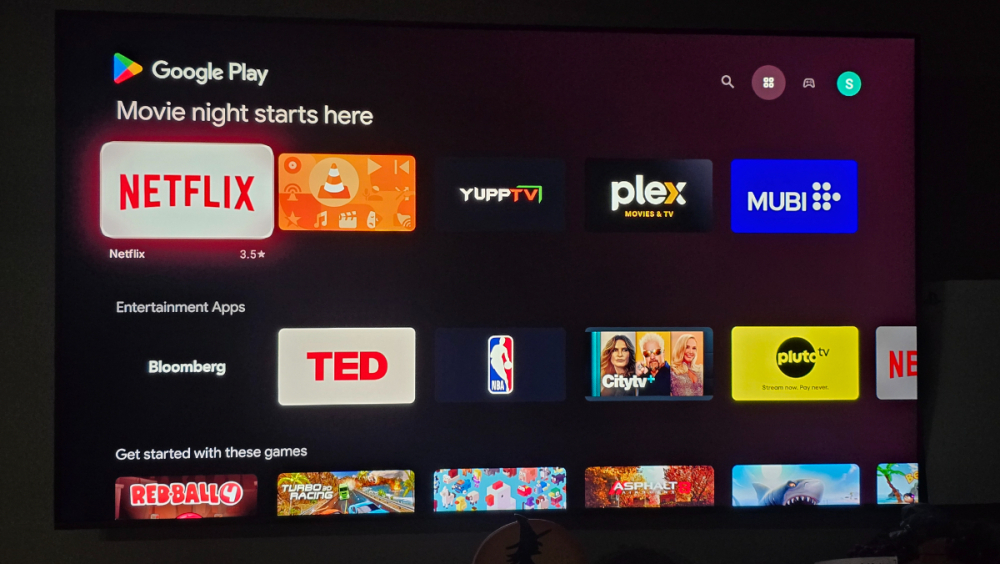
-
Will try it out....thanks
-
I tried finding developer options as other member says to give it a try....cant find it...i tried clearing cache, force stop, what else u guys recomend ? Thanks
-
Can u elaborate what u did please I am having same issue Google store ....
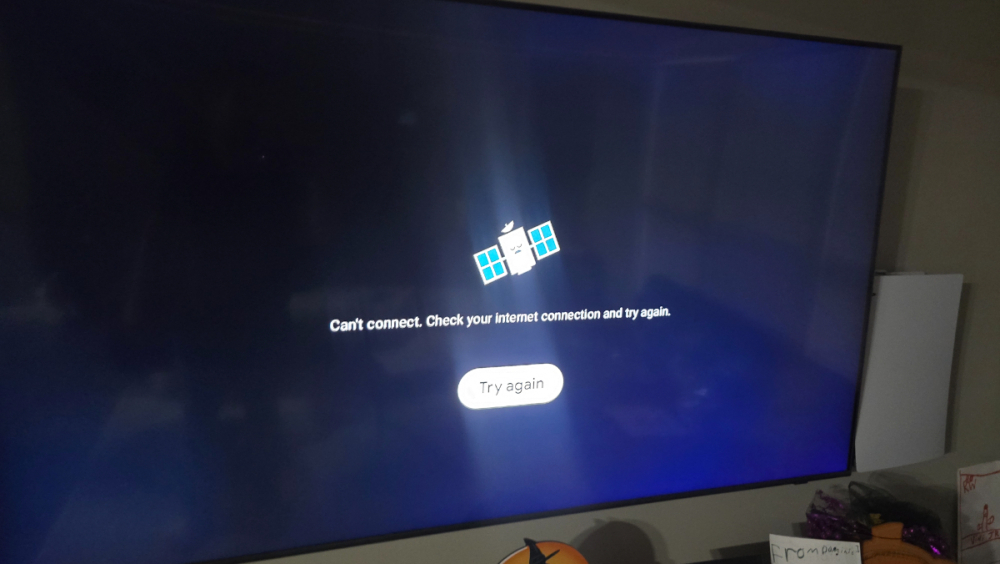
-
Sorry...lack of sleep....
-
Guys it worked now....thank you BuzzTeam .....once again TOP
-
Will test soon....on my way home from work 👍
-
Yes ....was this morning Message poped for update....