nbs.
Members
-
Joined
-
Last visited
Everything posted by nbs.
-
did you do a pin reset?
-
Where did anyone say to download an app to make the box work? Someone did ask if the recording worked with vlc and another app That was to troubleshoot the recording issue
-
-
Those are media players available on aptoid TV or Google playstore
-
-
-
You get spinning circle when a stream is down too , not just speed
-
-
Is the spinning circle on your screen? Or just black?
-
-
If adding favourites back is such a hassle learn how to use backup and restore. The file works fine. It might be a buzz/!server issue that is causing this You can do one more thing first and that's a pin reset
-
You sure it's not a server issue?
-
since the remote is also an ir it should work fine Does it turn unit on and off? does it work ok?
-
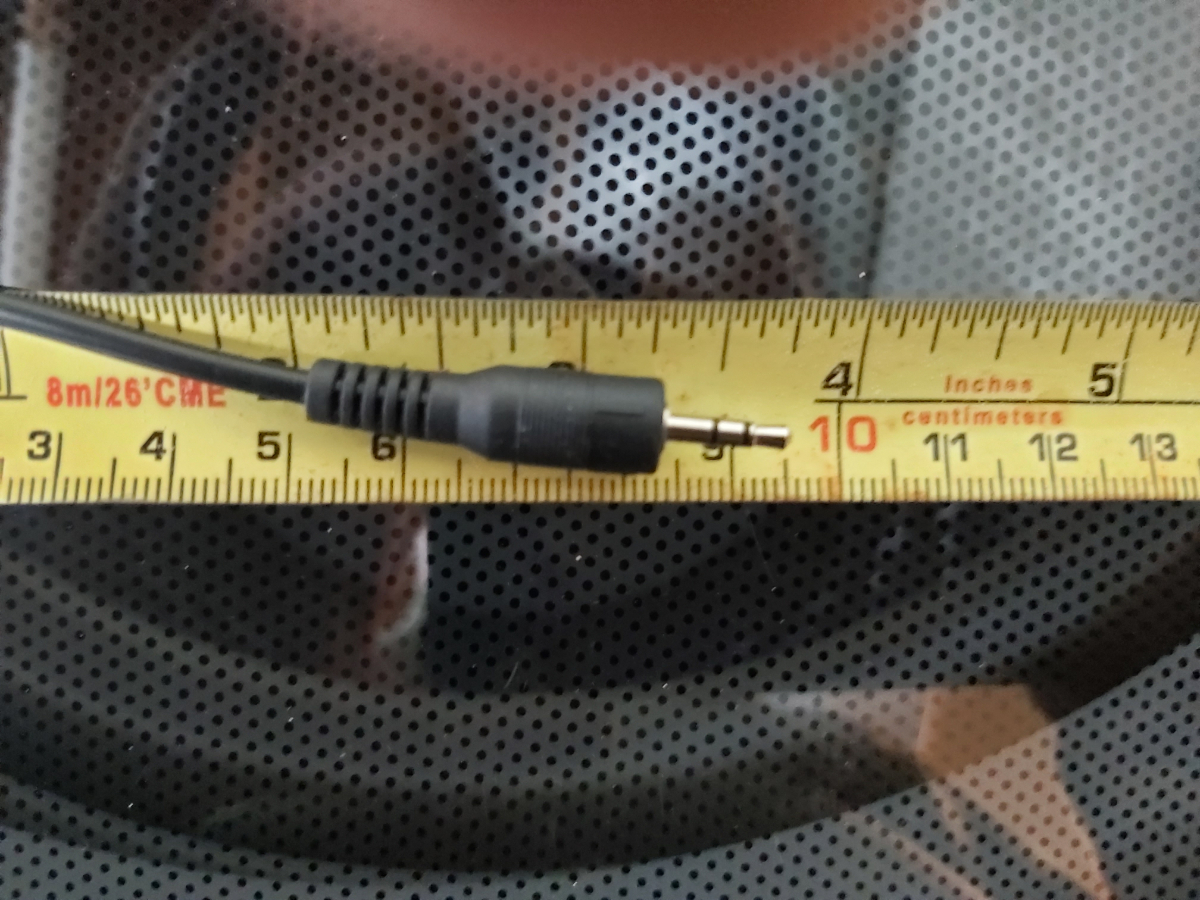
thats unusual I would try again what about the ir cable?
-
did you email buzz about the issue? Do you have your ir cable plugged in?
-
Do a hard reset
-
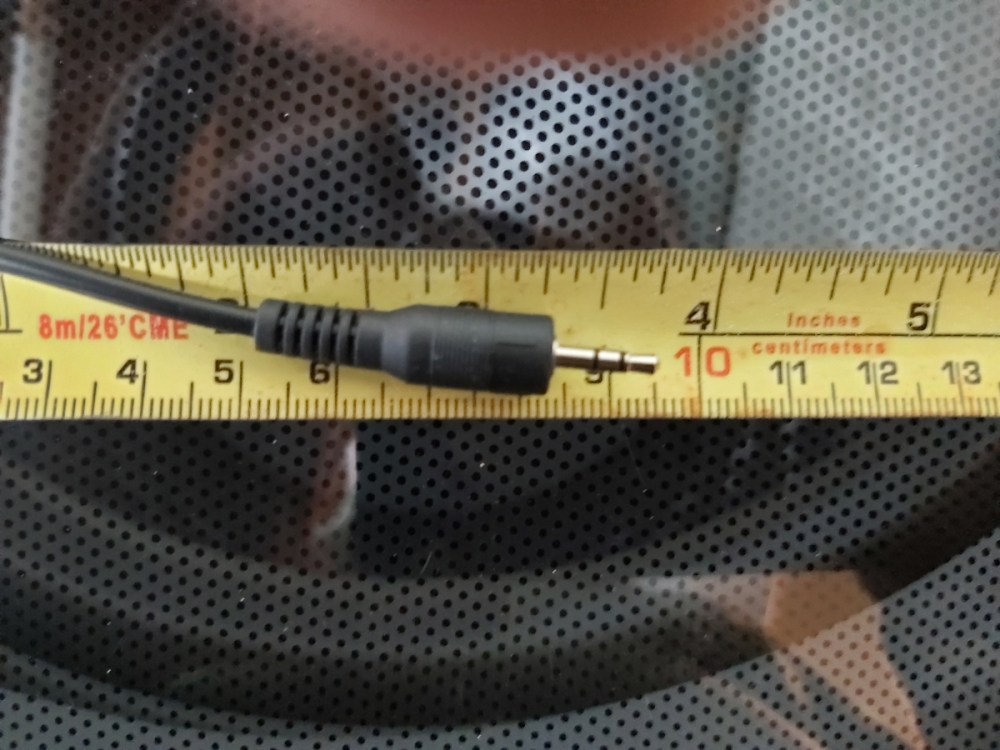
I had a batch of 10 and one of the holes was very tight and I had to push it in
-
compare this one to yours
-
All 4 are the same?
-
https://buzztvglobal.com/collections/buzztv-boxes/products/buzztv-xrs-4900-ultra-hd-iptv-box-free-usa-canada-wide-shipping
-
Male end of a toothpick?
-
Might be an issue with the update server You'll have to wait for allaboutbuzz to verify
-
not a lot of difference ,its mostly to do with subtitles and a few other features
-
If you have tried different cables and it's still doing it I would suggest a hard reset
-
Get yourself a micro sd card 256 g for under 20 bucks