Skip to content
View in the app

A better way to browse. Learn more.

BuzzTV Help

A full-screen app on your home screen with push notifications, badges and more.

To install this app on iOS and iPadOS
  1. Tap the Share icon in Safari
  2. Scroll the menu and tap Add to Home Screen.
  3. Tap Add in the top-right corner.
To install this app on Android
  1. Tap the 3-dot menu (⋮) in the top-right corner of the browser.
  2. Tap Add to Home screen or Install app.
  3. Confirm by tapping Install.

nbs.

Members
  • Joined

  • Last visited

Everything posted by nbs.

  1. nbs. replied to Rinny1's topic in XRS4900
    I can fast forward a recording
  2. nbs. replied to Rinny1's topic in XRS4900
    scheduled?one button? from guide? hard drive recording to internal? etc
  3. nbs. replied to maciejdziq's topic in XRS4900
    pm sent
  4. you watching a movie in vod? you tried both media players?
  5. Why are you quoting leafs His issue was fixed and it was a server issue
  6. considering allaboutbuzz is the one who does the patches would you not think he would need info to fix the issue?
  7. If its a hardware issue a patch wont fix it
  8. Mine works fine in Bluetooth mode
  9. The one you described as rubiks cube
  10. There are 4 different user layout that can be used Hit the square then you will see a settings icon there If you want to see the different layouts go to buzz tv utilities homescreen
  11. Are you using buzz classic? If so scroll over one more
  12. just want to confirm you selected wipe data/factory set?
  13. hit the home button on remote
  14. nbs. replied to Siddeley's topic in XRS4900
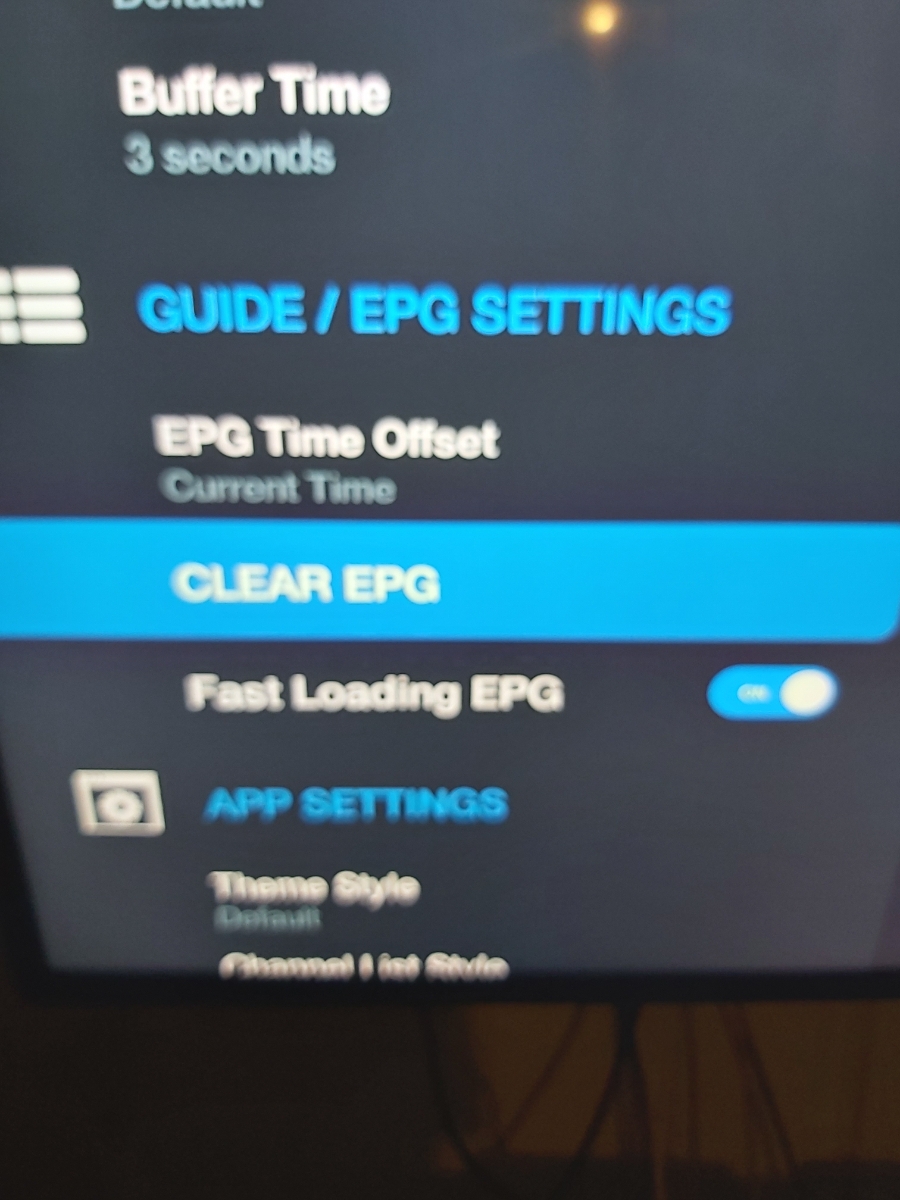
    do you have option for fast loading epg in menu configuration?
  15. Pm allaboutbuzz with your info
  16. When you bring up the android recovery screen did you select wpe/reset
  17. What are the options if you change power key to suspend?
  18. What are the options when you hold power button down?
  19. No there isnt
  20. nbs. replied to Siddeley's topic in XRS4900
    Good to know Thanks
  21. nbs. replied to Siddeley's topic in XRS4900
    it should be there
  22. nbs. replied to Siddeley's topic in XRS4900
    Hit menu button while in live tv

Account

Navigation

Search

Search

Configure browser push notifications

Chrome (Android)
  1. Tap the lock icon next to the address bar.
  2. Tap Permissions → Notifications.
  3. Adjust your preference.
Chrome (Desktop)
  1. Click the padlock icon in the address bar.
  2. Select Site settings.
  3. Find Notifications and adjust your preference.