maciejdziq
Members
-
Joined
-
Last visited
-
yes
-
hi
-
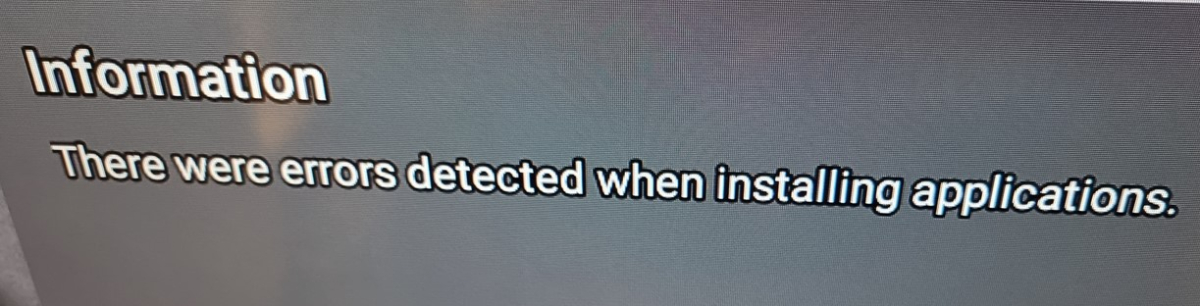
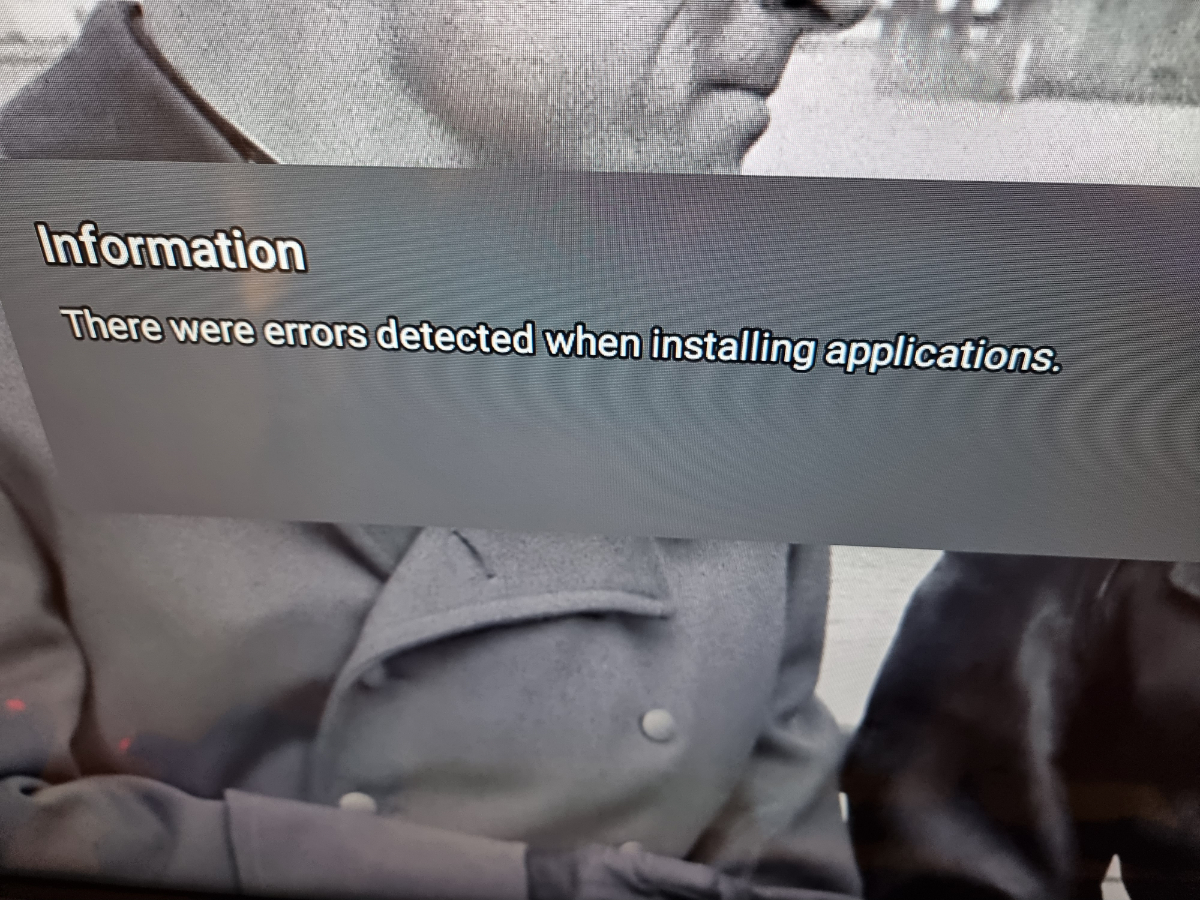
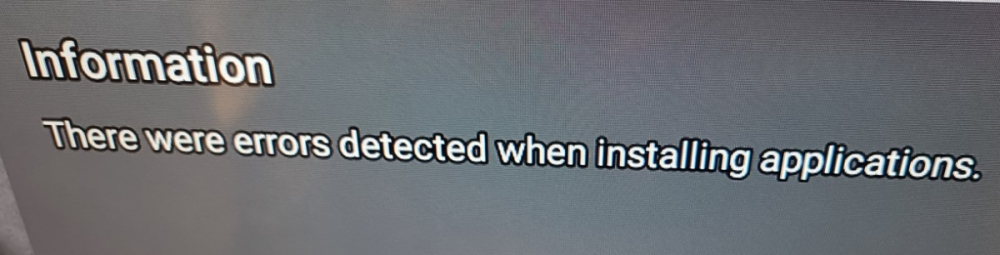
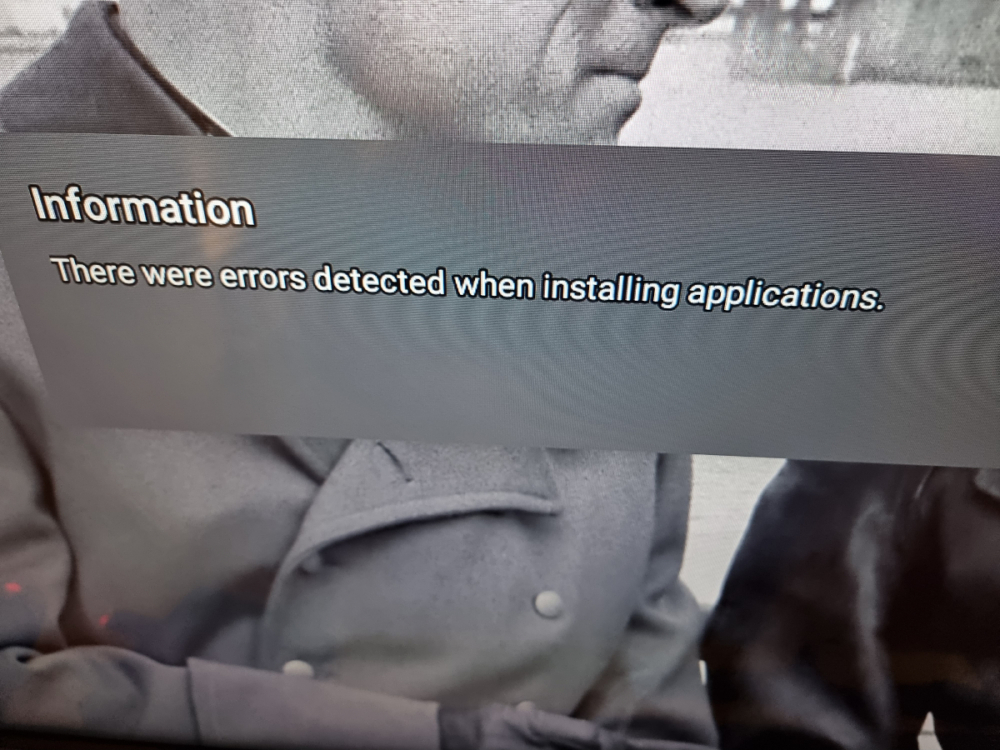
buzz tv stop working, after starting it loops this error. I only have the option to close the application, I can't check anything because I keep getting this error and I don't want to move on. after a few minutes of fiddling, it worked. firrmware : 20220923, iptv 5.0.790.
-
hi. I have some errors when I want to update can i ask the file to be updated manually?
-
-
yes, but can someone load the channel list remotely to my Buzztv5?
-
hi My TV provider loads the program list only for applications with MAC address , remotely. I really like BuzzTV5 and would not like to give it up and is it possible to load the program list using the mac address to BuzzTV5? Regards Maciej
-
sorry and thank you
-
20210227
-
hi my box does not want to update , where can I download the firmware maciejdziq
-
hi my box does not want to update , where can I download the firmware.
-
after sleep, tv does not start, so restart and do the same thing again in the ball, so I must always shut down
-
we need the function: after no activity (1h, 2h, 3h, 4h), turn off box
-
I meant that when I watch TV and I fall asleep, it will not turn off . can you set him not to suspend after a while, but to do it himself power off?
-
How to power off when i fall asleep ?