
Ryu
Members
-
Joined
-
Last visited
Everything posted by Ryu
-
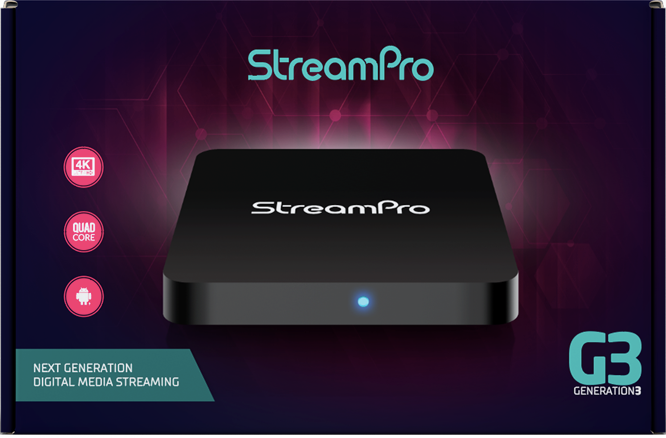
Specifications Processing: Operating System : Android OS 11 CPU : Amlogic S905X4 Quad-core 64bit Cortex-A55 GPU : Mali-G31 MP2 RAM : 4GB DDR4 Storage : 64GB eMMC Connectivity: WIFI : 2T/2R Dual Band LAN : 100/1000M BT : 5.0 USB2.0 : 1 USB3.0 : 1 Type C : Power Only MicroSD : 1 HDMI : 1 Optical Audio : 1 Dimensions: Height : 3 cm Length : 12 cm Width : 12 cm Package Contents: Classic Device BT-250 Remote Control HDMI Cable North American Power Supply 2 x AA Premium Batteries Quick Start Card
-
StreamPro G3 Specs Amlogic Quad Core Android 11 2GB RAM 16GB Memory Optical Output HDMI 2.0 Dual-Band 2x2 Wi-Fi Bluetooth 5.0 Power Supply 5V 2000mA. StreamPro App
-
im not sure if I understood you correctly, you mean you can not click select? if thats the case try using pc mouse to click and select.
-
adding external drive does does not help with ram. ram is built in and you can not expand. does not matter if you are hardwire and very close to router buffering could be due to server side or ISP side. try using vpn if possible and if using vpn then try without vpn.
-
google and friend 😞
-
did anybody said that they will get back to you with a response?
-
-
I dont think you can hide all anymore
-
who knows what server collects from your device like device id, IP address...etc to keep you safe from cloning your Mac. but whatever is I personally think its good thing since its very easy to find your credentials lol
-
I guess it might be due to security reasons from your tv provider which I would say is good thing just incase someone try to login with your credentials without your permission.
-
same here reset two units last night and no issue connecting all. reason for reset was having connectivity issue in friends house and later found it was his wifi6 new router causing issue. replaced with old router and no issues. 🙂
-
try to delete server and add a new and see what happens
-
if you have play button for films/vod and not for series then it must be server that dont have series anymore I think
-
-
you can use any mouse like air mouse, bluetooth mouse...etc
-
I have only 8 Mbps and most works fine for me
-
when you get home post all the info nbs requested.
-
so far what have you done to troubleshoot?
-
you can use TeamViewer from your pc to your box to remotely do some work and transfer files. 🙂
-
do you have it as a hidden maybe? try to hit red button when you go to vod or go to vod then press left arrow then red button for organize categories.
-
indeed P6 will be a killer box 🙂
-
I would say clear cache and app data then try again. you will loose server info..etcyour firmware is up to date but iptv not. while watching live tv press menu, settings, check for updates and see if it downloads version.794. if not then send a pm to allaboutbuzz with your box, Mac and serial number and ask him to send you update. 🙂what errors are you getting? post your firmware and software info please