dishuser
Members
-
Joined
-
Last visited
Everything posted by dishuser
-
-
vlc comes preinstalled
-
proton is free only limit is one device per account
-
you shouldn't post live links and some services don't allow a vpn
-
½ day? should have made a backup after setting it up the first time...lol
-
the first hit(the one hilited) is that versionhow many times are you pressing right arrow?then don't use the mouse and press right arrow until settings tab appearsI just tried and see it has changed press the up arrow to get to top toolbar where settings tab isright arrow until you see settings tabbut you said it doesn't work when I said to try it...lol
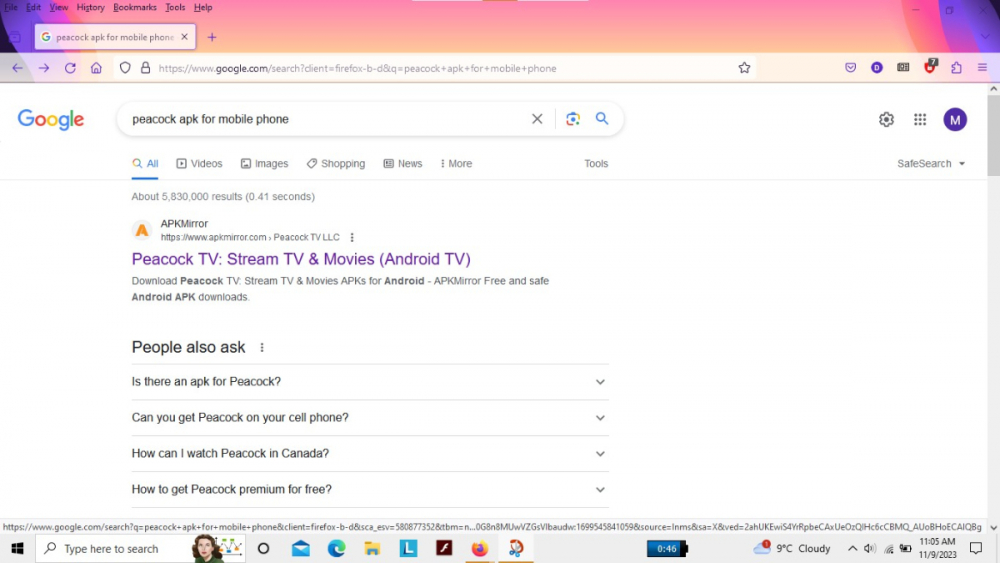 same version for my samsung phone,android tv and fire tvI already mentioned mobile version and they said it doesn't work and that version was released on the 2nd which I said to try itpeacock is just shooting themselves in the foot most streaming services dowhat version are you using? maybe try the mobile versiondeveloper options turn on don't keep activitieshide categories I don't use buzztv 4 so I don't know about renumberingunless there's a problem why change default settings which are primary for livetv and backup for vod/tv seriesmiracastthat's what I said...buzztv app settings the 4900 doesn't save to usb/card you have to manually move it after backing it upcheck cec settings