dishuser
Members
-
Joined
-
Last visited
Everything posted by dishuser
-
-
what make and model are the speakers?
-
I have a few sd channels that I frequently watch and I have them set to stretch the good thing is that setting stays only for those channels and doesn't affect my fhd or hd channels
-
do you have force usb ts on?
-
you can only rewind as far back as what you have watched in your pics you have timeshift off
-
turn wifi off and see if ethernet connection populates
-
-
read the post above
-
no sense starting another thread it will just get repetitive answers/questions
-
every model has it's own section this section is for the buzztv 5 app
-
why are you posting in this section? this has nothing to do with buzztv 5
-
you can move apps in 3rd row but not last row and if it worked several weeks ago it would still work as there has been no update
-
I get the same try a different home screen
-
long press on the thumbnail pressing ok button once you move it press ok button I know using modern home screen you can't remove anything from bottom row since they are the apps that are installed
-
probably because of the failed power supply you might have let the smoke out...lol
-
what option was selected in recovery screen?
-
I don't think their box came with a power supply...lol
-
the breed you need to wary of is the chihuahua
-
nothing wrong with pit bull's humans yes my buddy years ago had a red nose that was 13 and my oldest boy was 3 or 4 and fell down and started crying dog wouldn't let me go near him and kept licking his face once he stopped crying and started giggling all was fine have many more examples of pit bulls and my boys but rusty protecting my son was one of the best
-
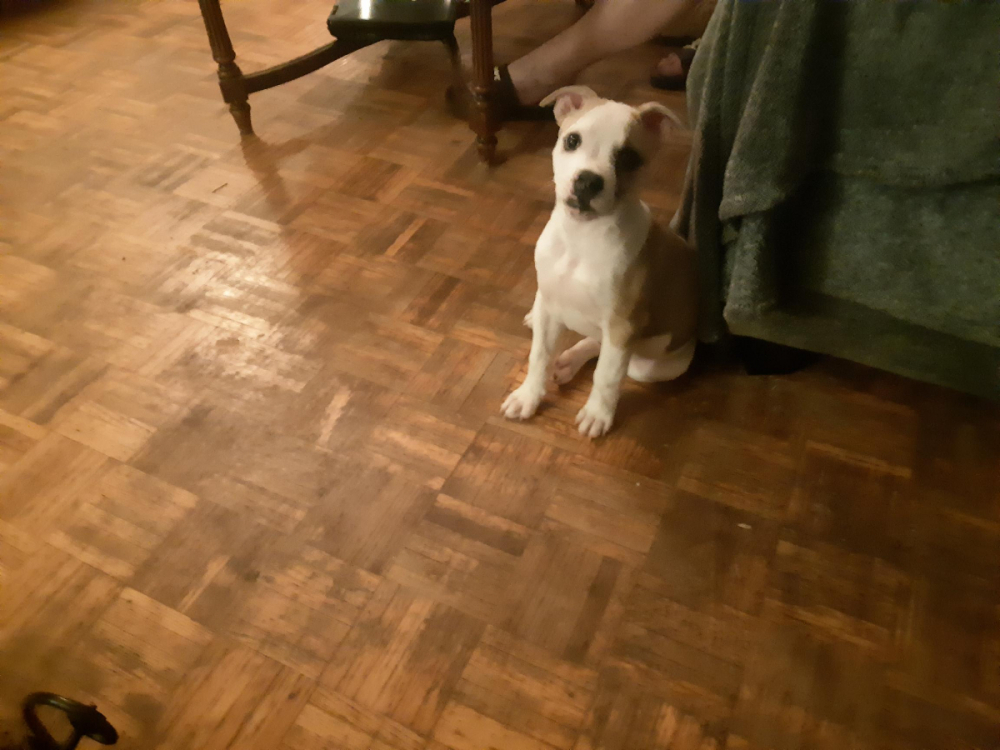
pit bull mastiff my buddy took his sister in same day they're now around 3 months old and are already bigger than most of my other dogs...lol
-
ya it cost quite a bit...don't remind me...lol all rescues got this guy a week after my 24 yr old pom passed vet said he'll be around 150 lbs
-
4 cats,8 dogs,3 birds(used to have 4 but george was a jerk...lo) and 1 mini pig I have had so many animals over the years my back yard is like that movie pet cemetary 🤪
-
2 cat trees empty and 4 boxes full...lol
-
my cats would test the hell out of that...lol
-
is 70 what you pay for or you ran test on box and it's 70?