nbs.
Members
-
Joined
-
Last visited
Everything posted by nbs.
-
-
Can you get into settings if you unplug box and restart it?
-
-
did you try the other media player first?
-
hitting ok should bring it up Are your batteries fine?
-
-
Some are slow and it's not a buzz issue
-
I have three services One loads slow and the other two loads a full page in under a second I take a few minutes and populate my favs. Since it populates for days I don't have to do it very often
-
I posted the reasons it won't be coming back
-
Email buzz support and give them all your info Maybe they can send sw to remote?
-
If you remove all you won't have any categories which happened to a few users who then had to reset to view any categories If your server has the indian and pakistani categories listed properly they should not show if you hide them Mine dont
-
BuzzTV - Everyone's TV Box - Powered by Android Streaming Media Player – BuzzTV Global I think you only pay one way
-
did you fill out a rma?
-
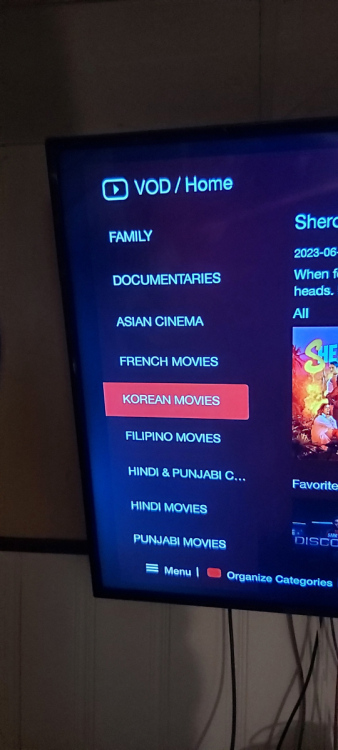
It all depends on how your provider categorizes your movies If they have them broken down by language hide the languages
-
Same way live tv is
-
Yes vod can be filtered too
-
-
there isnt one
-
Pm allaboutbuzz with all your info
-
No there is not a problem with the x5. Could be server/box conflict ,conflict with router etc.You might want to fo a hard reset if you havnt first Pm allaboutbuzz He might be able to give you an update
-
First time setup? You can try rebooting and setting up again If no go email your mac addy to buzz
-
Did you format the drive? https://m.youtube.com/c/BuzzTVGlobal/videos
-
bt300 and 400 are the same
-
So you bought a 4500 and it came with a bt400?
-
i had no issues downloading netflix from aptoid I tried with two different versions