nbs.
Members
-
Joined
-
Last visited
Everything posted by nbs.
-
Havnt heard of any
-
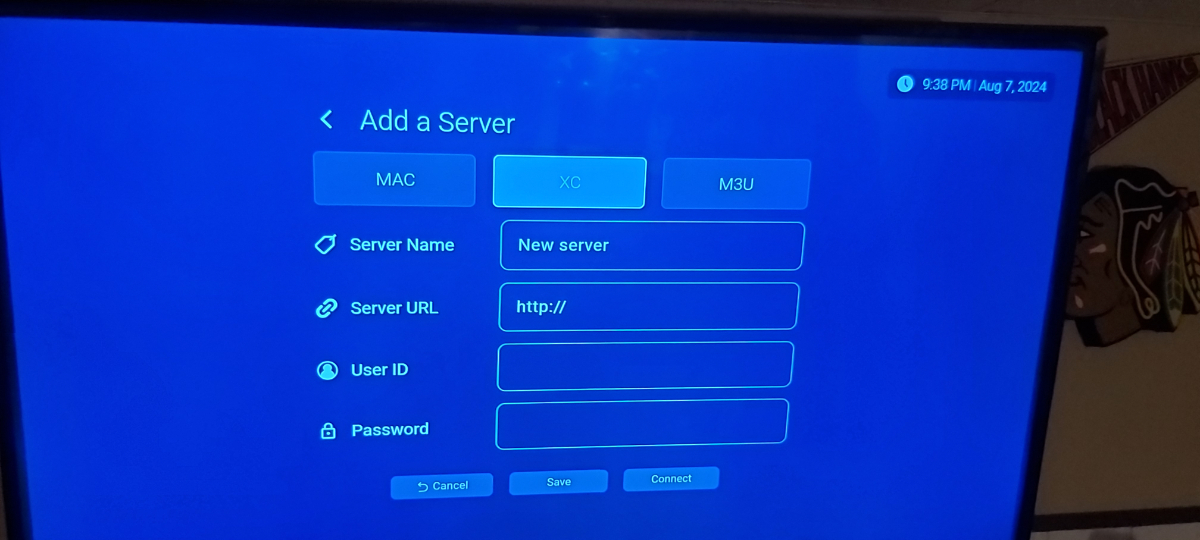
You were asked if you had / at end of url Urls with /c won't work on buzz 6 on xc
-
Type netflix in search box
-
Very few devices have full license for netflix
-
Disregard it wasn't a bug thread it was a suggestion thread From Emporium when you get the popup for the recording details, you can change the minutes if you press left/right on the DPAD when you are on either date/time of start or end. But, if you press OK (for example on Start time) to go into the next popup to choose, then you select the time, then NO, you can change the hour, but no way to go right to change the minutes.
-
Can you post in the proper thread
-
Version 8.63.0 build 16 50390 is installed
-
-
It was off when I got home
-
I just scheduled a recording ,shut box off while I was out. Came back program was recorded properly
-
Then I guess I won't tell you when I got mine
-
Whats the thread title?
-
-
-
It's not how they want it right now but they don't wish to hold things up I'm not at liberty to discuss finished product SorryServer setup is different and will be changing as box gets updateHome settings apps buzztv 5,clear cacheI watch TV for hours at a time freeze free without using those devicesIs your live tv working?Are you pressing the correct red button?Go to home page ,settings check updates and post what firmware and software are listed Which remote do you have?I would do a reset myselfThen it's not recording Go into menu ,change configuration to one button record,open up guide, select a show and hit red button Does it tell you recording starting and red button at top right?You've single a mac based server or xc api? What are you doing after you set up recording? Shutting machine off ,watching another show Post more info please