dishuser
Members
-
Joined
-
Last visited
Everything posted by dishuser
-
-
old? it's a lot newer than what you had live tv/menu/settings/check for updates
-
buzztv has their own youtube channel https://www.youtube.com/c/BuzzTVGlobal/videos
-
-
it goes to home screen so no bandwidth is used after the recording
-
it's not advertised anywhere that I've seen that the remote has backlight for remotes that do have backlight it shows that in specs/details for those remotes
-
I don't think the remote has backlight
-
holy mine isn't even at 1mb
-
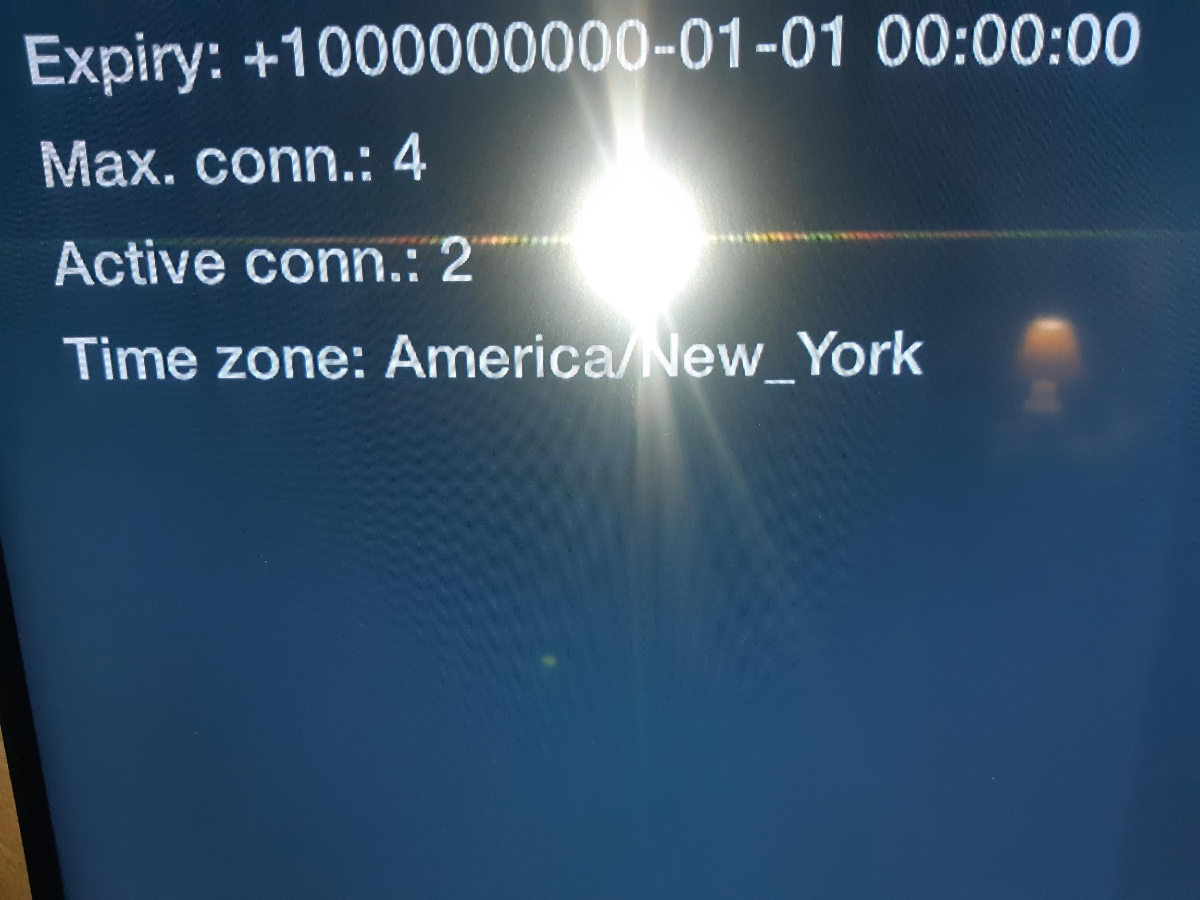
now my goal is to see it expire...lol
-
-
mine shows how many are connected to an account
-
you can turn the box off and it will wake to record pvr+
-
even brand new boxes need updates they can't update sitting on a store shelf 😉
-
if your stream froze the recording will not work
-
make sure time/date is correct on box
-
I mainly use aptoide it tells you if it's compatible and been tested
-
have you tried different versions?
-
on the front of the box obviously
-
maybe contact vizio and tell them their remote interferes with other devices maybe they can change their code
-
I already told them buzztv sells other remotes and that some come with a mute button
-
not everyone is cheap...lol
-
that means the channel has catchup
-
to change categories press the blue button after pressing green button it tells you this at the bottom
-
they're available on saturdays now
-
also what button on the remote did you use to learn the mute function?