
Skip to content
View in the app

A better way to browse. Learn more.

BuzzTV Help

A full-screen app on your home screen with push notifications, badges and more.

To install this app on iOS and iPadOS
  1. Tap the Share icon in Safari
  2. Scroll the menu and tap Add to Home Screen.
  3. Tap Add in the top-right corner.
To install this app on Android
  1. Tap the 3-dot menu (⋮) in the top-right corner of the browser.
  2. Tap Add to Home screen or Install app.
  3. Confirm by tapping Install.

JS157

Members
  • Joined

  • Last visited

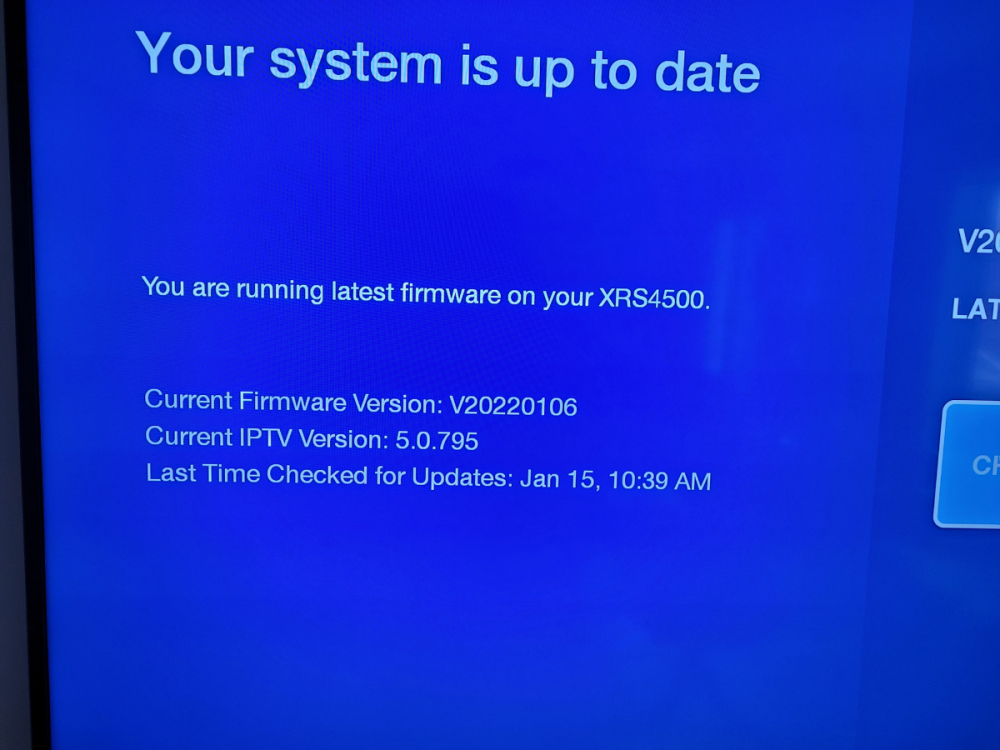
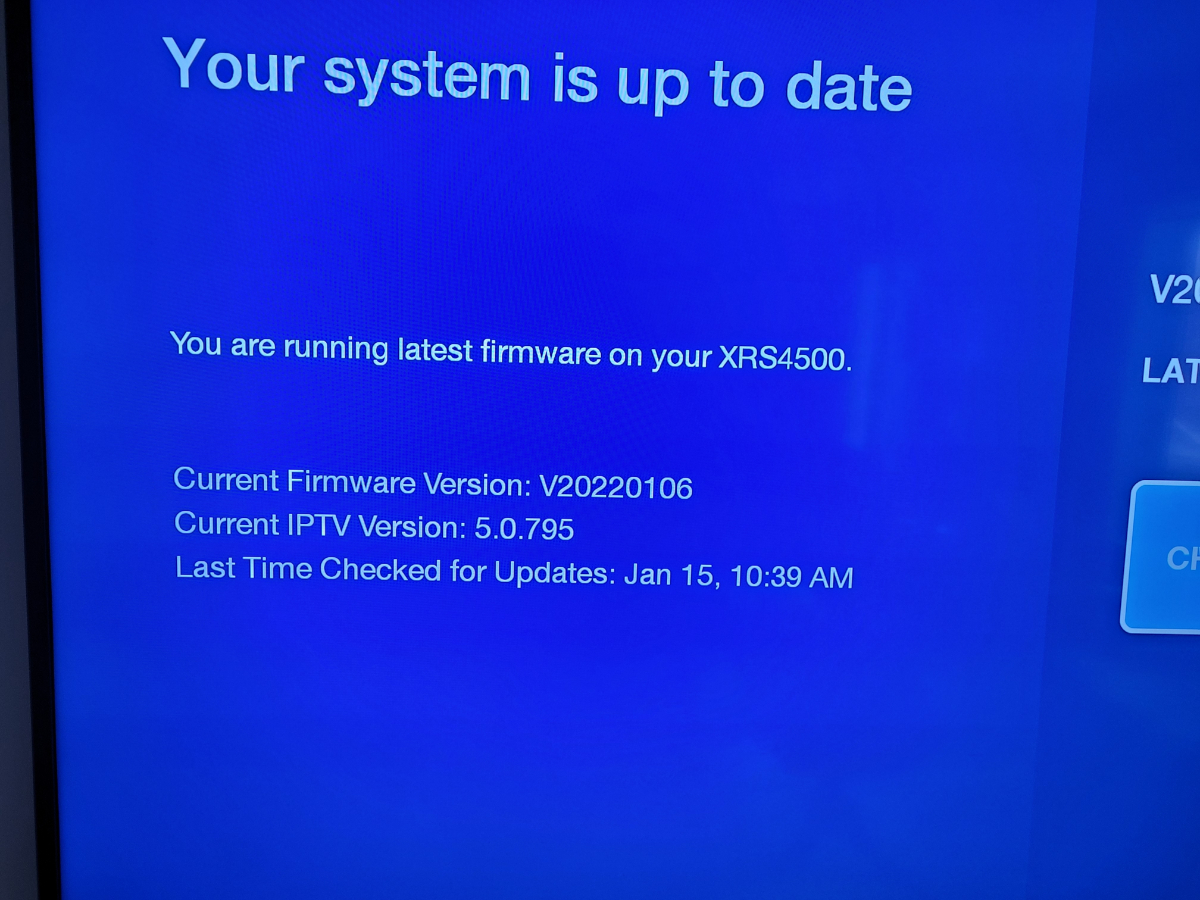
  1. We have XRS4500 and it will not record / pvr properly. We have firmware V20220106, IPTV version 5.0.795. it was last updated January 14, 2023 (yesterday). I have rebooted the modem, router and buzz box. We have 55 GB of storage available 2 problems: 1. it only records 30 minutes of a 2.5 hour program - we confirmed that it was set up to record the full 2.5 hours, but the listing this morning showed that only 30 minutes was recorded but the recording completed 'successfully'. We have tried using the 'rec' button on the remote when in the guide and we have tried scheduling a recording from the pvr tool (what a pain that is) 2. tried to access the recording and was told 'recording not found'. Appreciate your help, JS
Account

Navigation

Search

Search

Configure browser push notifications

Chrome (Android)
  1. Tap the lock icon next to the address bar.
  2. Tap Permissions → Notifications.
  3. Adjust your preference.
Chrome (Desktop)
  1. Click the padlock icon in the address bar.
  2. Select Site settings.
  3. Find Notifications and adjust your preference.