dishuser
Members
-
Joined
-
Last visited
Everything posted by dishuser
-
version 4.4.11 is available on aptoide tv
-
what does this have to do with the app? I suggest you get familiar with the site and learn where to post
-
just use your phone or pc to load server info
-
it would be a lot quicker if wintronics just took care of it several years ago I had to get nasty and only then did they replace it in person that's why I said to order it from wws
-
some of their locations don't honour warranty
-
that's what you asked and I answered
-
only if your service gives you 2 or more connections using xc api or m3u
-
-
some people just love to bitch for the sake of bitching it just proves their intelligence...or lack of
-
if tv settings doesn't fix it box settings won't either since you say it's inconsistent
-
that's what I do
-
if you want to know if service is using torrent/usenet try to download it 😉
-
you probably have auto set to on
-
live tv? did you try other video player?
-
having to pick through the choices of time advance seems a lot slower to me than just pressing the ff button once or multiple times
-
I press ok button and channel list comes up I scroll up or down to a different channel and press info button 😉
-
press the button 1,3 or 6 times
-
press the info button
-
if that's what happened it only takes about 10 minutes to fix
-
did they push it in thinking it was a power button? my grandson did that to my 4500
-
change theme at the bottom
-
why would I lie?lol
-
home page not main menu main menu is in live tv
-
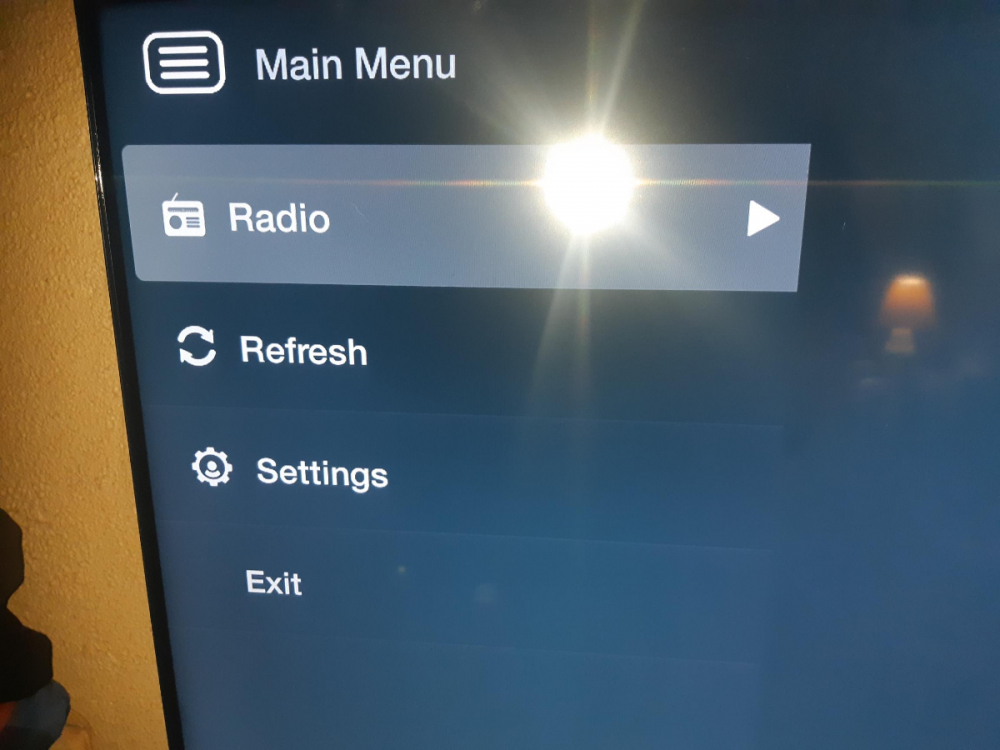
box isn't even truly functional when it's recording if it was the menu wouldn't look like this
-
then you've never done a scheduled recording and shut box off because that's exactly what it does