dishuser
Members
-
Joined
-
Last visited
Everything posted by dishuser
-
you don't need to leave live tv when changing stream format
-
have you tried the other video player?
-
your remote was in IR mode so all you had to do was get closer and point directy at the dongle
-
I would press the right arrow button until settings opened before doing a reset then select buzztv utilities and pick modern home screen
-
-
do you see a home page and settings tabs near the top?
-
-
that's because the remote is programmed for the buzztv not 3rd party apps
-
keep in mind today is a holiday
-
I use sandisk cards and sticks with no issues yet
-
https://canada.buzztvglobal.com/ for canucks
-
do you watch sports? do you go to the bathroom and miss a goal or touchdown and wish you could have saw it?
-
-
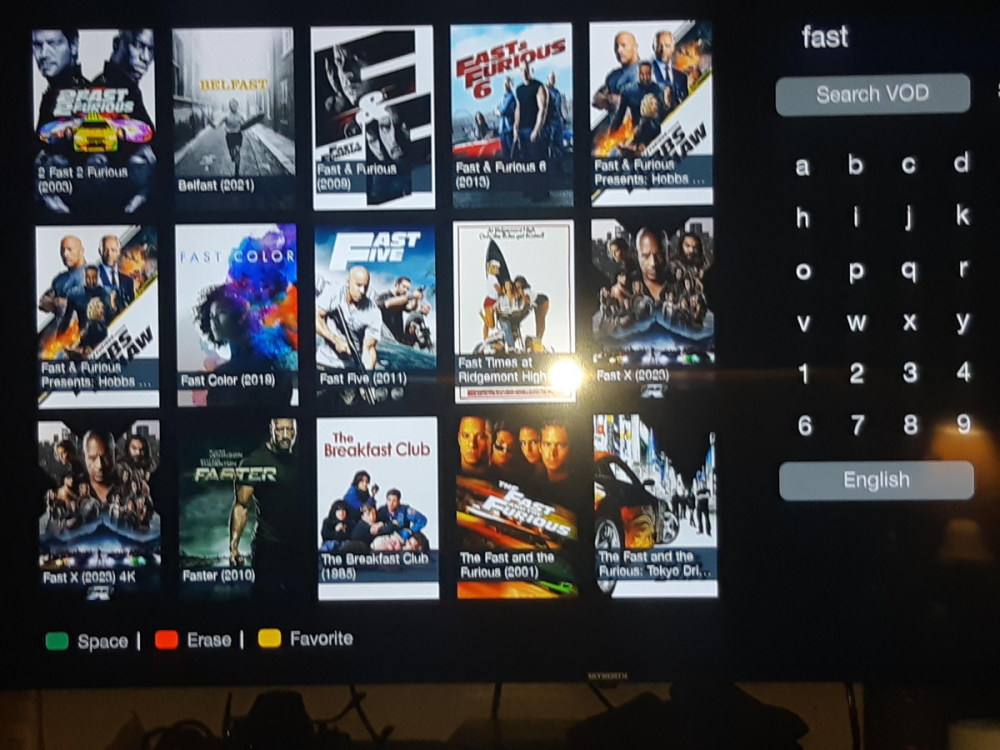
the rest did not get it?lol I understand that you can't use symbols/characters but it's you who doesn't get it what is the 3rd movie listed when I searched fast?
-
I don't think I've ever typed in the full name of a movie once once thumbnails appear I scroll over to them
-
I only typed in fast and all of them came up
-
I don't support a billionare that can close and build warehouses if the word union is mentioned and causes deaths because of that I'll pay extra at home hardware first 🙂
-
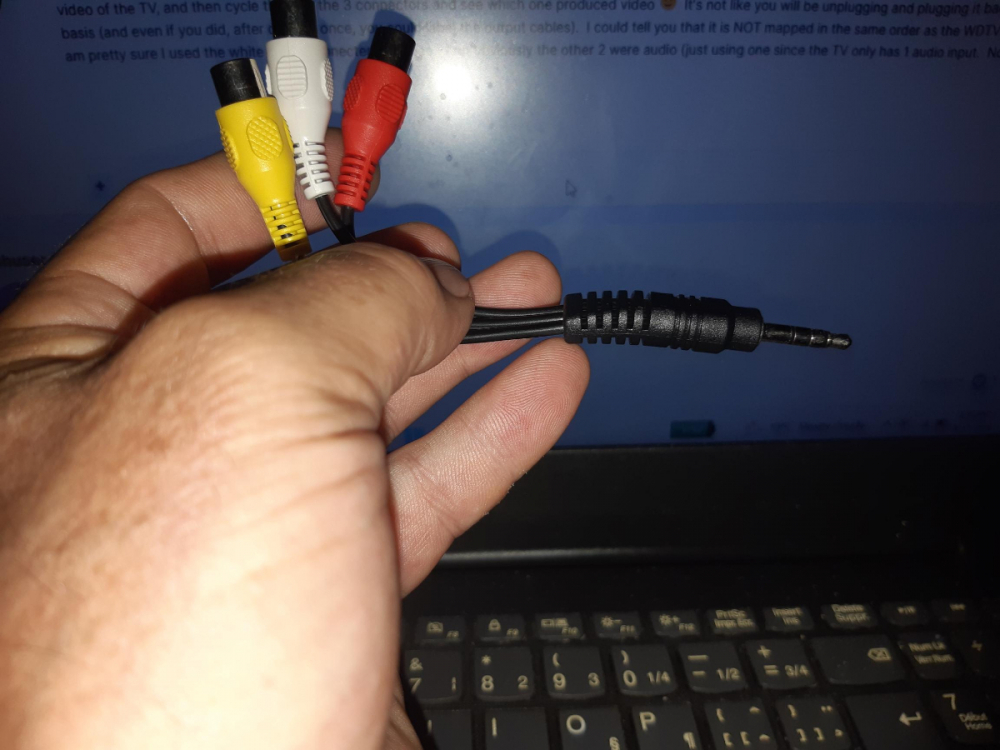
you could also try a composite to hdmi adapter
-
it's colour coded and fuck amazon your dad doesn't already have rca cables? if he does you only need the adapter like I said you can get one from a dollar store for like $2.50 since nothing is a dollar anymore...lol
-
just get one of these
-
I got mine with my xpl 3000 should be able to find one in a dollar store
-
you set that up in menu/pvr/pvr options? or you formatted as device storage? you want to format as removable in settings/device preferences/storage
-
do you use a service that allows more than one connection? did you set up recording storage location?
-
they never said they were using xc api or m3u 😉
-
live tv/menu/settings/configuration