Woody
Members
-
Joined
-
Last visited
Everything posted by Woody
-
Ok got it was able to move it with a diffeent file app
-
I tried to use the file browser app on my box tgat was installed and it did not work ill try anotger one see if tgat works
-
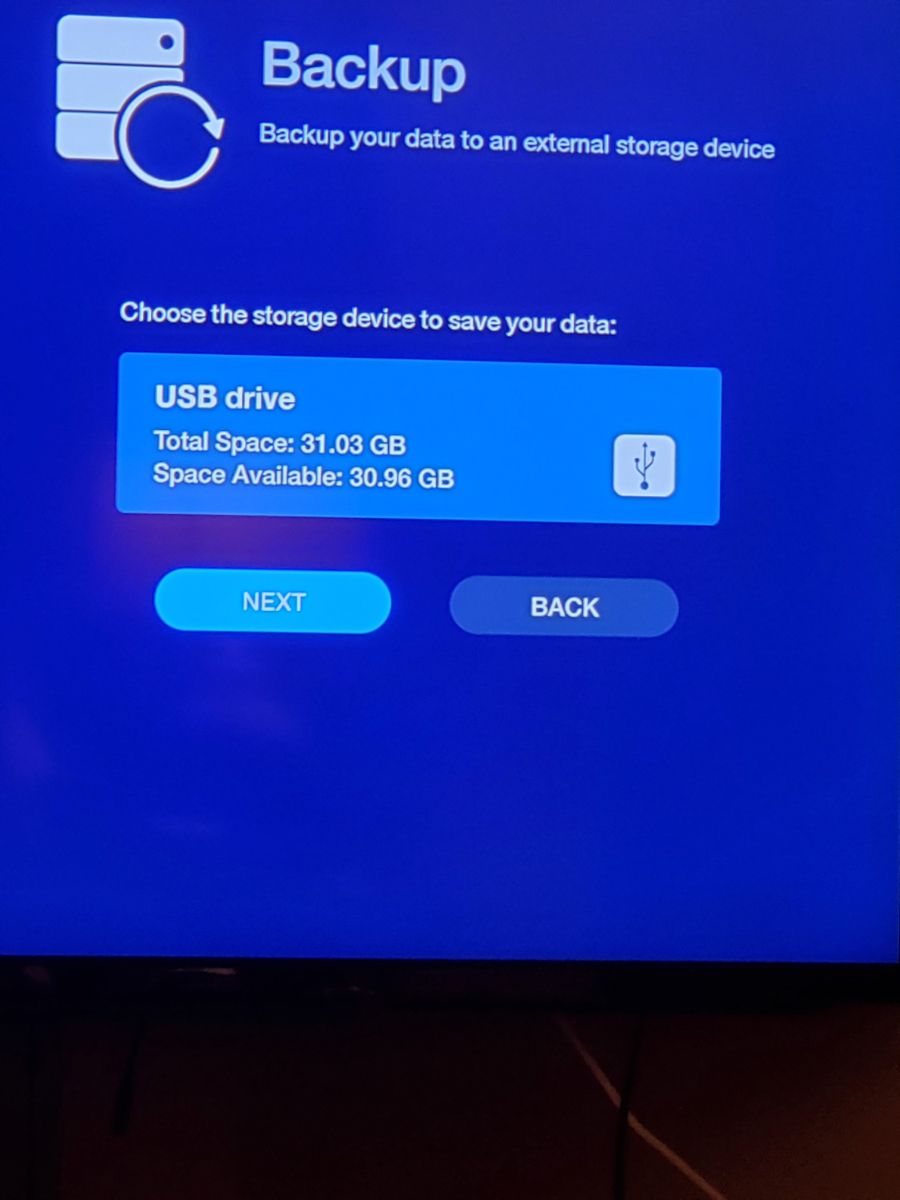
Actually it does not but i managed to backup data on intrrnal storage and when i go to move it to sd catd or usb it saus it cannot writte data so again not working for me
-
If u notice it says back up on screen not restore
-
-
Ill show u wheb i get home ill post pic
-
dish it comes up on mine.. shows me to back up to usb
-
lol touche on that empoirum at least now i know lol just sucks to have to redo all my fav oh well live and learn
-
back up restore funcition in the new update does not work i backed up my data or so it said it did... I reset myu box i have the 4900 and went to restore and there was no file on the usb stick that it supposedlu saved it on
-
Anyone else having the app crash after new update keeps crashing on me ome 4900
-
Ryu no i an in the favorited catergory when i am playing it.. it keeps junping from my favorite catergory tk the all channels catergory my box is 4900 model if allaboutbuzz can vid call me i can show wat i mean
-
Got an issue with new app update if your in favorites catergory and u punch in channel number it goes to the all channel catergoy instead of staying in favorites. Also does the same thing if u hit guide and press a channrl to have the guide go to it jumps to all channel category
-
Just wondering if there are any new updates coming for the 4900 love the box its awesome and amazing am on buzz tv 5 version 5.0.799
-
Been getting this as well am on current version of buzz tv 5 on 4900. It seems to happen when i go to watch ppv. If i run vpn after i grt error i can access my iptv. After i gry error it takes about 3 hrs before i can watch again. Is it a software error iptv provider error
-
-
-
Guide taking over an hour to load up am on current version of buzz tv 5
-
Guide taking over an hour to load up
-
No just looking to update just want to stay current am on 783 for buzz 5
-
Srry posted in wrong section im waiting for it on my 4500 box not the 4900
-
Am still waiting for new firm ware to drop has it dropped or still in works. Still on 22106 firmware
-
Already reset it twice... when i boot box up it has a dialoge box pop up briefly then dissappears. Its as if the update did not install properly i even unisyalled update and let it reinstall same issue happens i am on ethernet.
-
Its not my server its the update . It only happens with live tv on boot if i turn it off and start live tv manually it does not happen if it were a server issue it would happen in either mode
-
Im on 779 i have cleared cache and a reset still have same issue . Am on 779 withb new firmware update started happening after the 779 update
-
Issue with live tv not starting properly. Am on current update . I press live tv and it goes through the loading and then stalls at user profile intil i hit guide then finishes the loading