dishuser
Members
-
Joined
-
Last visited
Everything posted by dishuser
-
then you must have missed where they said it worx on 2 other boxes
-
I use the same mac on my 4500,3900 and 3000
-
you can use username/password on all buzz models
-
-
then ask the seller to fix it
-
ask the seller if they have more than one url all my boxes can connect except the 3900 until I used alternate url
-
did you organize categories recently?
-
you're the one being short and impatient what player are you using?
-
they posted this 3 times...lol I asked about hdmi as well
-
already answered
-
stick to one thread so it isn't confusing
-
have you tried a different hdmi cable?
-
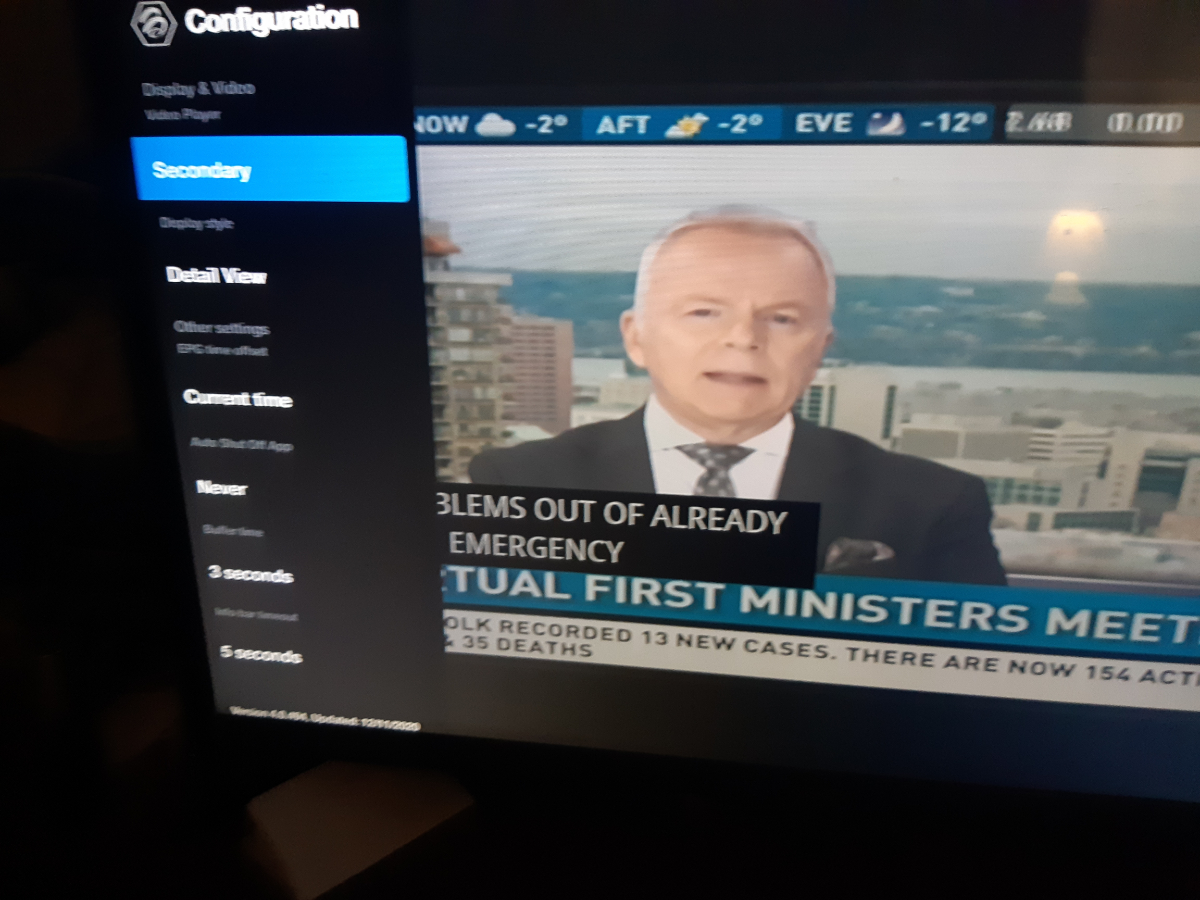
menu/configuration/epg time offset
-
message allaboutbuzz your serial number
-
I have same setup and no issues when turning it off so I doubt it's the remote
-
I don't need to and I also know what's posted in private stays that way there are members here that have been in the beta group for years and I don't see them posting non public info
-
so you're a leaker and you need to read release notes
-
are you pressing save after entering info?
-
can you provide a link about this update?
-
this site doesn't help you get an iptv service
-
I still have CC on both playerspress server button do you see the info in server 1 for mac server?and you're entering url on correct line?I can use the mac addy from 4500 on 3000 and 3900 with no issues