Skip to content
View in the app

A better way to browse. Learn more.

BuzzTV Help

A full-screen app on your home screen with push notifications, badges and more.

To install this app on iOS and iPadOS
  1. Tap the Share icon in Safari
  2. Scroll the menu and tap Add to Home Screen.
  3. Tap Add in the top-right corner.
To install this app on Android
  1. Tap the 3-dot menu (⋮) in the top-right corner of the browser.
  2. Tap Add to Home screen or Install app.
  3. Confirm by tapping Install.

Chris1

Members
  • Joined

  • Last visited

Everything posted by Chris1

  1. Chris1 replied to Chris1's topic in PowerStation
    Sorry
  2. Chris1 replied to Chris1's topic in PowerStation
    It's not in the Google play store
  3. Chris1 replied to Chris1's topic in PowerStation
    No it never has because I was told it need a firmware update but the i download don't fix it yet
  4. Chris1 replied to Chris1's topic in PowerStation
    I finally got it to download but Disney plus won't update
  5. Chris1 posted a topic in PowerStation
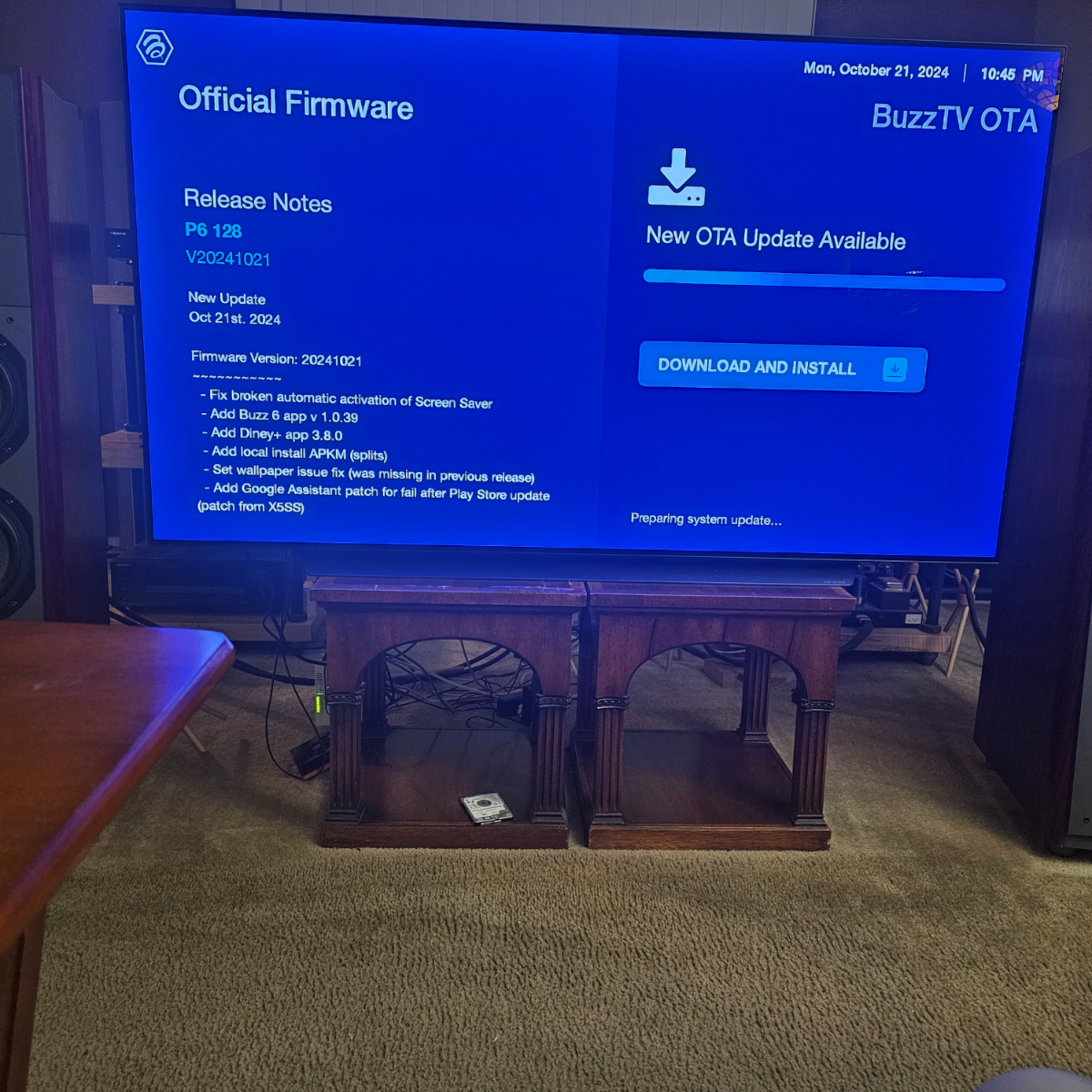
    I can't seem to get the update to download
  6. Chris1 posted a topic in PowerStation
    I get need to update but it won't let me
  7. Chris1 replied to Chris1's topic in PowerStation
    At the same time
  8. Chris1 posted a topic in PowerStation
    I was wondering if you can record on buzz5 with one server and other server on buzz 6
  9. Chris1 replied to Chris1's topic in PowerStation
    No just since the last Ota
  10. Parmount plus is having issues with the last update with sound
  11. Chris1 replied to Chris1's topic in PowerStation
    NEW* Official P6 Firmware + Buzz 6 App Update - Aug 30th, 2024 is that you are talking about
  12. Chris1 replied to Chris1's topic in PowerStation
    I Don't speak or read Spanish I know I am not special just trying to fix the issue sorry if it comes off that way please try me what to type please
  13. Chris1 replied to Chris1's topic in PowerStation
    This is the tread for p6 and that is the box I am am having issues with with parmount plus
  14. Chris1 replied to Chris1's topic in PowerStation
    Can someone that has parmount plus watch something for 20 minutes and see if they have any issues
  15. Chris1 replied to Chris1's topic in PowerStation
    What post is he talking about
  16. Chris1 replied to Chris1's topic in PowerStation
    The sound still drops even when I do that
  17. Chris1 replied to Chris1's topic in PowerStation
    I mean the sound drops for a split second
  18. Chris1 replied to Chris1's topic in PowerStation
    Parmount plus plays but you can hear a sound for second while it's playing a video after a minute or two
  19. Chris1 replied to Chris1's topic in PowerStation
    I download it that the update that giving me issues with parmount plus
  20. Chris1 posted a topic in PowerStation
    Parmount plus since the last update Parmount plus is having issues with sound and picture
  21. Chris1 replied to Chris1's topic in PowerStation
    Sorry I forgot i do a tread all ready allaboutbuzz suggest to share it in the forum because I am still having the problem
  22. Chris1 posted a topic in PowerStation
    I hooked up a sata drive using a usb to sata adopter and I got the massage to let the ex explorer to use it but it doesn't show up in the settings storage it format the drive and it worked on my u5 but the p6
  23. Chris1 replied to Chris1's topic in PowerStation
    I tried that two it works on all my other boxes it a usb to sata adopter with a 2.5 sata hard drive connected
  24. Chris1 replied to Chris1's topic in PowerStation
    I am still not getting the usb to show in the settings storage area and in the app install app

Account

Navigation

Search

Search

Configure browser push notifications

Chrome (Android)
  1. Tap the lock icon next to the address bar.
  2. Tap Permissions → Notifications.
  3. Adjust your preference.
Chrome (Desktop)
  1. Click the padlock icon in the address bar.
  2. Select Site settings.
  3. Find Notifications and adjust your preference.