Skip to content
View in the app

A better way to browse. Learn more.

BuzzTV Help

A full-screen app on your home screen with push notifications, badges and more.

To install this app on iOS and iPadOS
  1. Tap the Share icon in Safari
  2. Scroll the menu and tap Add to Home Screen.
  3. Tap Add in the top-right corner.
To install this app on Android
  1. Tap the 3-dot menu (⋮) in the top-right corner of the browser.
  2. Tap Add to Home screen or Install app.
  3. Confirm by tapping Install.

Chris1

Members
  • Joined

  • Last visited

Everything posted by Chris1

  1. Chris1 replied to Chris1's topic in PowerStation
    I emailed allaboutbuzz but he hasn't get back to me
  2. Chris1 replied to Chris1's topic in PowerStation
    Is there a way to download the last update and firmware to a usb and boot from the usb to get it to boot
  3. Chris1 replied to Chris1's topic in PowerStation
    No I just did factory reset and reboot now like I done many times before and this is the first time this happened
  4. Chris1 replied to Chris1's topic in PowerStation
    Still the same thing
  5. Chris1 replied to Chris1's topic in PowerStation
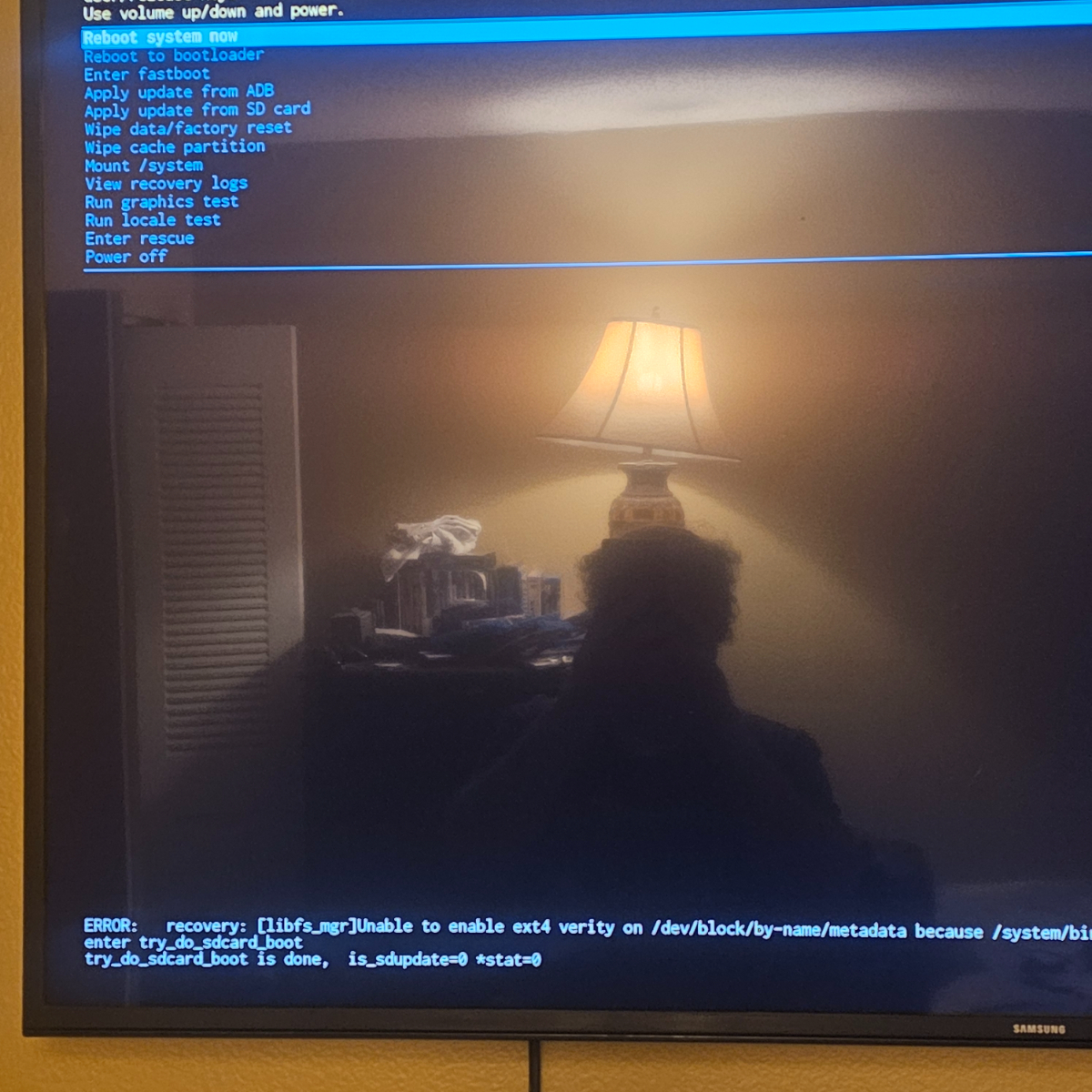
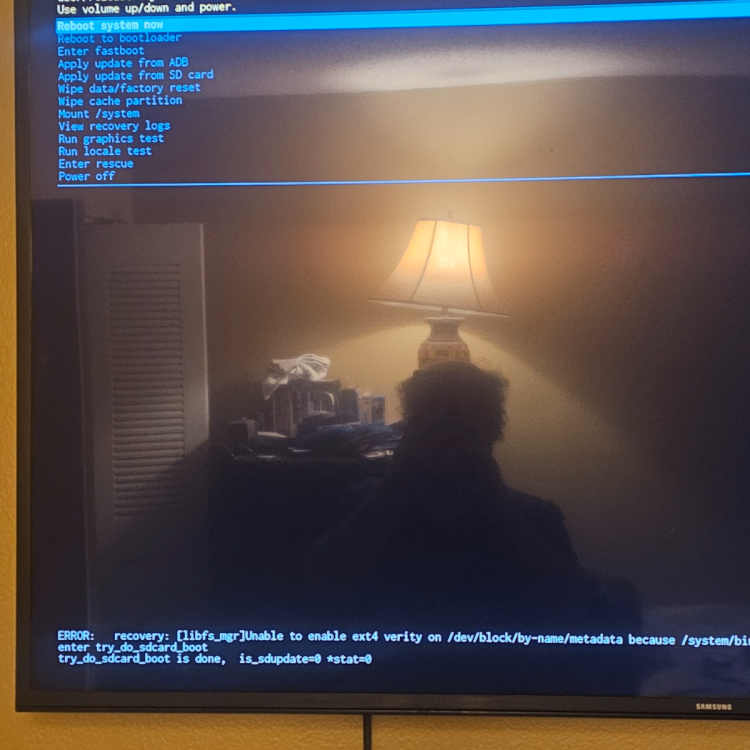
    I just tried it without the stick in still getting this screen
  6. Chris1 replied to Chris1's topic in PowerStation
    Just a mvme stick and just wifi
  7. Chris1 posted a topic in PowerStation
    I did a factory hard reset and now I can't reboot in the home screen
  8. I am loving the new update much better than tivimate buzz 6 is the best out there
  9. I need to buy a NVME to usb adapter
  10. I meant on patrol live
  11. Yes I do it every Friday and Saturday when I watch on patrol live in start it around half way to skip commercials
  12. You can do that all ready just go to go pvr and section the recording you want to play
  13. I did the same thing and was able to record to the drive in the USB-C
  14. Chris1 replied to Chris1's topic in PowerStation
    I got the usb drive to work with the cord emporium suggested I plug both cord into both the usb ports and it worked thanks
  15. Chris1 posted a topic in PowerStation
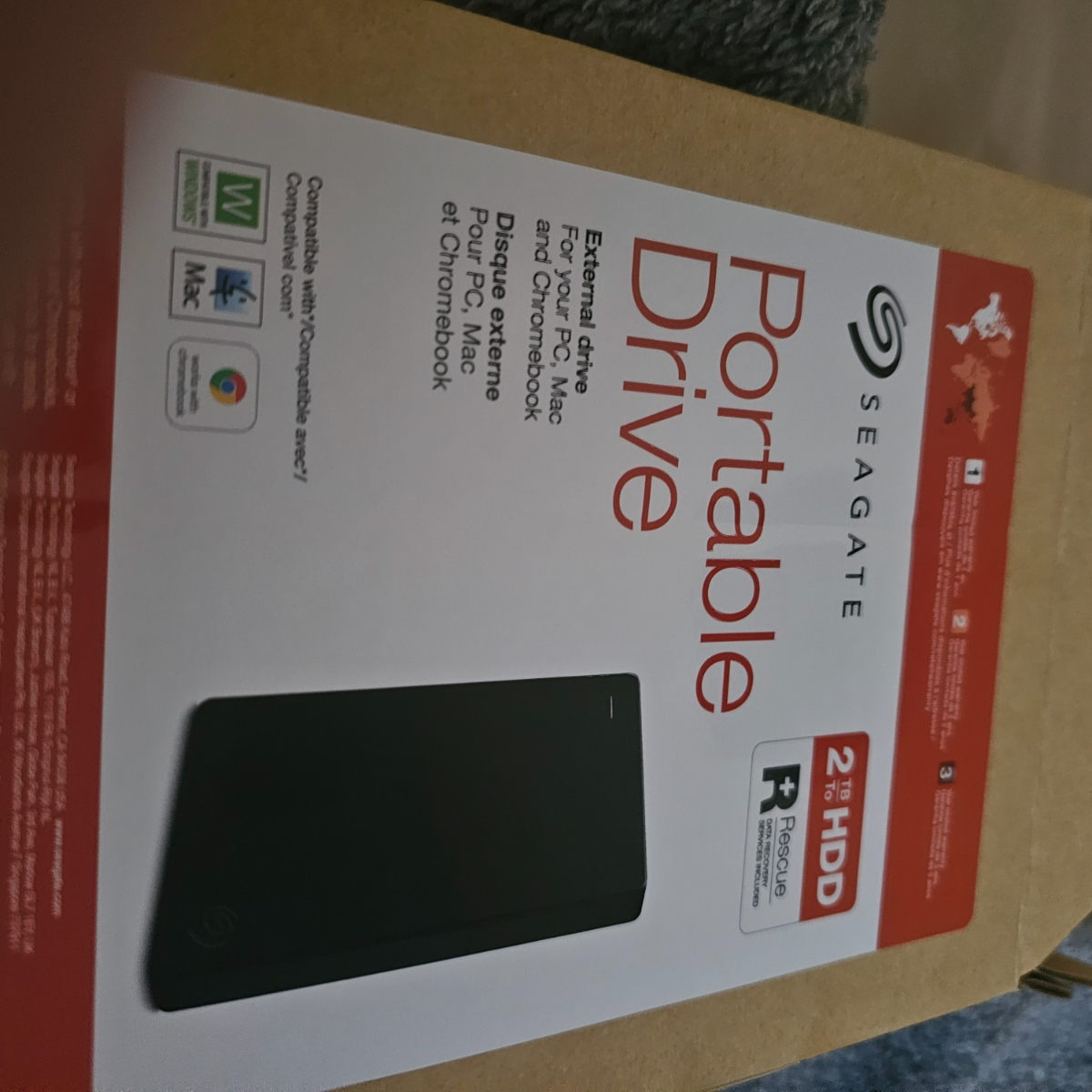
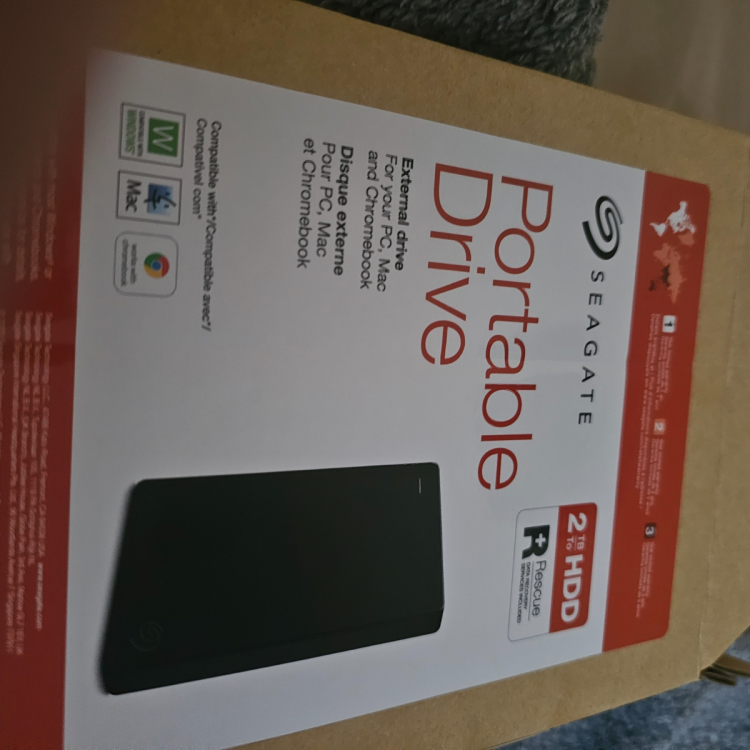
    I just a usb drive but it won't show up when I plug it in the usb ports what kind of usb drive can I use this is the one I bought
  16. Chris1 replied to Chris1's topic in PowerStation
    I finger out what the problem is the one on the last update is the andoid mobile one and not the andoid tv one that why it's only doing hd not 4k can a update be can there a update with the andoid tv one
  17. Chris1 replied to Chris1's topic in PowerStation
    It's says 2:3
  18. Chris1 replied to Chris1's topic in PowerStation
    Yes it on for 4k
  19. Chris1 replied to Chris1's topic in PowerStation
    I have what the latest update was for
  20. Chris1 replied to Chris1's topic in PowerStation
    Yes to all
  21. Chris1 replied to Chris1's topic in PowerStation
    Yes I have the premium one and yes I know the star wars films are in 4k but it only shows hd
  22. Chris1 replied to Chris1's topic in PowerStation
    How do I get it to do 4k
  23. Chris1 replied to Chris1's topic in PowerStation
    It came up but it's not showing 4k just hd
  24. Chris1 replied to Chris1's topic in PowerStation
    I have what was included in the last update I installed Disney plus and restart the box but nothing is happening
  25. Chris1 replied to Chris1's topic in PowerStation
    No still won't update

Account

Navigation

Search

Search

Configure browser push notifications

Chrome (Android)
  1. Tap the lock icon next to the address bar.
  2. Tap Permissions → Notifications.
  3. Adjust your preference.
Chrome (Desktop)
  1. Click the padlock icon in the address bar.
  2. Select Site settings.
  3. Find Notifications and adjust your preference.