

nbs.
Members
-
Joined
-
Last visited
Everything posted by nbs.
-
You might want to read the release notes before saying its not available
-
Discussion of iptv providers is not allowed according to the forum rules
-
I did two recordings one from epg and one manually scheduled Both recorded fine
-
nothing really to set up Cwhite It either works or it doesnt Pm me your server name and ill see if i know it
-
No ,its not possible to record TV and watch another Do you mean recording from guide? Or scheduling a recording?
-
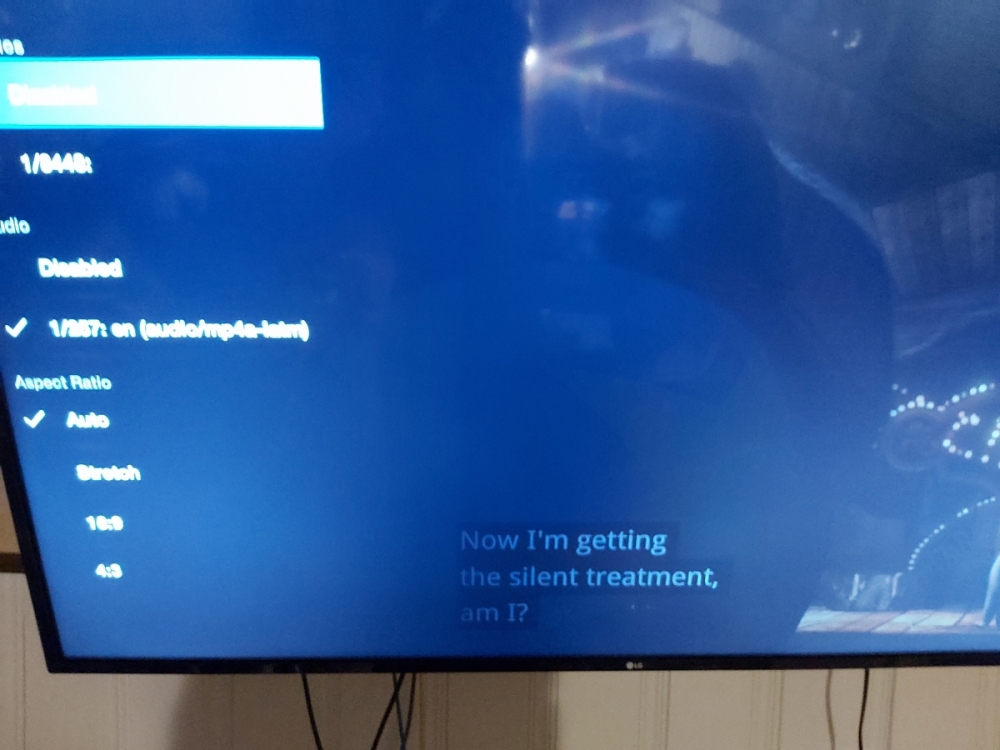
not the best pic sorry
-
I stand corrected ,close caption is working on my other server
-
my cc isnt working either When i hit the left arrow it does show disabled and an option underneath but that doesnt work I still dont know what you mean by closed caption in main menu?? where exactly?
-
are you hiting the button on the left side of ok?
-
Its Canada day fossil ,hell be back tomorrow
-
That's good ,he should be able to fix you up
-
i have episodes watched in tv series but that comes from my server
-
-
Did you pm allaboutbuzz?
-
mine works as it is supposed to with either option
-
If wifi try hardwired I had the same issue and allaboutbuzz had to change update servers PM him your device ID
-
Do a reset then try If you have a lot of apps use the backup/restore function
-
Do a reset then try If you have a lot of apps use the backup/restore function
-
which player are you using?
-
Glad buzz didnt waste their time.
-
i did not say I was using a physical mouse I was using the remote mouse
-
I also only had to use my mouse on the home oage Most times its not needed
-
No I had no issues using a mouse
-
Use you mouse
-
I just signed in to netflix .it works fine
