nbs.
Members
-
Joined
-
Last visited
Everything posted by nbs.
-
Give me an example of a new feature you dont have
-
You should email them to see if it's even an issue to worry about.
-
Hes busy but comes online frequently You could also email buzztv
-
I quoted dishuser There are 3 different styles of home screens you can use
-
Not sure why build is 607 Allaboutbuzz would have to advise Any issues?
-
Buzz classic I see...lol
-
If your buzz is up to date your build will be up to date but to answer your question Settings ,device preferences ,about at bottom
-
Build number is 624
-
Yea you...lol You're up to date
-
While watching tv hit the menu button What does it say at bottom?
-
So does the menu box come up when you hit the green button while watching tv or vod?
-
What do your headphones have to do with the menu not showing when you hit green button?
-
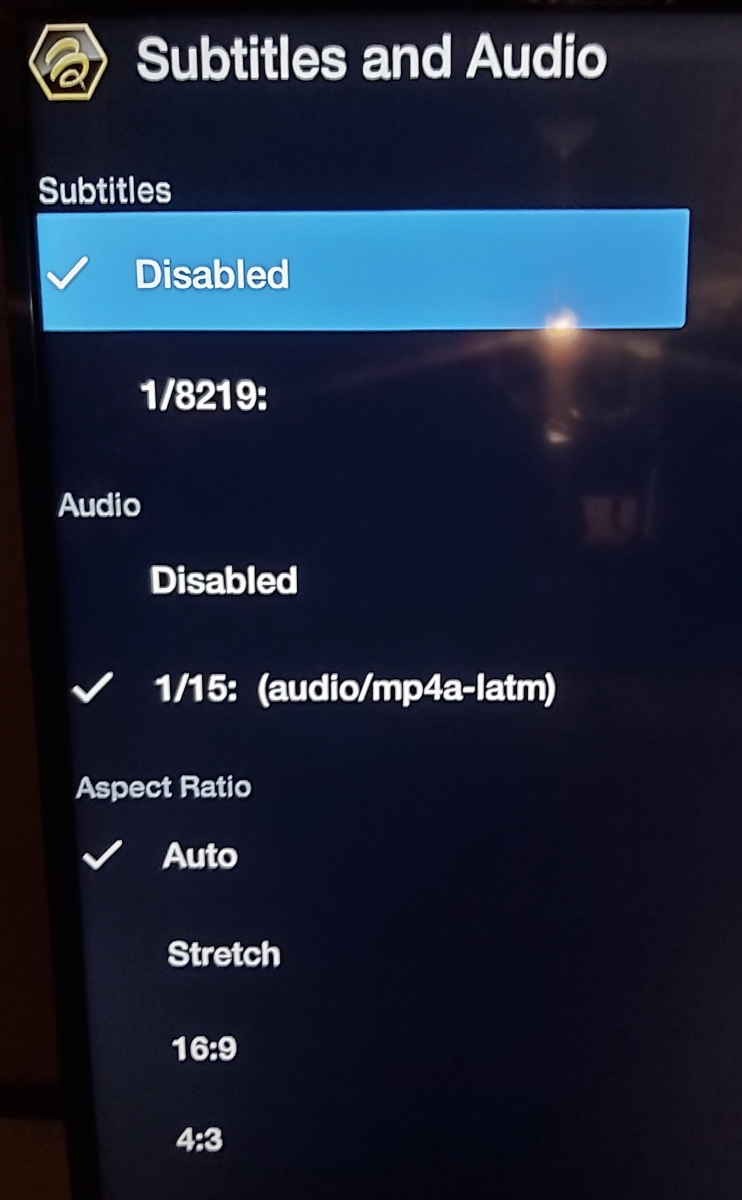
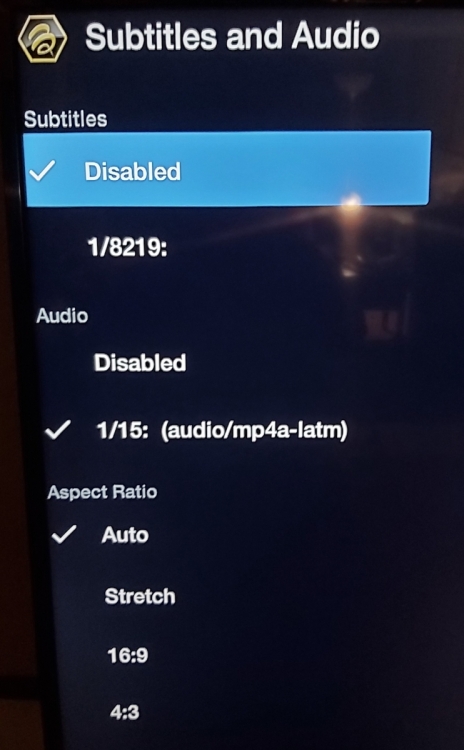
here is the menu
-
Pushing the green button opens up a menu on the left called subtitles and audio
-
live tv must be on i think yes ,second from the left bottom row You can also use the left arrow beside the ok button
-
did a menu not pop up on the left side?
-
fyi there are adapters
-
hit the green button and see if audio is disabled
-
what video player are you using?
-
not sure you can Its a learning remote so you need the tv remote too maybe someone else can advise
-
Yes it did fix it Tell your users to use secondary player
-
-
-
Not sure ,I had no issues playing 4k Wired ? Wifi?
-
menu ,configuration,auto shut off app