Kone
Members
-
Joined
-
Last visited
Everything posted by Kone
-
Is it possible to remotely connect to someone box to configure adjust add server portal settings ?
-
Here wo go again. Box stuck on "loading" at boot up.
-
L2 sounds promising... I'll wait for that one. Anticipated release date?
-
Update went ok. Great box, But what it really needs is a remote with Bluetooth connectivity. You have to point the remote directly at the box which is a big deal for some. Such a nice box but this a must in 2025.
-
Is P6 Unlimited getting update as well?
-
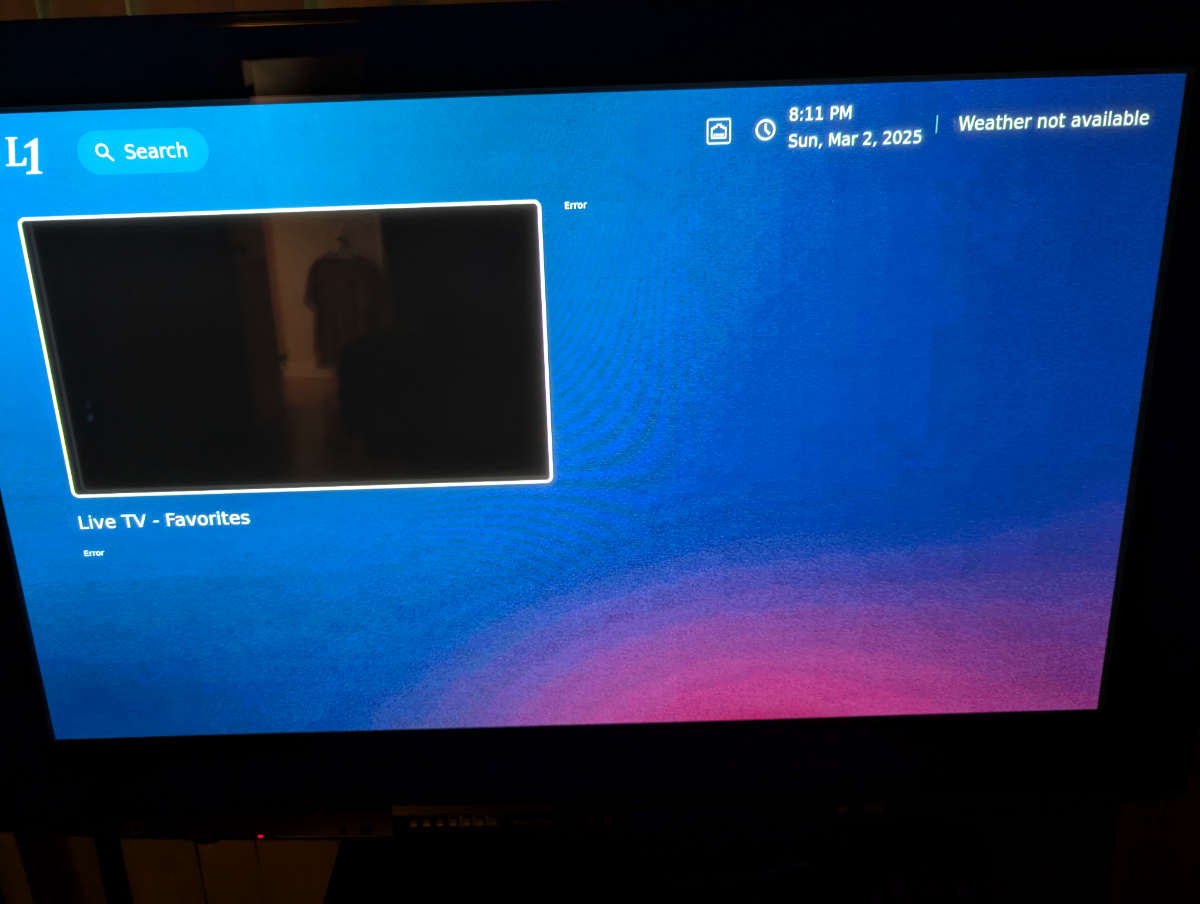
Thats all get I get on my screen. Also showing error beside the black box
-
Nope nothing. Any possibility I can exchange the box. I'm close to the airport.I can get to home screen, but it won't let me do anything on the screen. Its stuck-on PIP. Cannot even get into settings.Underneath the box. Top left. I hold with the pin while inserting the power plug. After the buzz logo disappears. I get black screenTrying to hard reset L1 with a pin it won't lunch factory reset menu. Black screen L1 needs to be re-programmed perhaps?Tried that getting black screen. Won't boot to recovery menu at all.I know there is a tiny hole you can press under the box. What is the procedure?How do you factory reset that box. I'm stuck on menu showing error. Cannot even access settings menu.What causes buzztv6 app to crash (freeze) the entire OS when scrolling thru channels? Nothing works. except full restart. Any ideas. Needs to be looked after and possible fw update.It would be awesome to have a digital clock led display on future boxes.I'm ready for it. Take my $ today at 12:01 AMExactly, which day on June ?I want one. Take my $$$ now! Is it the same size as U5 ?Any *New* upcoming devices for 2024?Question. I went to servers to change MAC. I pressed something to bring up quick settings. How do I do that again. Also does changing Device ID 1 or 2 screws up with anything?