dishuser
Members
-
Joined
-
Last visited
Everything posted by dishuser
-
then it isn't adding it correctly buzztv sells many different remotes some have a mute button
-
you have thousands of channels in uk category? I find that hard to believe
-
then that would make you stupid I never said the classic was the best it depends on a users needs I replied go look at the chart
-
compare that to the specs of the classic 😉
-
then add them to your favourites list
-
why are you searching thousands of channels to find a program? you know the program exists but don't know what channel carries it?
-
you're a troll you agree with someone who got issues resolved by calling it a piece of shit go away troll far,far away
-
have you tried clearing cache or data for those apps?
-
I get that but that would make them a sleaze bag
-
maybe I should have just posted in the buzztv 5 section 😂
-
tried on 4500 and 4900 same result
-
ya you still have to scroll thru locked channels it's been driving me nuts cause a guy said he could remove a channel in tivimate so I said lock the channel and hide locked category but it still appears in parent category
-
I locked a channel in usa and ca and locked never showed but a reboot fixed it thanx
-
-
doesn't exist on my x5 using same server
-
nope you can't hide a category that doesn't exist so why have it in the organize list?
-
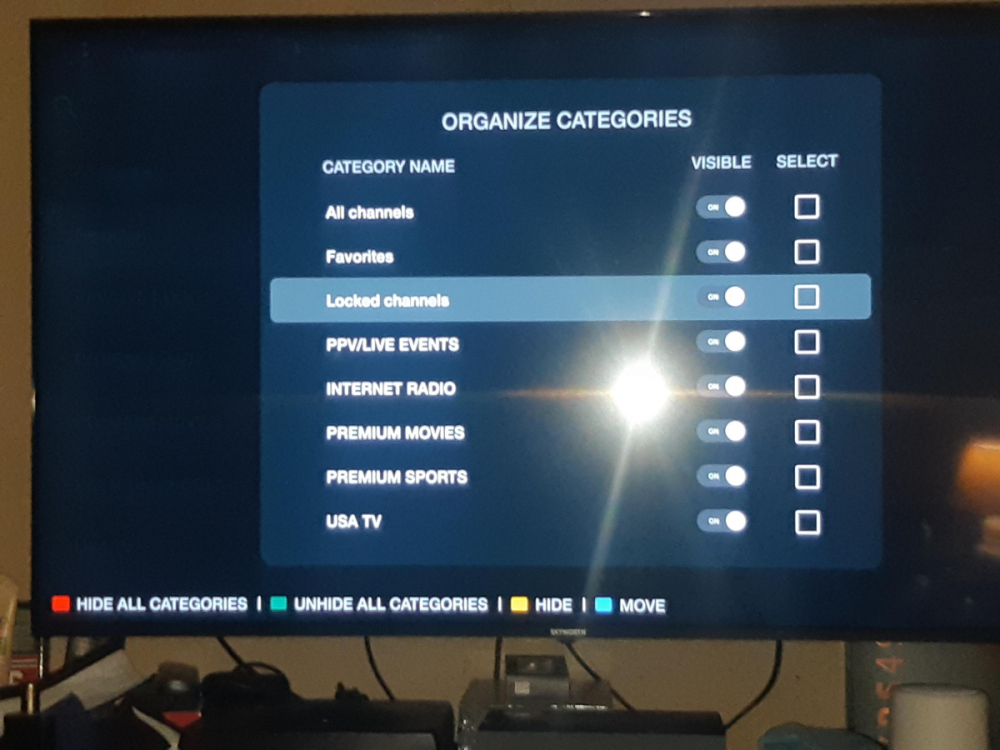
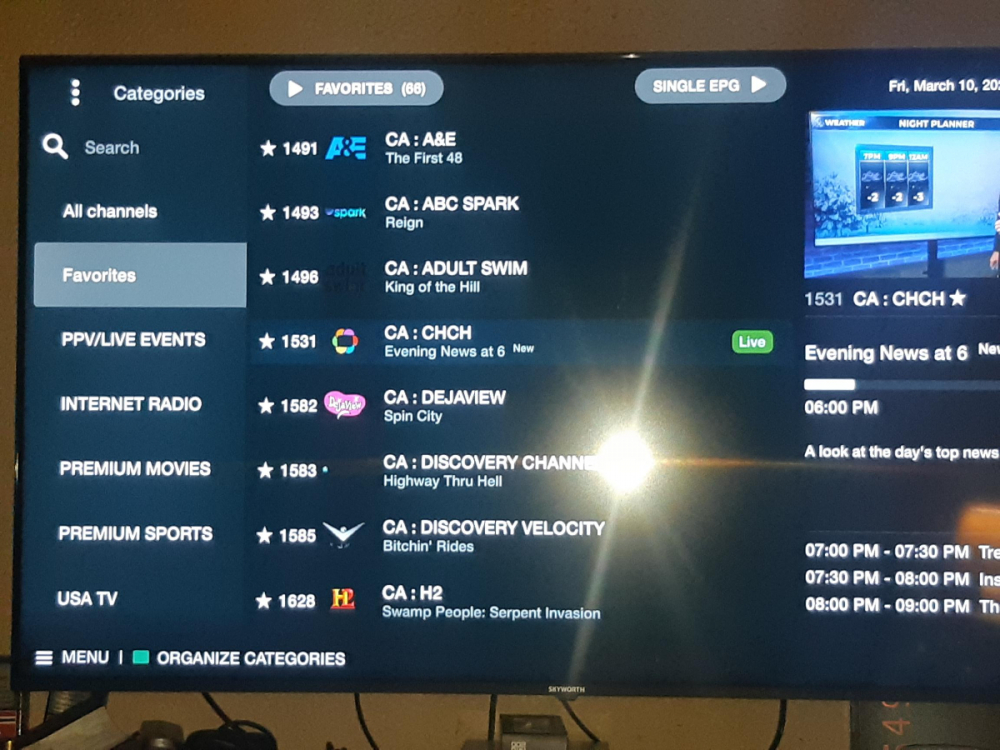
this is what I'm talking about
-
once unlocked they stay unlocked for an hour
-
yes on organize but but not in category list whether I hide it or not it doesn't show so if for example you don't want to see every global in CA category you still have to scroll through locked channels but if I don't want to see every category I just hide them there is no locked in category like others say usa or african
-
I fail to see how the ISP doesn't know what url the client is connected to
-
when you go to organize category it shows locked channels in the list but when you view categories it doesn't exist also I can go to a locked channel and select it and no password is required to view it
-
still confused as to why you would need to hide the portal?
-
-
you can't hide the portal why would you need to?
-
go look at the chart