dishuser
Members
-
Joined
-
Last visited
Everything posted by dishuser
-
it will autofill if left blank
-
that might be the best thing to do
-
if you mean mac press blue button like it shows at bottom of screen you can also change device id that way
-
server id? do you mean device id?
-
did you change stream format to ts?
-
when recording press menu/settings/account info how many active connections are showing?
-
are you staying on that channel or changing it?
-
I used a file explorer app and moved it the one on top is from my 4900 and the other is from my x5
-
and if you notice after you do a backup it opens the download folder on the internal drive
-
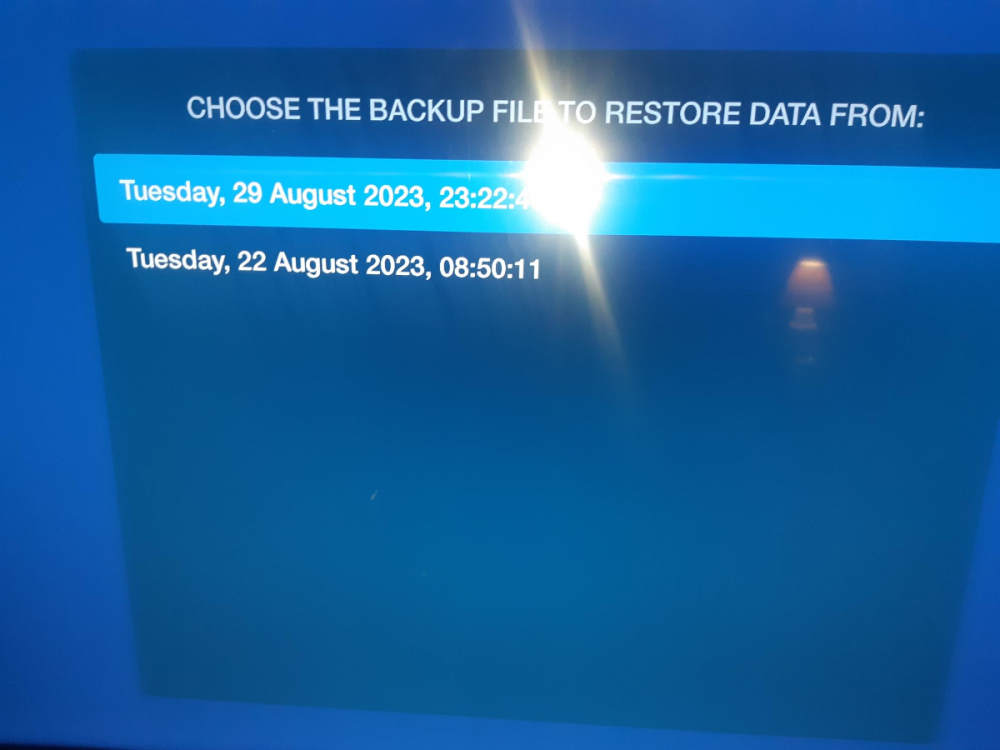
now click on restore do you see your backup?
-
if you want I can post a video from the 5 series that gives you a choice the diffence is OS but I have a backup from my x5 and my 4900 on same stick and I can use either on both devices since it's only backing up settings,servers,favourites and favourite groups
-
mac or xc api? if xc api how many connections does the account have?
-
-
I just checked again and there is no choice 20230917_213655.mp4
-
restore only not backup you get no choice on backup so it goes to internal automatically
-
-
backup to usb isn't even an option
-
try the other video player
-
it works just fine save it to internal then open a file explorer app and locate the zip and send it to usb then look in restore/usb
-
I never said auto selects hls for everyone
-
ya it shows the full 2 hours not sure why it worked this time but I did confirm auto was using hls and not ts
-
saw a post somewhere else where person changed video player and that fixed it
-
using sort by number was always available
-
so using auto(hls) I completed a 2 hour recording
-
set up another scheduled recording using auto for stream been an hour and so far so good