TENSER007
Members
-
Joined
-
Last visited
-
Because its on 2 different walls, and i can't run a cable cause i have little kids.
-
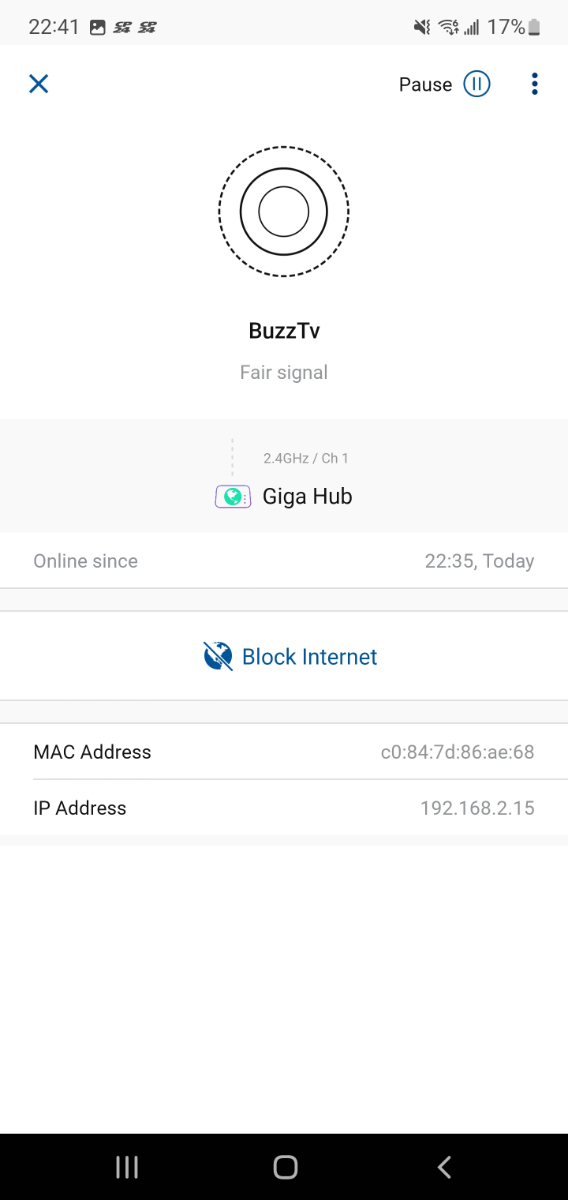
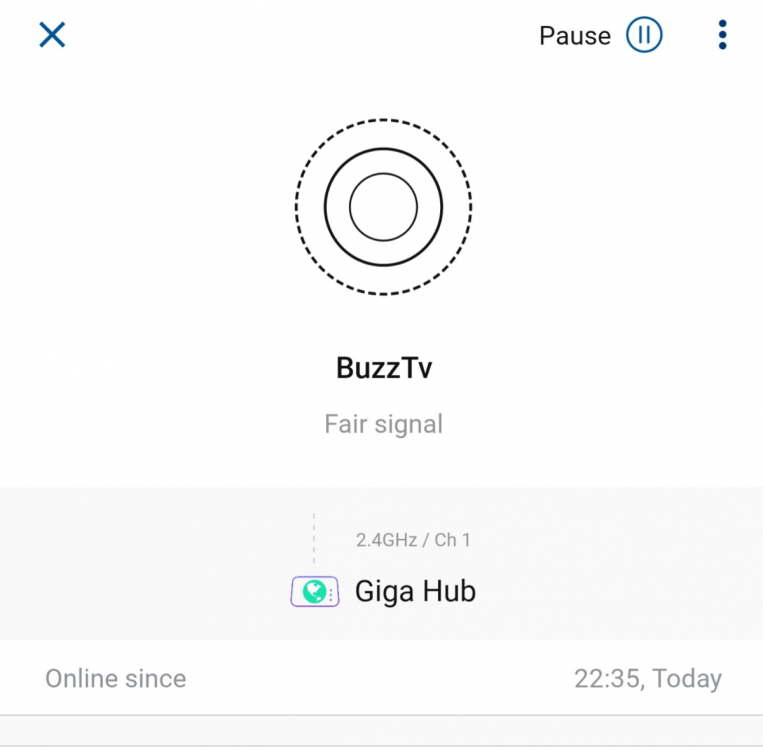
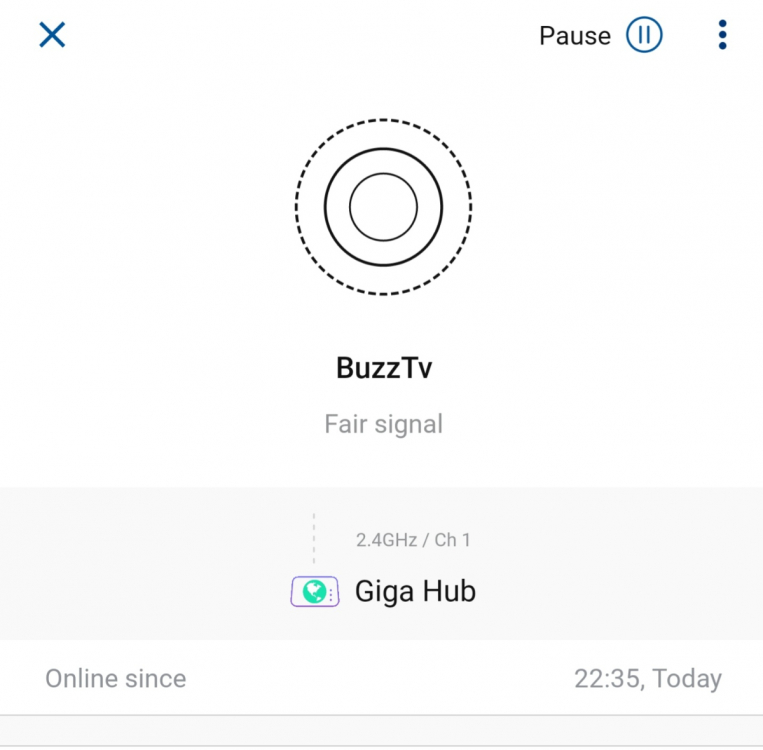
I have the same problem. My Xps4500 connected through the wifi. As you can see its connected on the 2.4ghz eventhough everything else connected on the 5ghz. The distance of the buzztv box to the router is no more than 7ft ( around 2 meters). I did many restarts to the box and the router, but its not helping.
-
Does the buzz 5 update will be released to xps4500?
-
Yes, the thing is, when i install external stalker player everything working fine!!! Its connected with LAN cable!
-
TENSER007 joined the community
-
Hi, i have buzztv xps4500 the buzztv 4 software makes alot of trouble, not loading channels, freeze, and kick me for timeout of the server if i try to reconnect it. My update of software is V20201218 Trying to update since the problem started but it says "no updates found. What can i do?