
rssgmatt
Members
-
Joined
-
Last visited
-
I tried to backup to my USB, then it went to the command page and thats were I got stuck. Thank you for unsticking me...LOL
-
Yes and I have not seen the download in another thread as of yet. I only have the V20210318.zip and its outdated.
-
That is outdated, after the new update I need the updated zip file to in stall. Because the old one is for the old version.
-
XRS 4900 Buzz TV 5 + Firmware Update March 29th, 2021 DOWNLOAD I need to have the zip file to restore my Buzz tv 4900 box, after backing it up to USB I am stuck in command mode and can't access the box anymore. Can you help?
-
Did you get it fixed? Thanks to "NBS and Allaboutbuzz mine is fixed.
-
Thanks 😀
-
If anybody gets a fix on this let me know because I am able to see them but unable to record to them. seems I bought a $200.00 paperweight.
-
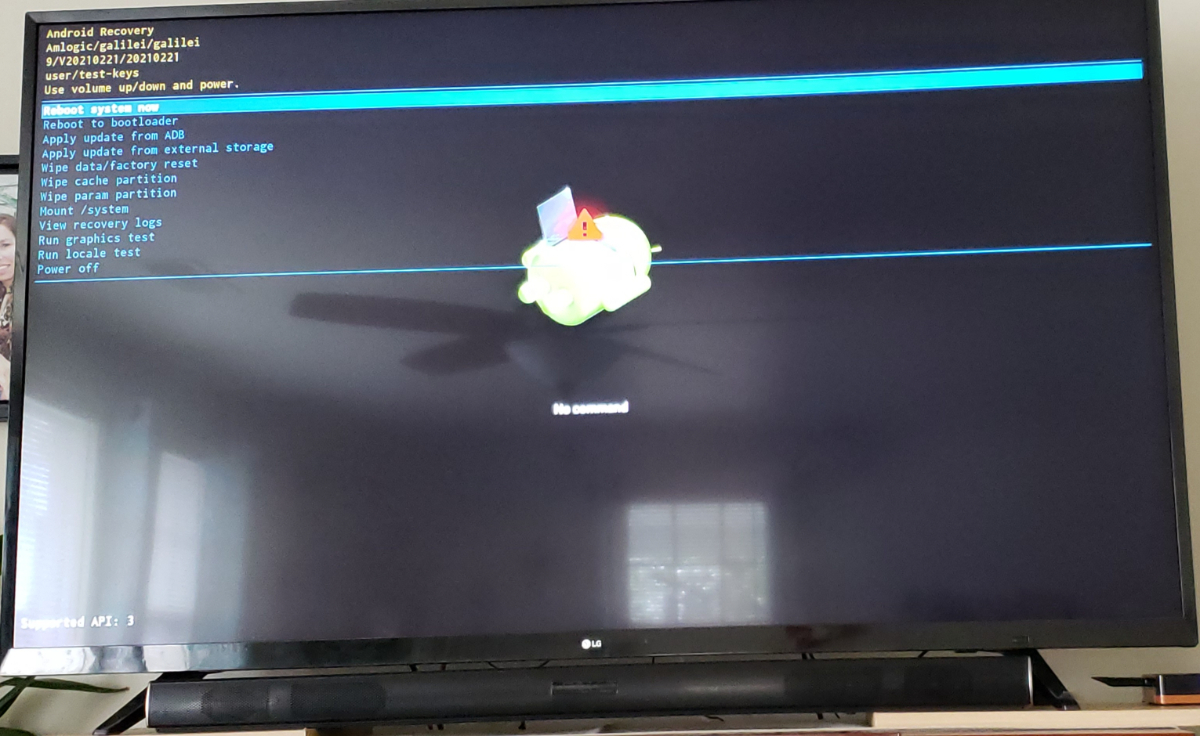
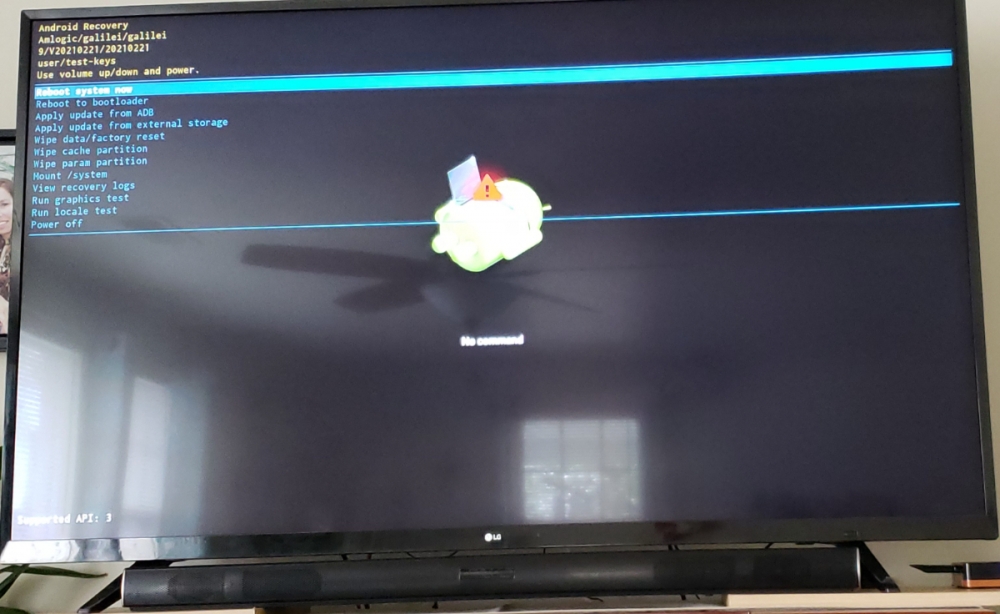
Because I was not able to record to either the USB or the SSD I decided to backup the buzztv box (4900) so that I can restore my settings after a reset. Well that messed up my buzztv box, because I am now stuck in maintenance mode. Anybody know how to recover the dashboard? PS: When I try to "Reboot to bootloader" it gets stuck in the logo screen.
-
This is fantastic - is it a update on the 4900 or when I receive mine it will be installed through the setup? Also does the jump drive have to be "fat32"?
-
👍got it, you all are fantastic. Today is the day, can't wait - WAHOO!
-
Okay, so if I understand correctly- I go from the computer- copy the (.m3u) to a jump drive and then hard load it from a USB port on the Buzz TV box. Rjght?
-
Thanks, my buzz tv comes Friday. Get ready for more questions. Hate being the newbie... LOL
-
I am using Apollo Group TV. If that helps you.
-
So my M3U is like this: https://tv4.live/api/list/(EMAIL ADDRESS)/(PASSWORD) and this should work, right?
-
Ok, thanks. I was not sure, hate to put out a lot of money just to have a machine that is not compatible.