Kone
Members
-
Joined
-
Last visited
Everything posted by Kone
-
Do you know if XRS4900 getting Android 11 upgrade any time soon?
-
I'm still on the 20220624. How to get the update?
-
I have the same problem. Where is the suspend mode option. It's no longer there. After firmware update its no longer there
-
Is there any firmware for XRS4900? Currently I'm on 20211001. If yes where can i download it from? After XRS4900 latest firmware update IPTV cannot start when you start the box from suspend. Spinning circle. Any solutions
-
Is there any firmware for XRS4900? Currently I'm on 20211001. If yes where can i download it from?
-
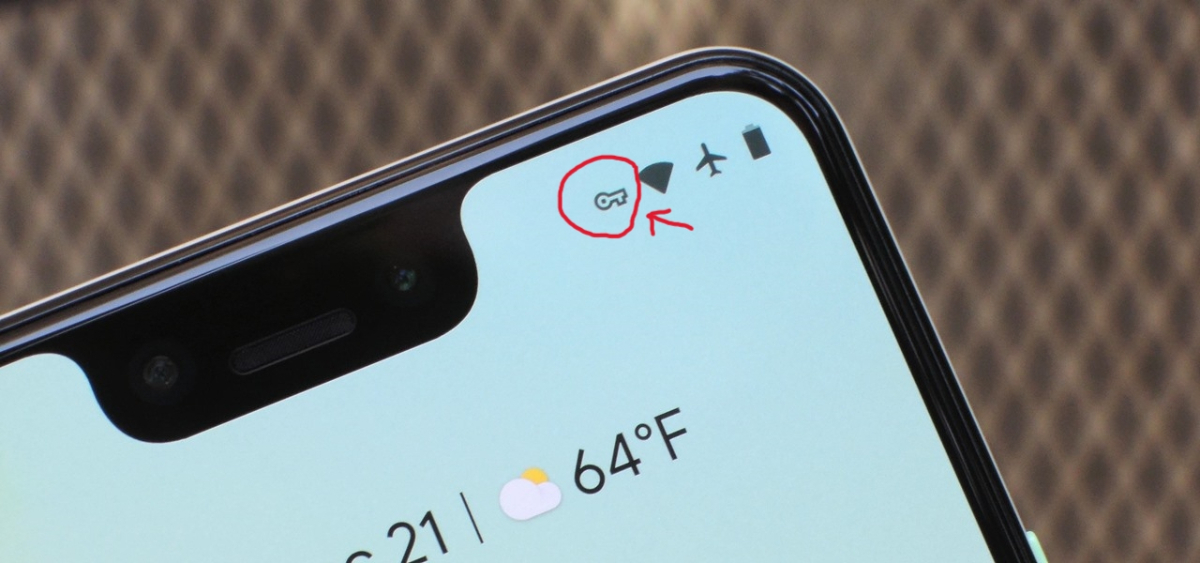
I wish they could update firmware showing vpn "on" icon indicating on the menu at the top screen. Formuler has it. That would be great 🙂

-
Don't like this firmware. So laggy.
-
Works fine. DL openvpn and import your favorite *.ovpn
-
Any idea why the app won't run saying "This device is not supported by the app" ? XRS4500