Skip to content
View in the app

A better way to browse. Learn more.

BuzzTV Help

A full-screen app on your home screen with push notifications, badges and more.

To install this app on iOS and iPadOS
  1. Tap the Share icon in Safari
  2. Scroll the menu and tap Add to Home Screen.
  3. Tap Add in the top-right corner.
To install this app on Android
  1. Tap the 3-dot menu (⋮) in the top-right corner of the browser.
  2. Tap Add to Home screen or Install app.
  3. Confirm by tapping Install.

dishuser

Members
  • Joined

  • Last visited

Everything posted by dishuser

  1. playlist option? do you mean epg?
  2. exactly...lol
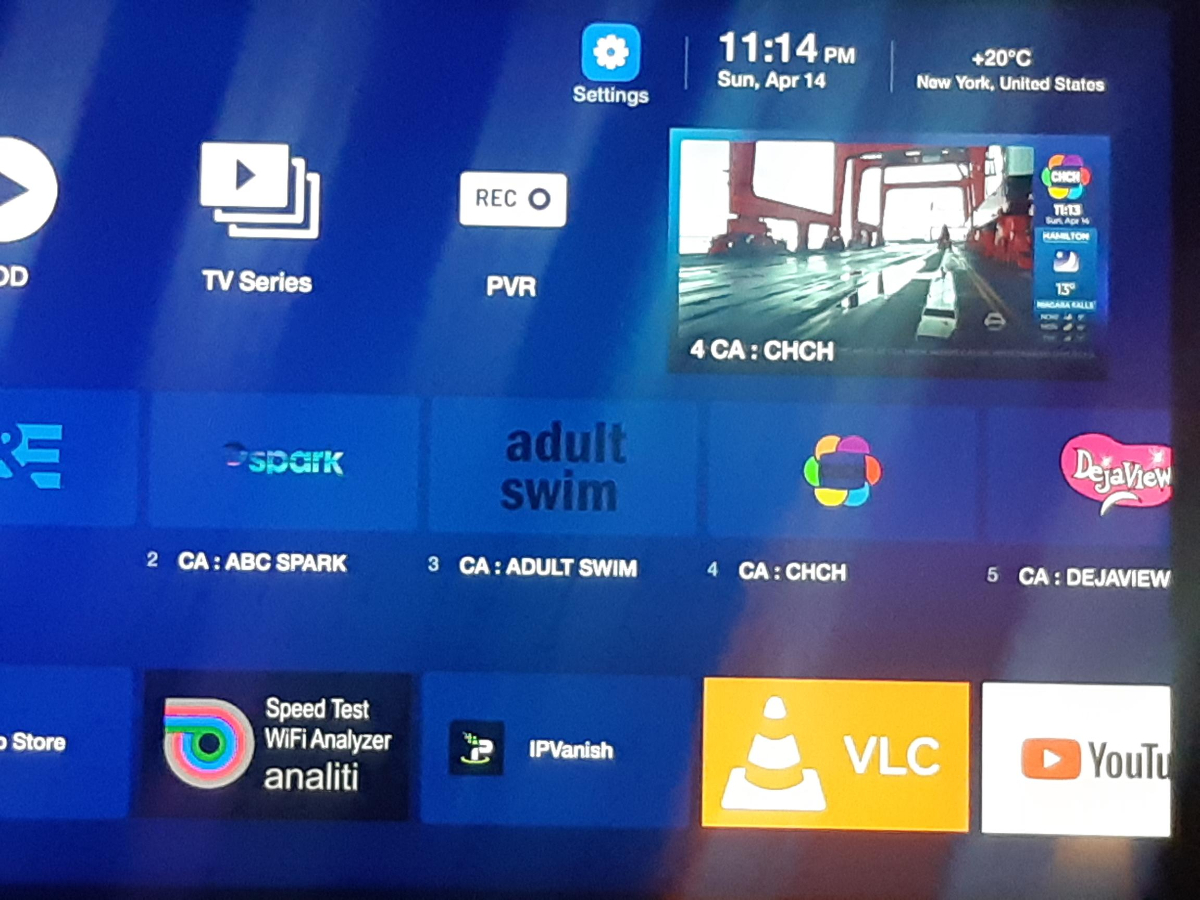
  3. does it show the day in the pic?
  4. you need to purchase a service
  5. are you using xc api or mac?
  6. usd or cad?
  7. dishuser replied to TonyC's topic in XRS4900
    like nbs. posted it wasn't working yesterday but today it's working on my 4900
  8. dishuser replied to TonyC's topic in XRS4900
    reboot
  9. dishuser replied to TonyC's topic in XRS4900
    it doesn't have to change location when using a vpn lock it to first location
  10. dishuser replied to TonyC's topic in XRS4900
    actually it shouldn't it has nothing to do with buzztv 5
  11. dishuser replied to TonyC's topic in XRS4900
    why are you posting in this section?🙄
  12. well for xmas get her the tool edition...lol I cheated and used string for sunglasses cause I kept leaving remote on the couch and would come back and find remote on floor(bt-200 sometimes rattles) it's cuban crisis...lol
  13. you should get your wife a remote lanyard for her birthday...lol
  14. and you're in wrong screen to check for software updates
  15. tell them you want to have the current version for the buzztv 5 app
  16. that's why I said email mac to them
  17. did you email them? after you get the update you will get all future updates give them your mac and tell them what version you currently have
  18. if you get the update tomorrow you'll be able to make a backup of all that info
  19. they're open tomorrow they will send the update ota
  20. email cs@buzztv.com your mac
  21. menu/settings/check updates
  22. I use hls on same server as it was needed for catchup to work no issues recording
  23. it shows 2 active connections
  24. I started a recording and then last channel button it's still recording

Account

Navigation

Search

Search

Configure browser push notifications

Chrome (Android)
  1. Tap the lock icon next to the address bar.
  2. Tap Permissions → Notifications.
  3. Adjust your preference.
Chrome (Desktop)
  1. Click the padlock icon in the address bar.
  2. Select Site settings.
  3. Find Notifications and adjust your preference.